Setup Program
45
2022-08 EN 5020070.40A.04
3 Setup Program
3.1 Embroidery Settings
Adjusting the Upper Thread Tension
Changes to the upper thread tension in the Setup Program affect all of the embroidery designs.
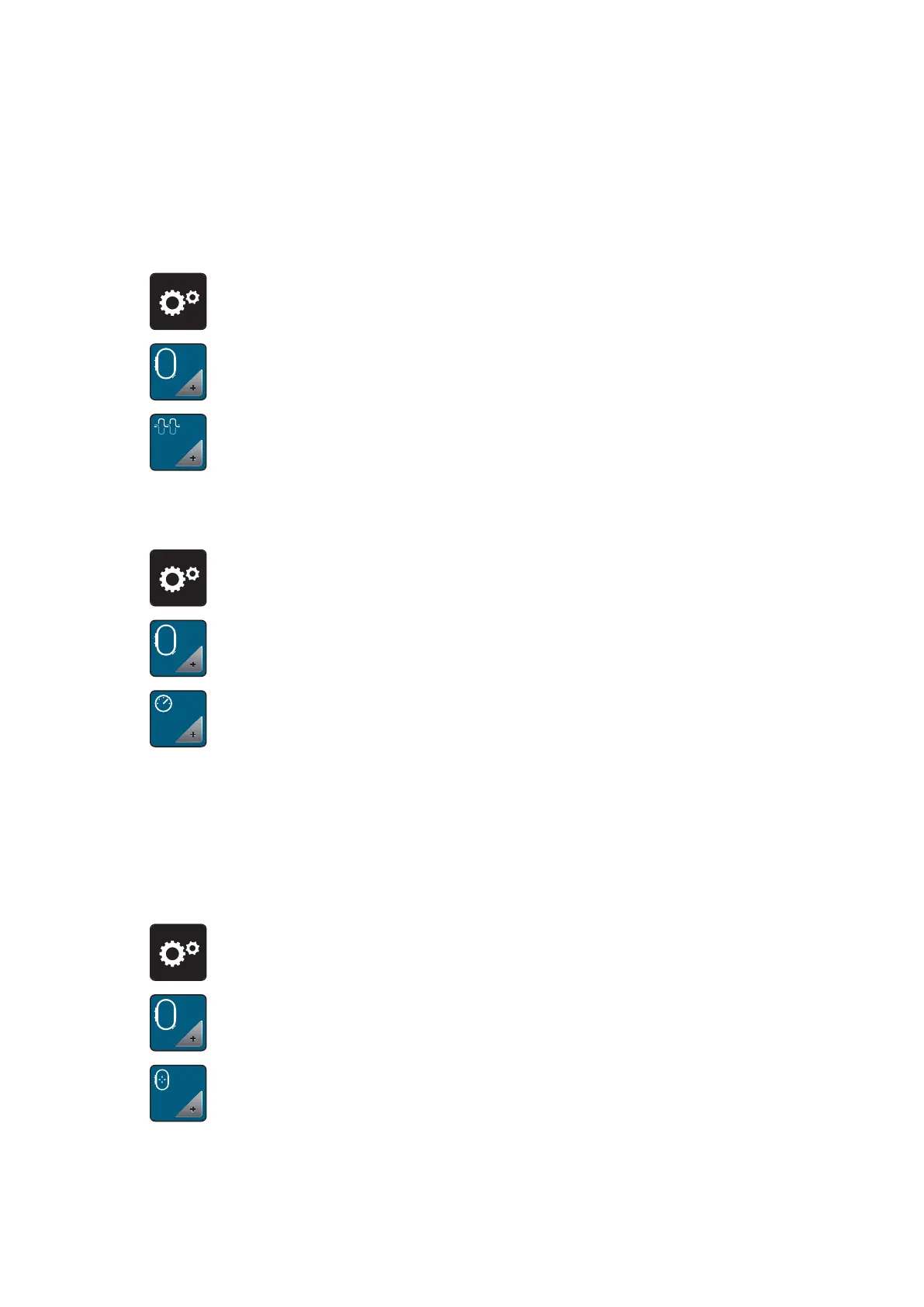
> Tap «Setup Program».
> Tap «Embroidery Settings».
> Tap «Adjusting the Upper Thread Tension».
> Adjust the upper thread tension.
Adjusting the Maximum Embroidering Speed
The maximum speed can be reduced by this function.
> Tap «Setup Program».
> Tap «Embroidery Settings».
> Tap «Maximum Embroidery Speed».
> Set the maximum sewing speed.
Calibrating the Embroidery Hoop
The calibration of the embroidery hoop is the coordination of the needle to the center of the embroidery
hoop.
Prerequisite:
• The embroidery module is connected and the embroidery hoop with the appropriate embroidery
template is attached.
> Tap «Setup Program».
> Tap «Embroidery Settings».
> Tap «Calibrating the Embroidery Hoop».
– The machine recognizes the size of the attached embroidery hoop automatically and moves to the
center of the hoop.



 To Next Page