Setup Program
47
2022-08 EN 5020070.40A.04
> Cut the remaining thread with scissors.
Adjusting the Height of the Embroidery Presser Foot
> Tap «Setup Program».
> Tap «Embroidery Settings».
> Tap «Entering the Fabric Thickness».
> To set the distance between the embroidery foot and the stitch plate, turn the «Upper Multi-function
Knob» or «Lower Multi-function Knob», or tap «Plus» or «Minus».
3.2 Selecting Personal Settings
> Tap «Setup Program».
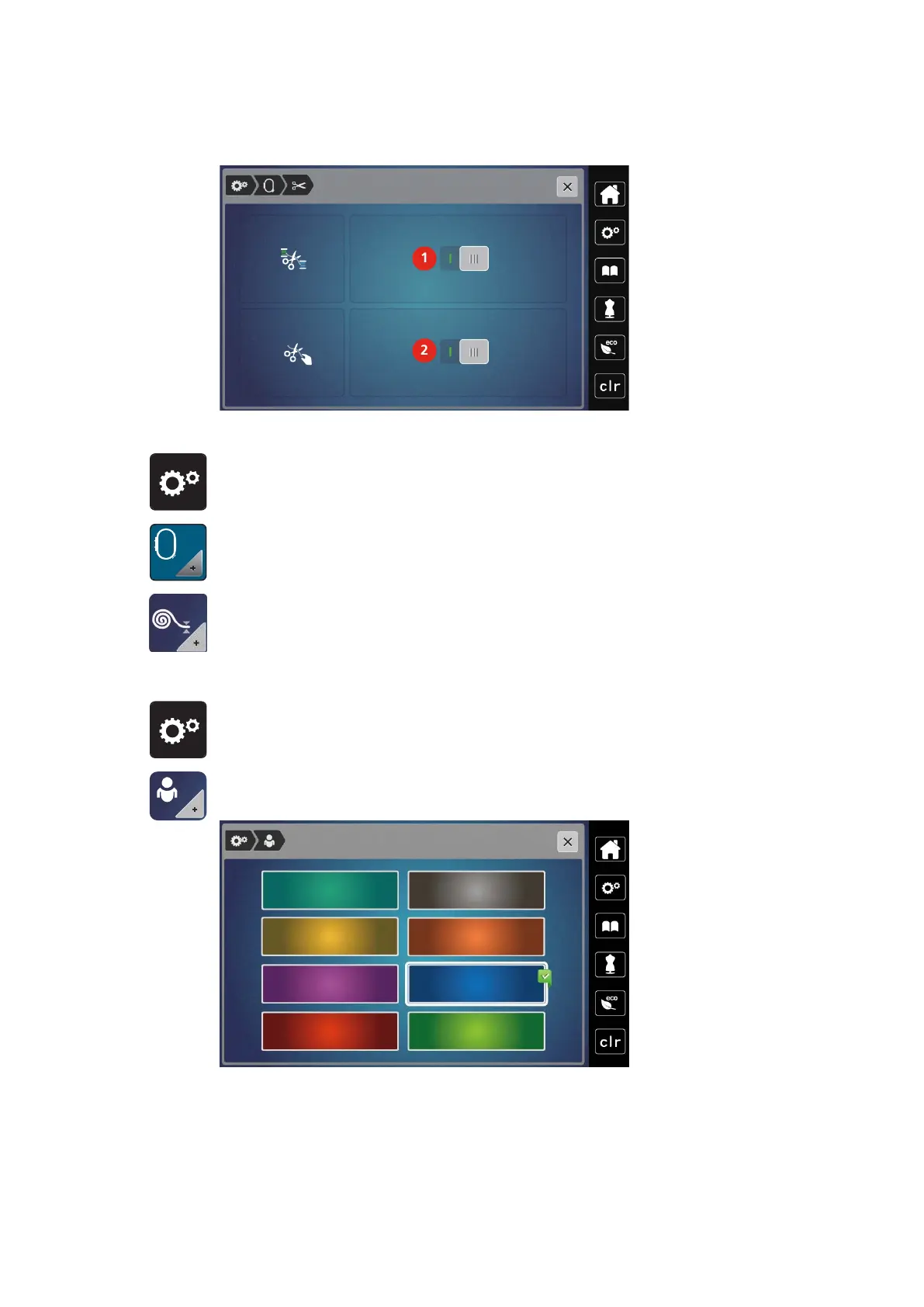
> Tap «Personal Settings».
> Select the desired display color.



 To Next Page