Errors and Faults
78
2022-08 EN 5020070.40A.04
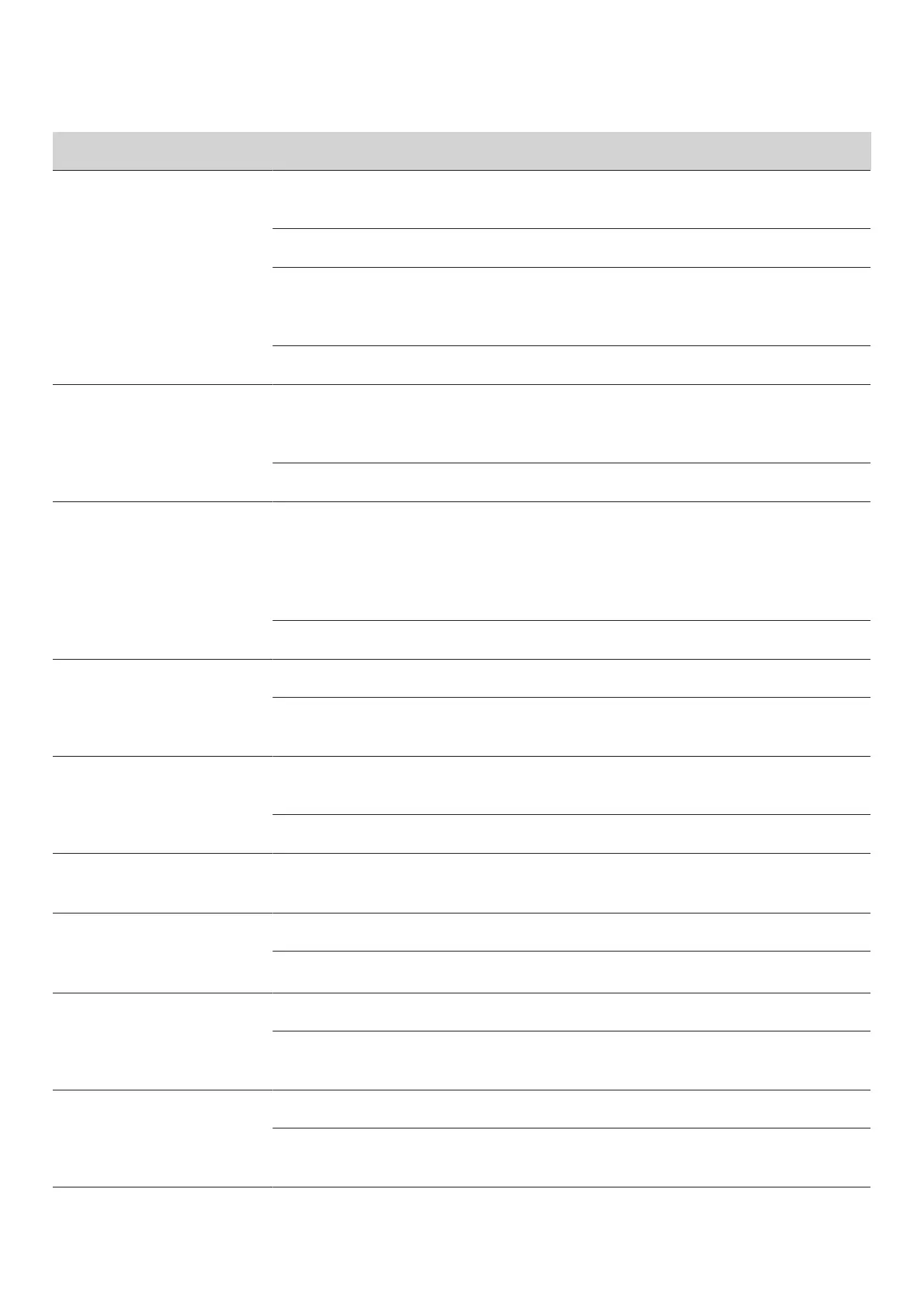
Fault Cause Repair
Lower Thread Breaks
The bobbin is not inserted
correctly.
> Remove and reinsert the bobbin and pull on the thread.
– The thread should run easily.
Bobbin is wound incorrectly. > Check bobbin and thread correctly.
The stitch hole in the stitch plate
is damaged.
> Contact a specialized bernette dealer to have the
damages repaired.
> Replace the stitch plate.
Needle blunt or bent. > Replace the needle.
Needle Breaks
The needle is incorrectly inserted. > Insert the needle with the flat side to the back as far up
as it will go into the needle holder and tighten the
screw.
Knotted thread. > Use quality thread.
Display is Inactive
Incorrect calibrating data. > Switch the machine off.
> Switch the machine on and at the same time push
button «Center embroidery hoop to the needle/Center
embroidery design» and keep it pressed.
> Recalibrate the display.
The eco Mode is active. > Tap «eco Mode».
Speed Too Low
Unfavorable room temperature. > Place the machine in a warm room one hour before use.
Settings in the Setup Program. > Adjust the embroidery speed in the Setup Program.
> Adjust the slide.
The Machine doesn't Start
Unfavorable room temperature. > Place the machine in a warm room one hour before use.
> Connect the machine and switch it on.
The machine is damaged. > Contact the specialized bernette dealer.
The Light of the Button
«Start-/Stop» doesn't Light Up
Light is defect. > Contact the specialized bernette dealer.
Neither the Sewing Light Nor
the Light on the Freearm
Lights Up
Settings in the Setup Program. > Activate it in the Setup Program.
The sewing light is defect. > Contact the specialized bernette dealer.
Upper Thread Indicator Fails
to Respond
Settings in the Setup Program. > Activate it in the Setup Program.
The upper thread indicator is
defect.
> Contact the specialized bernette dealer.
Bobbin Thread Indicator
doesn't React
Settings in the Setup Program. > Activate it in the Setup Program.
The bobbin thread indicator is
defect.
> Contact the specialized bernette dealer.



 To Next Page