102 Balance
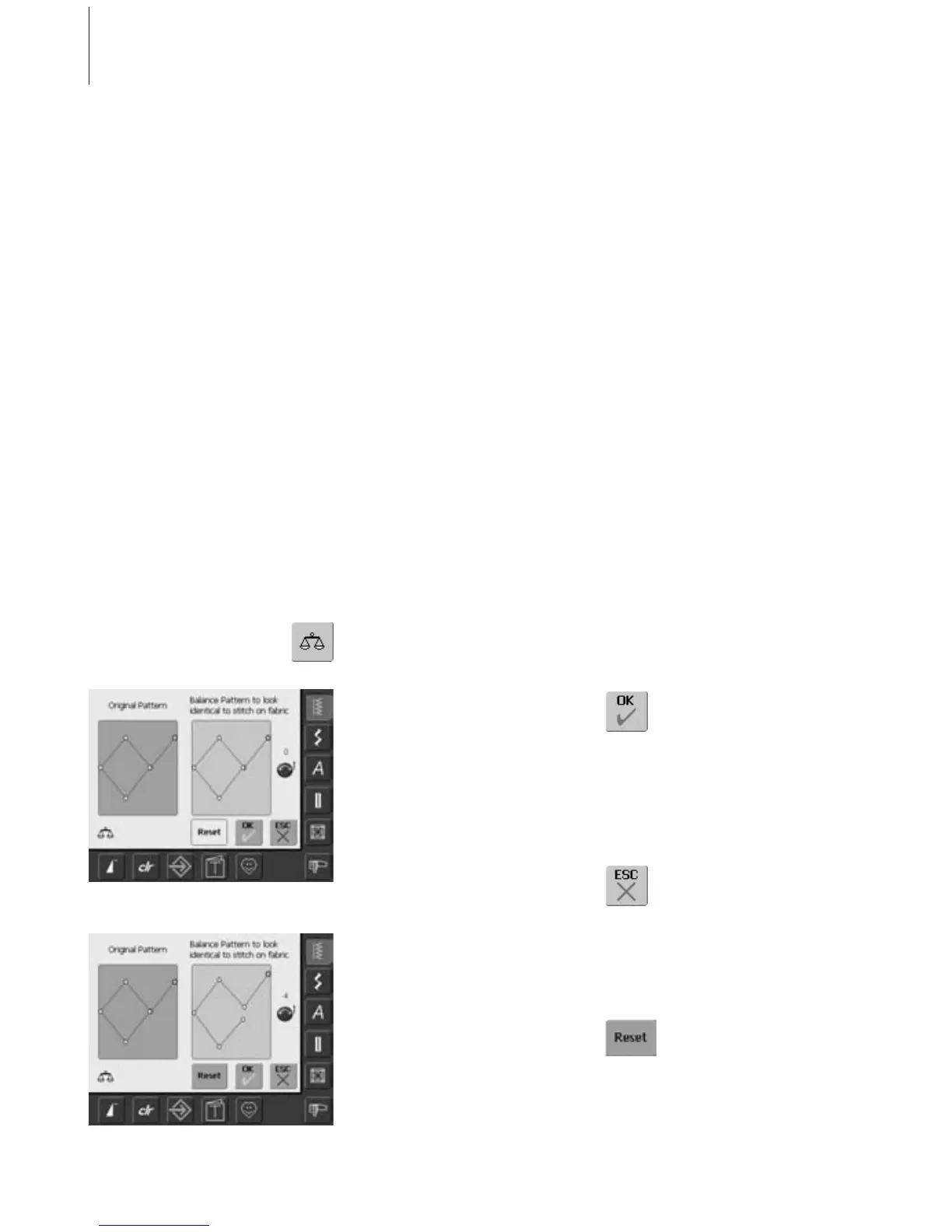
Balance Screen
• the special Balance screen opens
• in the left portion of the screen the stitch is
displayed in its original form
• in the right portion of the screen the
alterations made are directly visible
• the corrections can be made while sewing
(with opened screen)
Corrections
• the stitch sewn on the fabric (e.g. the
Honeycomb stitch) opens up and it does
not look correct:
• turn the stitch length knob (displayed by a
blue symbol on the screen) until the stitch
in the right portion of the screen is identical
with the stitch on the fabric
All stitches are checked and fully adjusted
before the sewing computer leaves the
factory.
Different fabrics, threads, stabilizers and
interfacings can affect programmed stitches
so that they are not sewn out properly.
Balance for Practical and Decorative Stitches
When sewing soft fabrics such as jersey or
tricot, the fabric tends to stretch under the
presser foot which also stretches the stitch
being sewn. For example, the Honeycomb
stitch opens up and is too long. Thicker
fabrics might cause the stitch to overlap,
making it too short. Correcting with the
Balance is very easy.
These effects can be corrected with the
electronic Balance so that the stitch formation
can be adjusted where necessary to suit the
fabric.
Opening Balance
• touch the function «Balance»
Saving and Closing Screen
• touch «OK»
• the corrections will be saved
and the Balance screen will
close
Closing Screen
• touch «ESC»
• the Balance screen closes;
returns to previous screen
Deleting Corrections
• touch «Reset»
• the corrections of the selected
stitches will be deleted
Balance



 To Next Page