101Setup-Program
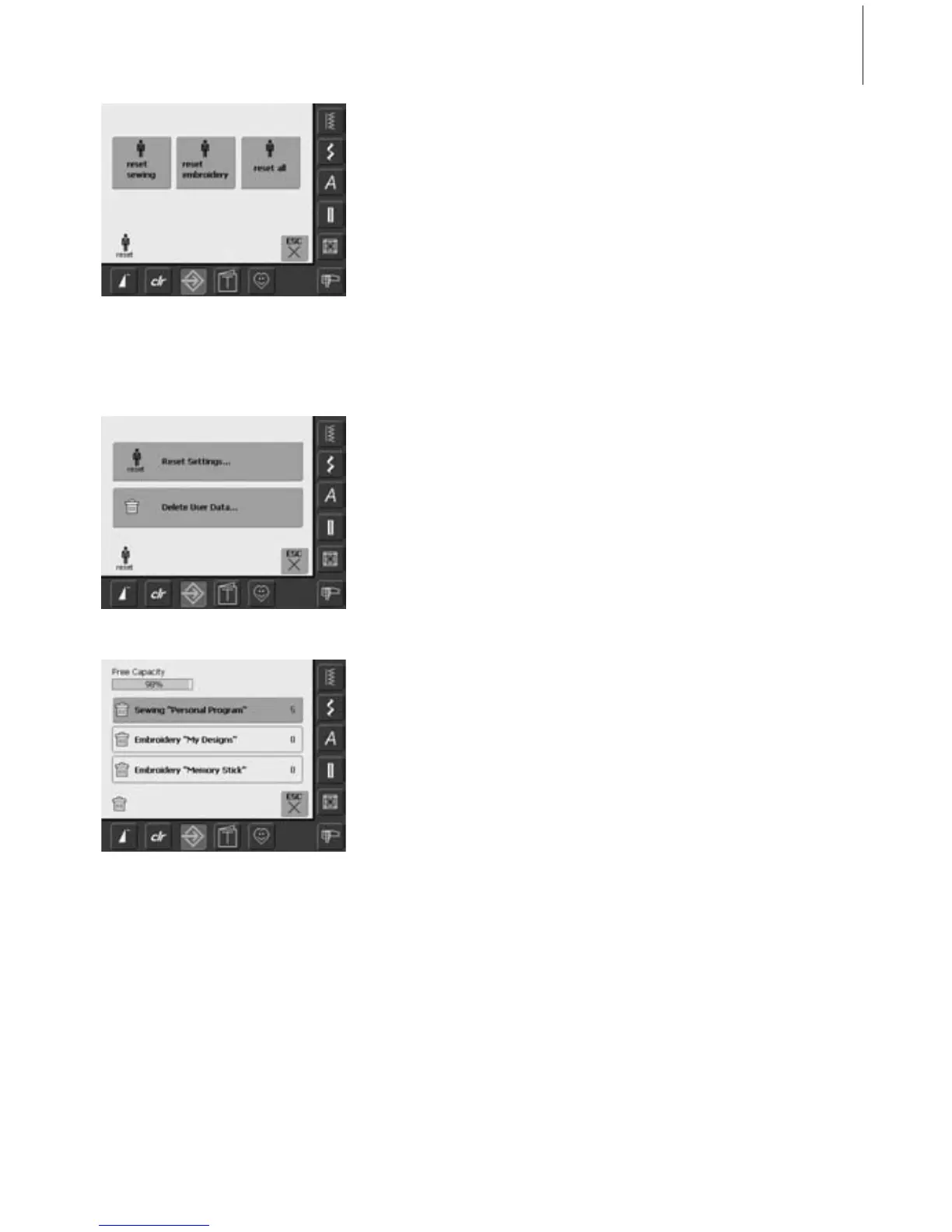
Reset to Factory
• three choices are possible:
• Sewing
• Embroidery
• All
•touch the on-screen button which you
want to «Reset to Factory»
• confirm the appearing Display Message
with «OK»
• in the selected area the settings are the
default settings and the previous screen
appears
• touch «ESC» until the selection menu
appears
• touch «Delete User Data»
Deleting Personal Data
• three choices are possible:
• Sewing «Personal Program»
• Embroidery «My Designs»
• Embroidery «Memory Stick» (the Memory
Stick must be pluged into the sewing
computer)
• touch the button of which the data should
be deleted
• confirm the appearing display message
with «OK»
• the data is deleted and the screen reverts
to the previous screen
• touch «ESC» until the selection menu
appears



 To Next Page