100 Setup-Program
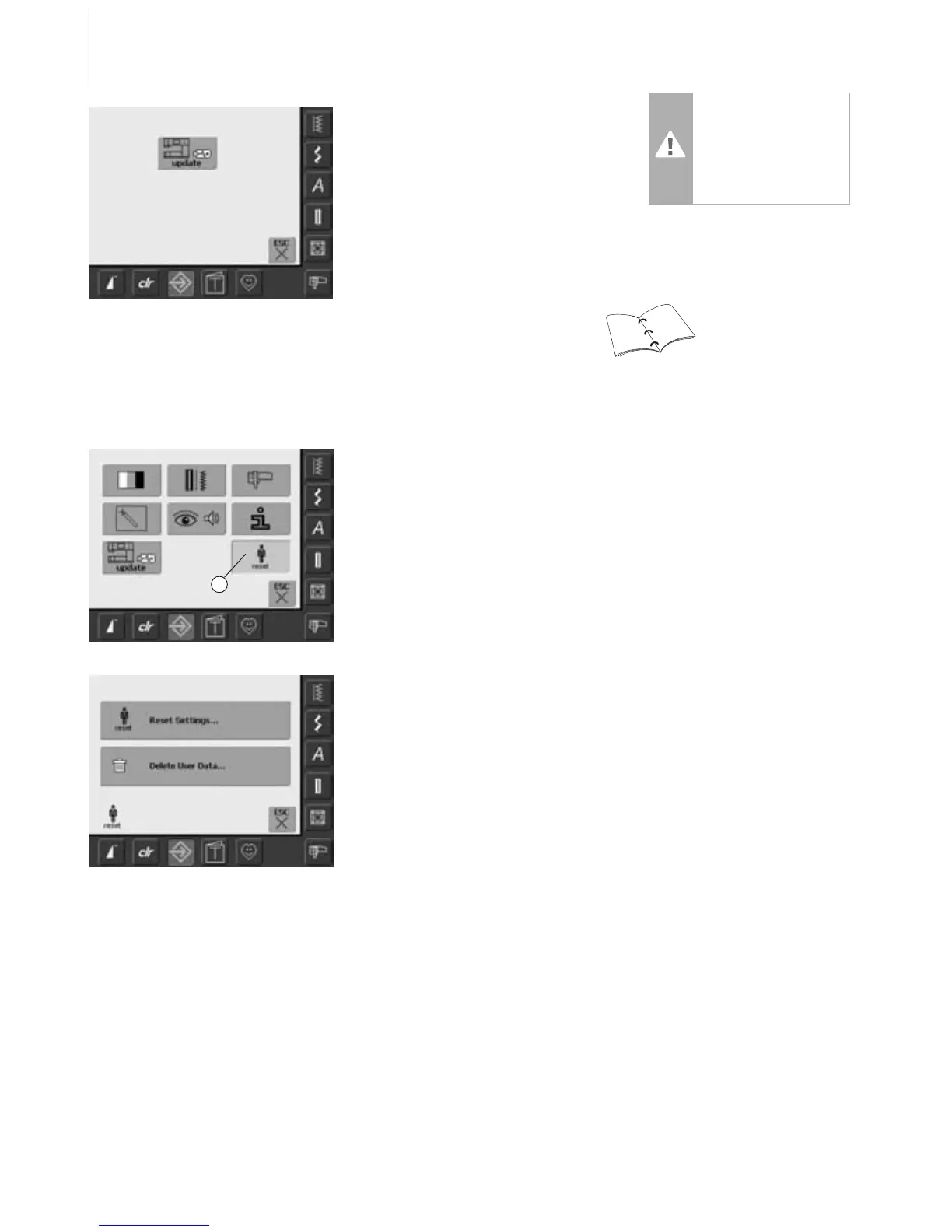
• the «update» screen appears
• touch «update»
• the updating process is started
• checks are made whether:
•a BERNINA USB stick is inserted
• there is enough free memory available
• the correct software version is on the
stick
• customer specific data and settings will be
saved and memorized once again during
the process
• if the update was successfully carried out it
will be displayed by a message, and the
sewing and embroidery computer is ready
again for normal use with the new version
106
107
Caution:
Do not remove the
BERNINA USB stick until
the end of the update is
displayed by a message.
Reset to Factory
Opening Setup Program
•press the Setup button
• selection menu appears
• touch «8»
•a summary of the screen appears
• two choices are possible:
• Reset to Factory settings
• Deleting Personal Data
• touch «Reset Settings»
8



 To Next Page