99Setup-Program
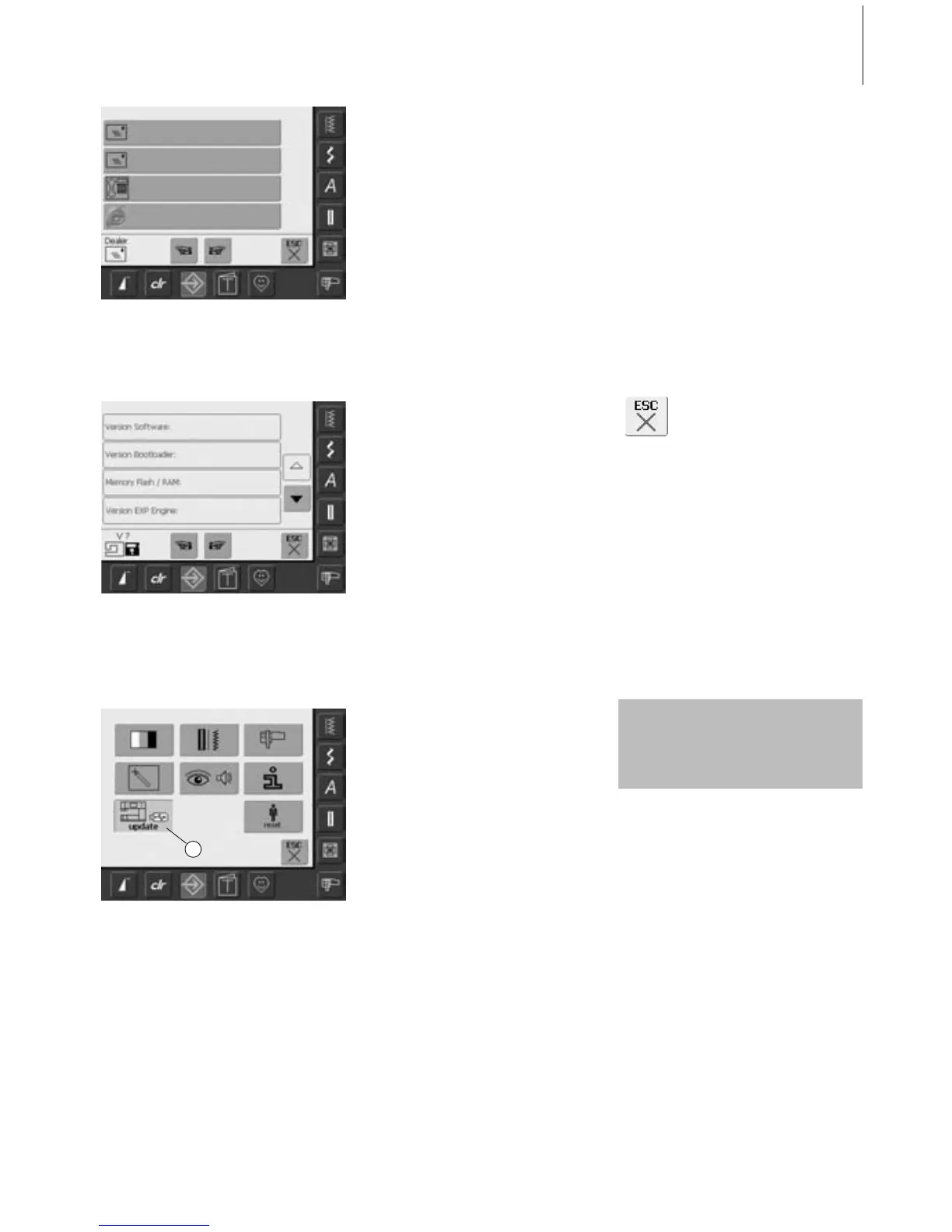
• the screen «Dealer Details» opens
• by touching the designated gray bar, the
following personal information of your
BERNINA dealer can be entered:
• Store name
• Last name, First name
• Phone number
•Website or email address
• touch «To Next Page»
• the screen «Version» opens
• the current version of the sewing computer
and the embroidery module (must be
attached) are visible
• by touching the arrows the version details
can be scrolled
Opening Setup Program
•press the Setup button
• selection menu appears
• insert the USB stick with the new software
version into the right side of the sewing
computer
• touch «7»
Closing Screen
• touch «ESC»
• the screen closes and the
selection menu appears
7
Updating the Sewing and Embroidery Computer
There are two possible ways to
receive new data:
1. as download from the Internet
2. from all authorized BERNINA
dealers



 To Next Page