98 Setup-Program
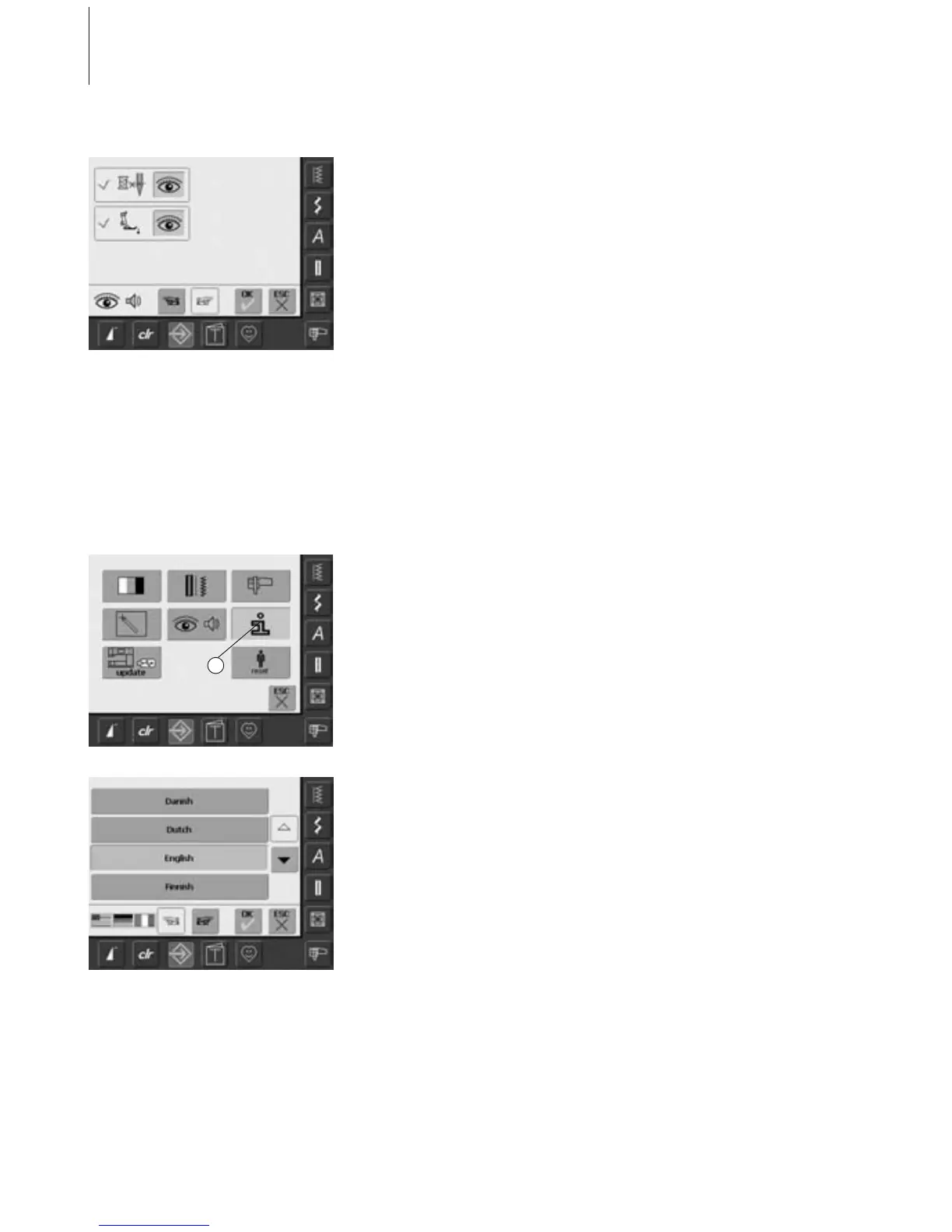
Display Messages / Monitoring Functions
• the screen «Display Messages and
Monitoring Functions» appears
• following display messages and monitoring
functions can be turned on or off:
• Upper Thread Control
•Presser Foot Position
• if the bar is blue and the eye open, the
message and function are turned on
• if the bar is gray and the eye closed, the
message and function are turned off
• the choice of sound is the same as for the
other functions and can be turned on or off
on the screen «Audio Settings»
• the messages/monitoring functions and
choice of sound can be turned on or off
independently (i.e. a message/function can
be turned on without any acoustic sound)
Opening Setup Program
•press the Setup button
• selection menu appears
• touch «6»
• the screen «Language Information»
appears with the option to change the
language
Information
Language
• there is a choice of several languages
• scroll through the languages by touching
the arrows
• the active language is displayed in blue
• touch «To Next Page»
6



 To Next Page