140 Adjustments
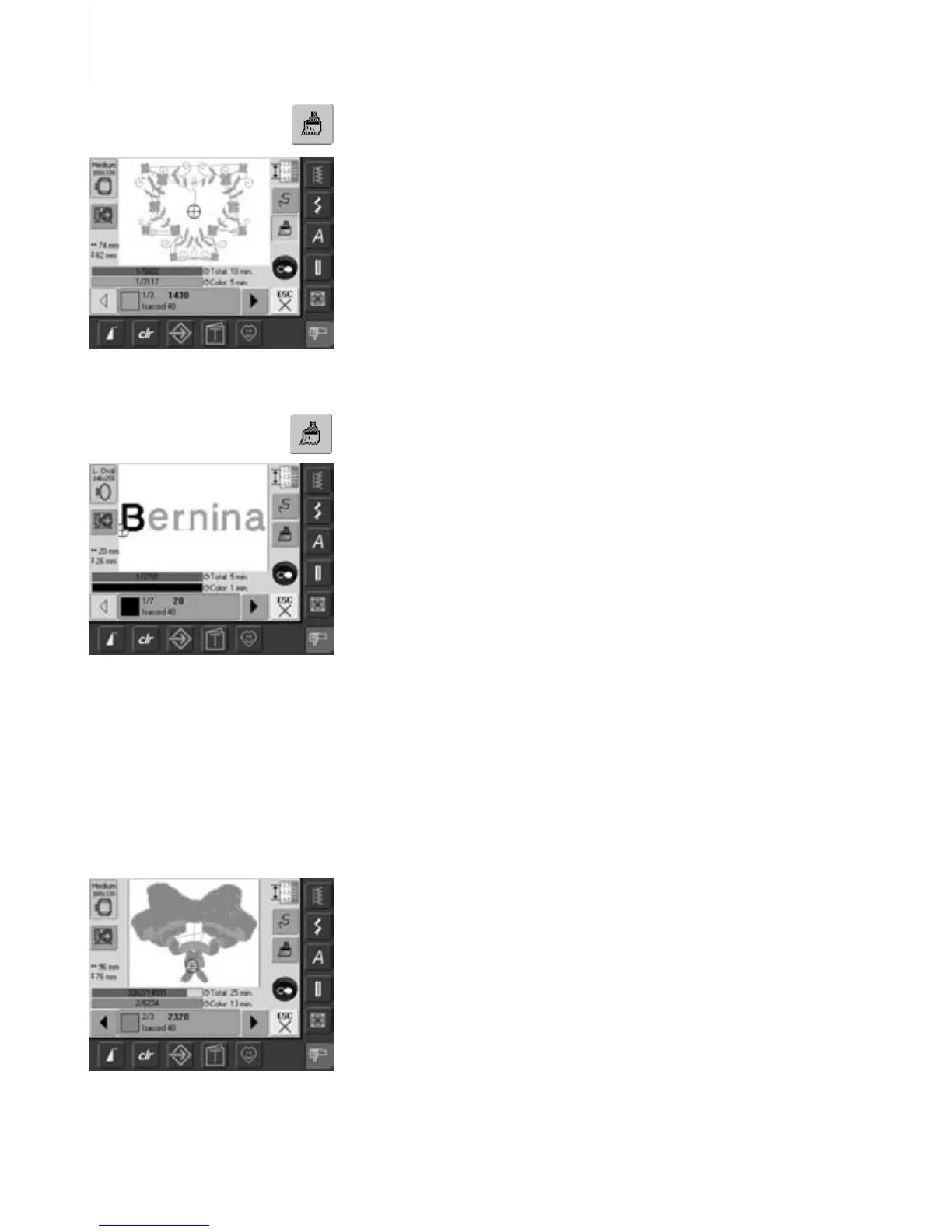
Embroidering Motifs in One Color
• touch the Single/Multi Color Motif symbol
in the Embroidery menu
• Single/Multi Color Motif symbol is activated
(highlighted in blue)
• embroidery computer stops only when
motif is complete
Embroidering Lettering in Multi Colors
• lettering is embroidered in one color and
the brush symbol is not visible
• to embroider each letter of a word or each
word of a word combination in a different
color, each letter or word must be
programmed and placed separately
•the embroidery computer stops after each
letter or word, the thread color can be
changed
•the Embroidery Time is displayed for each
color
• to embroider the complete lettering
combination in one color, touch the
Single/Multi Color Motif symbol now visible
Embroidering Individual Color Sections and Manual Adjustment of
Color Sequence
• special effects can be acquired according to
the motif, only when individual color
sections are embroidered (e.g. embroider
only the outlines of the motif)
• scroll Embroidery menu for color sequence
until desired color area is displayed
• the needle is positioned to the start of the
color sequence selected
• embroider color (embroidery computer
stops automatically at the end of color)



 To Next Page