58 Decorative Stitches - Applications
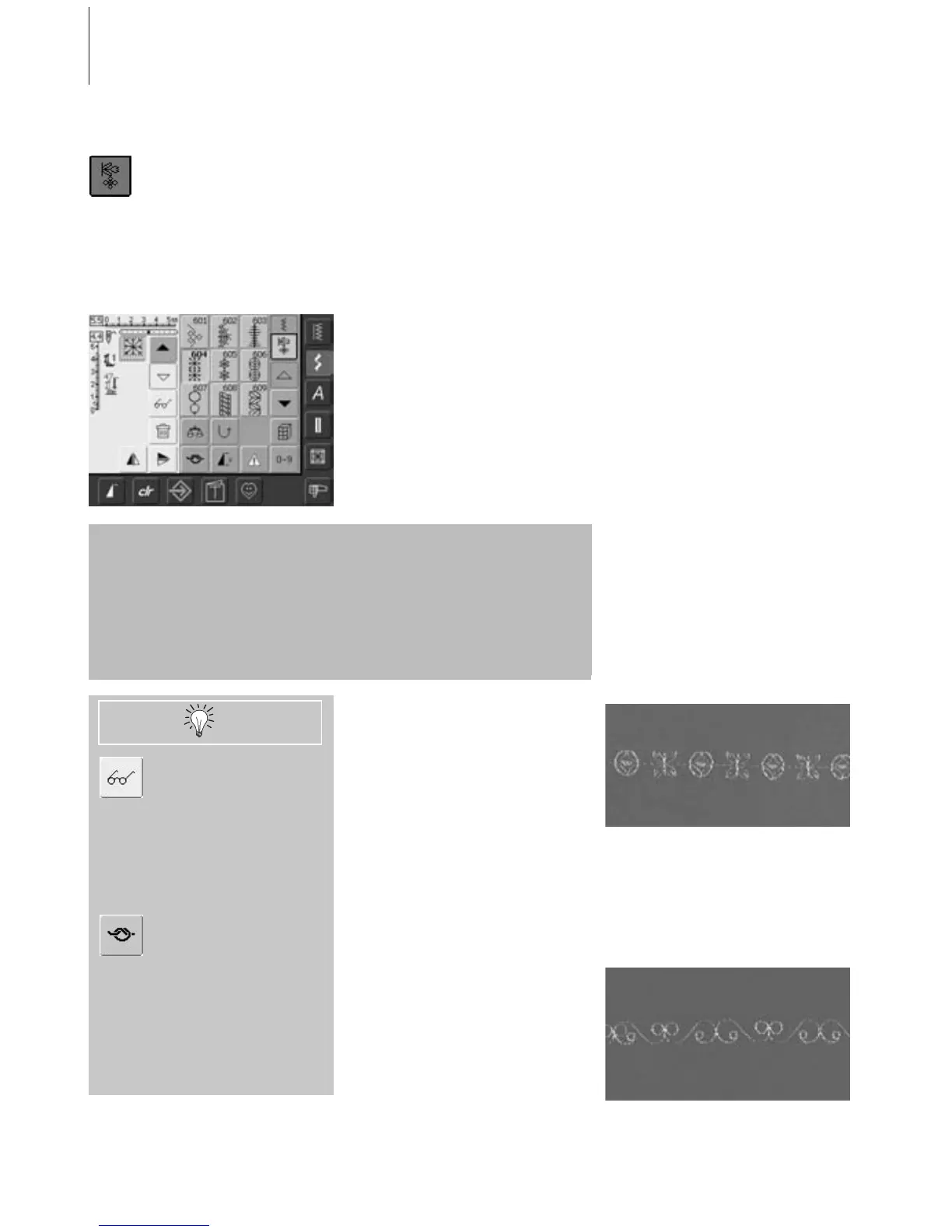
• select «Combi Mode»
• the Combi Mode opens, and is ready to
create stitch combinations
Most of the practical and decorative stitches can be combined, except for the
following special programs:
Securing program No. 324, Securing stitch No. 5
Basting No. 30
Darning No. 22 and No. 23
Bartacks No. 24 and No. 25
Fly stitch No. 27
Stitches in the buttonhole category Nos. 51 - 63
Combining Practical and Decorative
Stitches
• select desired stitch
• stitch appears in the stitch display
• select another stitch
• continue in this way until the desired stitch
combination is completed
Example of a Stitch Combination
• Machine Embellishment stitches: touch
stitch No. 655 once
• open Practical Stitches window and touch
Straight stitch No. 1 once
• open Decorative Stitches window and
touch stitch No. 606 in Machine
Embellishment stitches once
• open Practical Stitches window and touch
Straight stitch No. 1 once
• the stitches alternate continuously as you
sew
Example of a Stitch and Function
Combination
• touch stitch No. 656 once
• touch stitch No. 656 again and activate
Vertical Mirror Image function to mirror the
stitch in the sewing direction
•the stitch is mirrored in the sewing
direction
• the stitches alternate in their original and
mirrored form as you sew
Mirroring complete
combination left/right
• touch Multifunction button
• touch «Mirror Image»
• the complete combination is mirrored
left/right
Add Securing function
(4 small securing stitches)
There are various options for
automatically securing stitches:
1. touch «Securing» before beginning to
sew: securing stitches are stitched at
beginning of stitch combination
2. programming a function within a stitch
combination: the desired stitches are
secured accordingly
Practical and Decorative Stitches in the Combi Mode
• correcting in a combination see page
90 - 91
• saving a combination see page 87 - 88



 To Next Page