85Personal Program
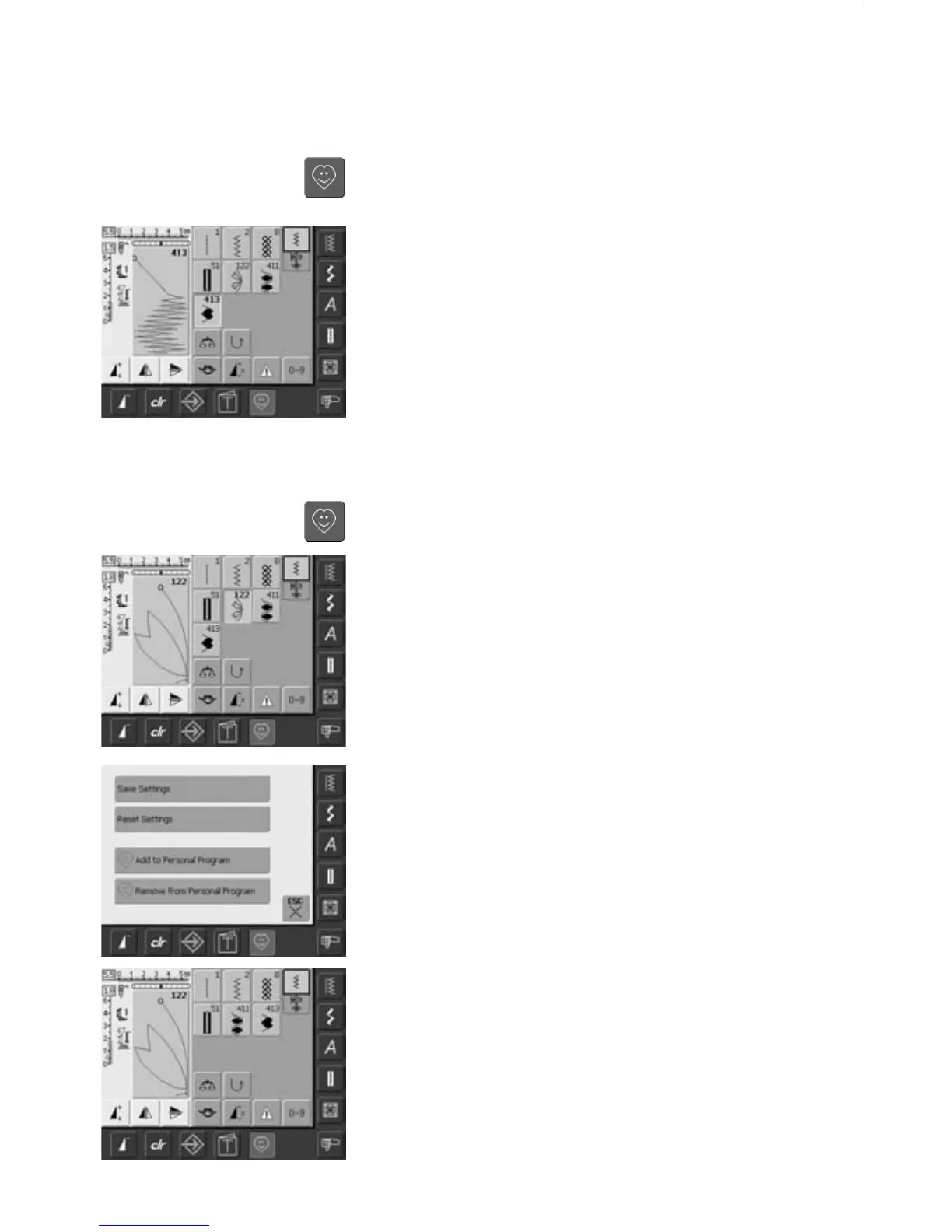
Deleting Personal Stitches
Activating Personal Program
•press the Personal Program button
Personal Screen
• in the personal screen the programmed
stitches are visible (progressive stitch
numbers)
• when more than 9 stitches are
programmed, use arrow to scroll for
viewing additional stitches
Activating Personal Program
•press the Personal Program button
Personal Program Screen
• select the stitch to be deleted
• touch the Stitch Altering Area (light blue)
•a special screen appears
• touch the bar «Remove from Personal
Program»
Stitch Deleted
• the special screen closes
• the selected stitch is deleted, all remaining
stitches will move along to fill the space
Selecting Stitches in Personal Program



 To Next Page