91Saving and Deleting Stitches and Stitch Combinations - Corrections
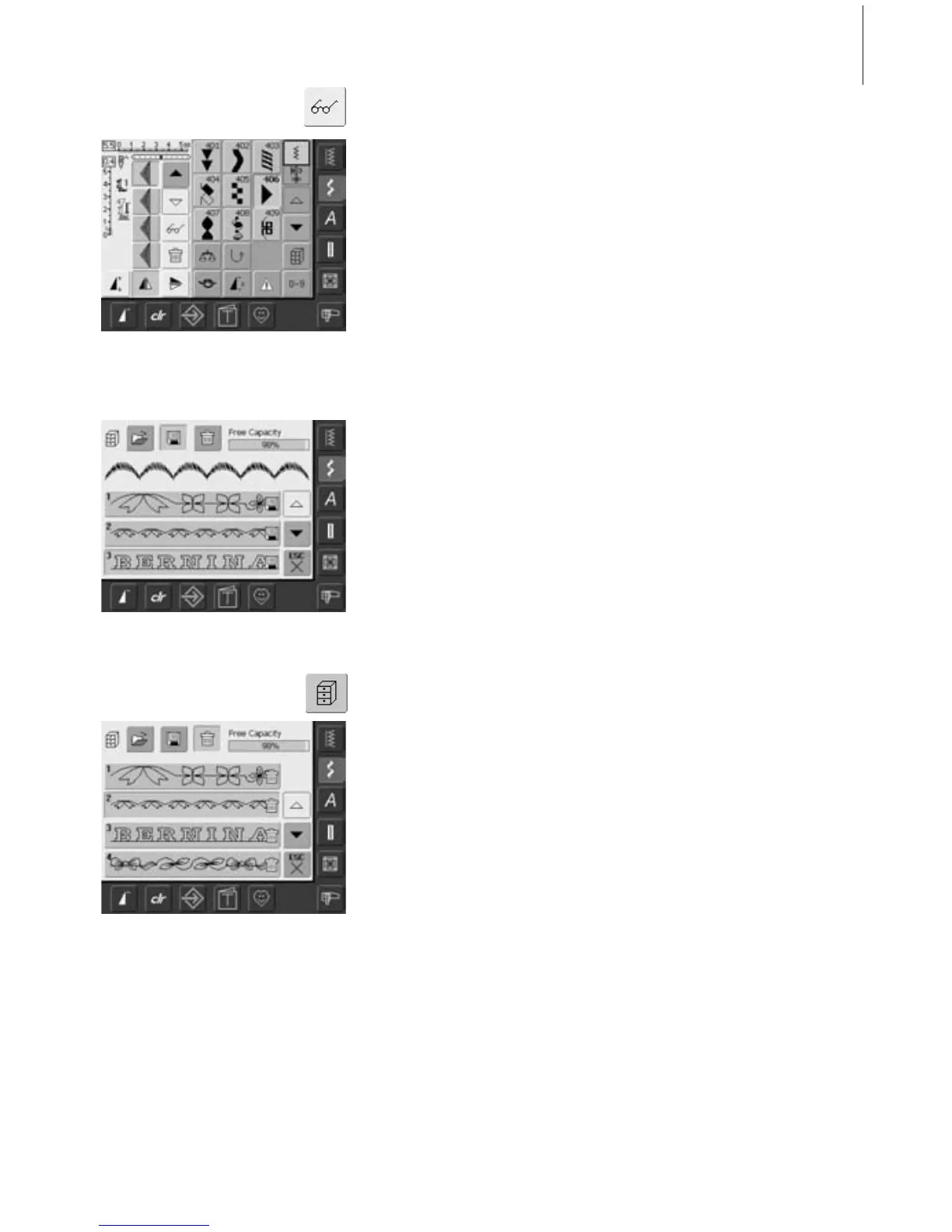
Mirroring Entire Combinations
• touch Multifunction button
• touch «Mirror Image»
• the entire combination is mirrored
horizontally (left/right)
Option 1: Overwriting
•program new stitch combination
• touch the button «File Drawers»
• select the Drawer you wish to overwrite
• confirm the query with «OK»
• the new stitch combination is now saved in
this Drawer
Option 2: Deleting
• touch the button «File Drawers»
• saved combinations appear
• touch «Delete»
• select the Drawers which should be deleted
• confirm the appearing query with «OK»;
deleting will be stopped by touching «ESC»
• the selected Drawers are empty
• touch «ESC» to close Drawers screen
Deleting Drawer



 To Next Page