96 Setup-Program
Opening Setup Program
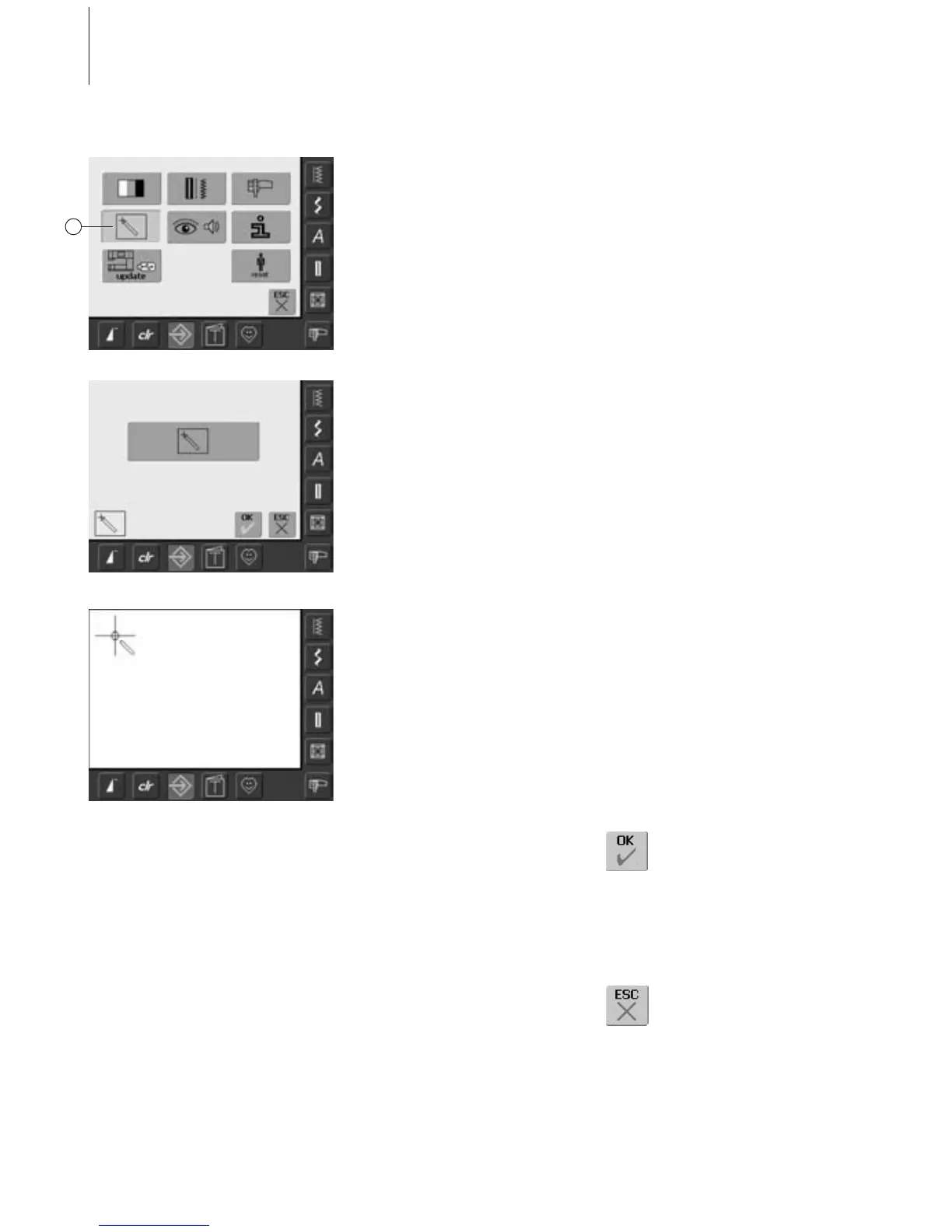
•press the Setup button
• selection menu appears
• touch «4»
• the screen for calibrating the touch
sensitivity of the screen appears
Saving and Closing
• touch «OK»
• changes are saved, the screen
closes and the selection menu
appears
Closing Screen
• touch «ESC»
• the screen display closes, the
original settings remain saved
and the selection menu
appears
Touch (Screen Sensibility)
Touch Setup
• touch the Calibration symbol
•a further screen display appears
Touch 2
Press and hold stylus on the center of the
target. The target will move. Repeat this
process until all three positions are calibrated
and the screen change back to the original
screen. Save the settings with «OK».
4



 To Next Page