102
BSR
Application example:
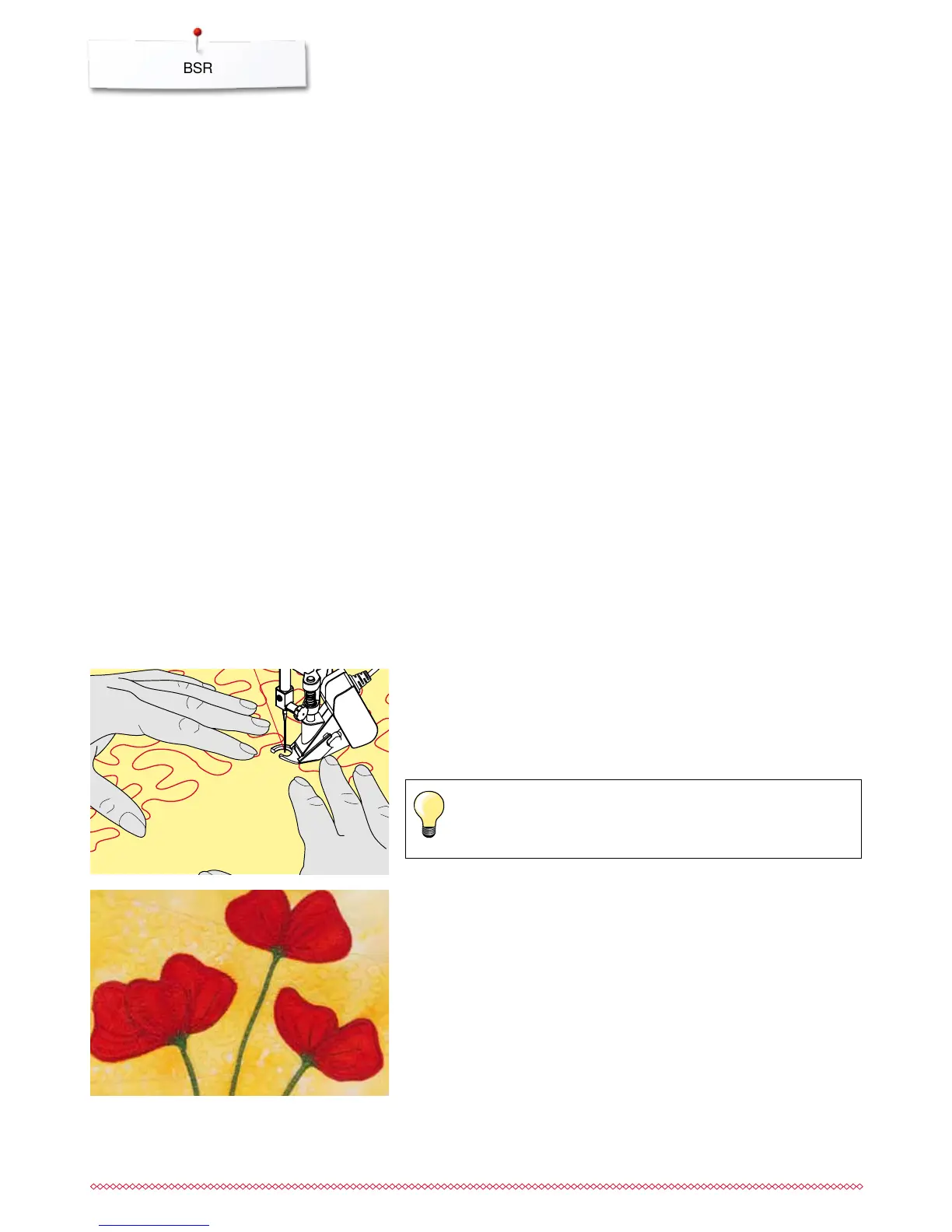
BSR with zig-zag No. 2
the zig-zag can be used for thread painting
areas can be filled and therefore forms or pictures can be created
BSR Function deactivation
⦁
pull out the plug of the BSR presser foot connection cable on the sewing
computer
⦁
remove the BSR foot
Holding the work
⦁
hold the work with both hands like an embroidery frame
abrupt movements (slowing down resp. speeding up) can result in slightly
too short or too long stitches
continuous movement (no abrupt movements) will provide best results
do not pivot the fabric while sewing
Activating the BSR Sewing Function
1. Option:
BSR-Function via the foot control
⦁
plug in the foot control
⦁
lower the presser foot
⦁
press the foot control
►
BSR mode starts
►
a red light appears on the presser foot
⦁
press foot control while sewing
the speed of the sewing computer is regulated by the movement of the
fabric
⦁
release the foot control
►
the BSR mode is stopped
2. Option:
BSR-Function via the «Start/Stop»-button
⦁
lower the presser foot
⦁
touch «Start/Stop»-button
►
BSR mode starts
►
a red light appears on the presser foot
the speed of the sewing computer is regulated by the movement of the
fabric
⦁
press the «Start/Stop»-button again
►
the BSR mode is stopped
Deactivating the BSR Sewing Function by using the «Start/Stop»-button
Mode 1
If the fabric is not moved for approx. 7 seconds, the BSR mode is deactivated
and the red light on the presser foot goes off.
Mode 2
If the stitching process is ended by no longer moving the fabric, one additional
stitch is made, depending on the needle position. The sewing computer always
stops with needle up, even if the arrow on the Display points down.
Quilt gloves with rubber fingertips will help when guiding the work.



 To Next Page