156
Embroidery motifs
When embroidering with the foot control always keep it depressed.
⦁
press the foot control
►
the embroidery computer sews approximately 7 stitches and stops
automatically
►
a Display indicates that the thread end has to be cut after the start of
embroidering
⦁
release the foot control
⦁
raise the presser foot
⦁
cut the thread tail at the beginning of motif
Interrupting with the foot control
⦁
release the foot control
►
the sewing computer stops
Completing the color
⦁
press the foot control
►
the embroidery computer embroiders all the sections in the color activated
►
the embroidery computer stops automatically when complete
►
both threads are automatically cut
Changing color
►
the emboidery computer switches automatically to the next color
⦁
change color of the upper thread accordingly
⦁
embroider with the new color
Embroidering with foot control
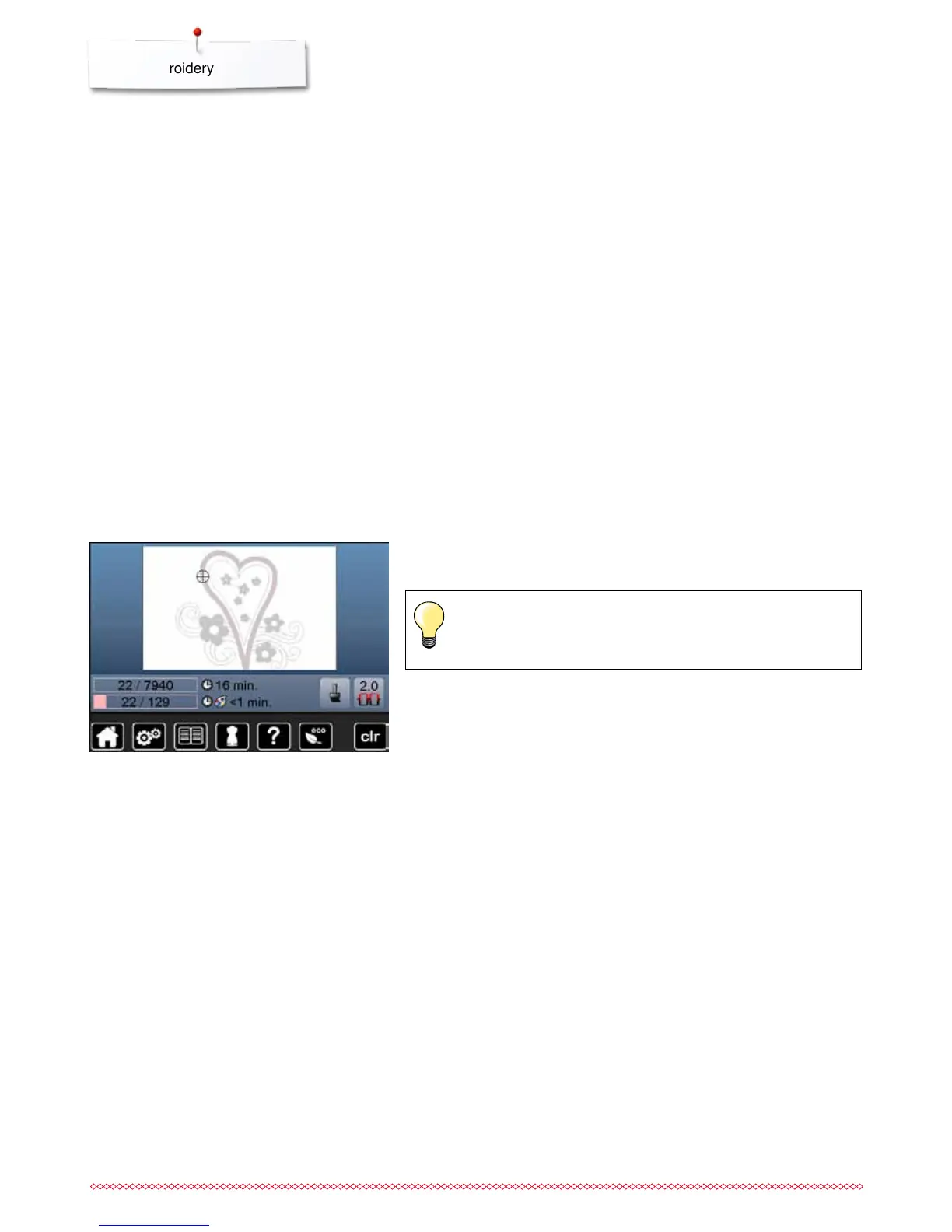
«Embroidery»-display
►
after starting the motif the «Embroidery»-display appears
Embroidering via the foot control is recommended to embroider a
small sequence.



 To Next Page