159
Troubleshooting
Troubleshooting
In most cases you will be able to identify and remedy faults by checking the following.
Check if:
⦁
the upper and lower threads are threaded correctly
⦁
the needle is inserted correctly
⦁
the needle size is correct - check the needle/thread table page 15
⦁
the needle tip and shaft are undamaged
⦁
the sewing computer is clean - brush out any thread lint
⦁
the hook race is clean
⦁
any threads are trapped between the tension discs or under the bobbin case spring
Uneven stitch
formation
Upper thread too tight/too slack
Needle blunt or bent
Poor quality needle
Poor quality thread
Needle/thread combination is incorrect
Incorrectly threaded
⦁
reduce/increase upper thread tension
⦁
use new BERNINA quality needle
⦁
use new BERNINA quality needle
⦁
use quality thread (Isacord, Mettler, Gütermann etc.)
⦁
match the needle to the thread size
⦁
check upper and lower thread
Skipped stitches Incorrect needle system
Needle bent or blunt
Poor quality needle
Needle inserted incorrectly
Incorrect needle point
⦁
use needle system 130/705H
⦁
use new BERNINA quality needle
⦁
use new BERNINA quality needle
⦁
insert needle as far up as it will go
⦁
match the needle point to the texture of the material
Thread is caught
in the area of the
take-up lever
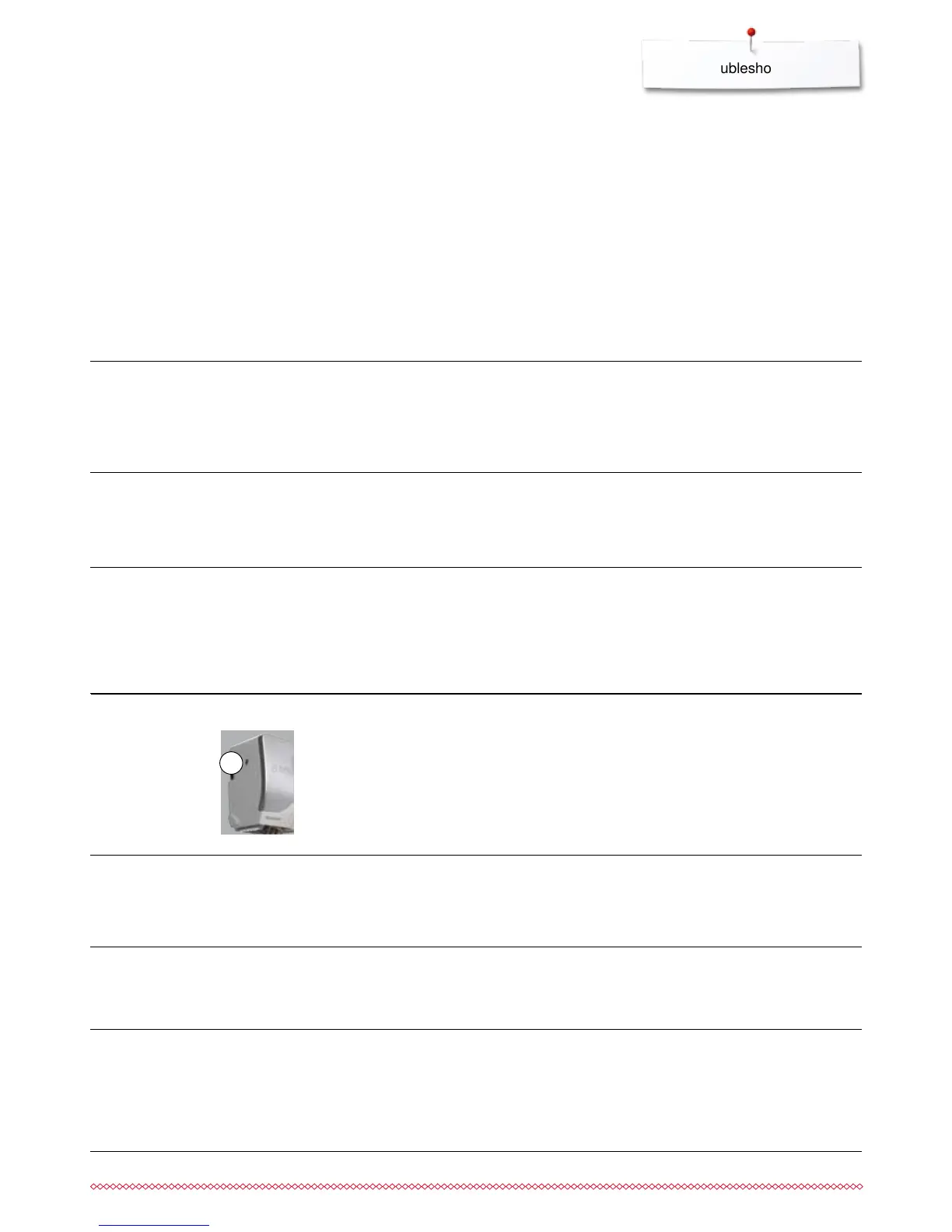
Upper thread breaks If the upper thread breaks and the thread is trapped in the area
of the take-up lever, proceed as follows:
⦁
turn power switch to «0» (off)
⦁
remove the screw 1 on the headframe with the angular Torx
wrench
⦁
turn headframe cover slightly to the left, then slide it upwards
and remove
⦁
remove remnants of thread
⦁
attach headframe and retighten screw
Faulty stitching
Upper thread
breaks
Lower thread
breaks
Needle breaks
Remnants of thread between the
tension discs
Incorrectly threaded
Remnants of thread under the bobbin
case spring
Upper thread tension too tight
Incorrectly threaded
Poor-quality or old thread
Stitch plate or hook tip damaged
Lower thread tension too tight
Stitch hole in the stitch plate has been
damaged
Needle blunt or bent
Needle not correctly inserted
Fabric was pulled
Fabric was pushed when using thick
material
Poor-quality thread, unevenly wound or
knotted
⦁
fold a piece of thin material and slide the folded edge (not the
raw edges) between the thread tension discs, moving the
material back and forth to clean the right and left side of the
thread tension
⦁
check upper and lower thread
⦁
carefully remove any thread remnants from under the spring
⦁
reduce upper thread tension
⦁
check upper threading
⦁
use quality thread (Isacord, Mettler, Gütermann etc.)
⦁
take the sewing computer to the nearest authorized
BERNINA dealer
⦁
increase the upper thread tension
⦁
take the sewing computer to the nearest authorized
BERNINA dealer
⦁
use new needle
⦁
tighten the needle clamp screw
⦁
do not pull the fabric during sewing
⦁
use the correct presser foot for thick material (e.g. Jeans foot
No. 8) use height compensating tool when sewing over a
thick seam
⦁
use quality thread (Isacord, Mettler, Gütermann etc.)
Fault Cause Repair
1



 To Next Page