107
Personal program
4
3
Programming/Saving second stitch pattern
⦁
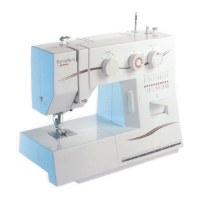
touch «Buttonhole»-button
⦁
select standard buttonhole No. 51
⦁
save the stitch pattern as desribed above
⦁
save any other stitch pattern in the same way
Stitch pattern selection in the Personal program
⦁
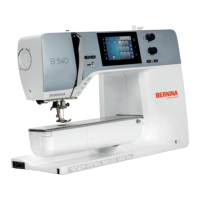
touch «Personal program»-button
⦁
touch «Open»-icon 4
⦁
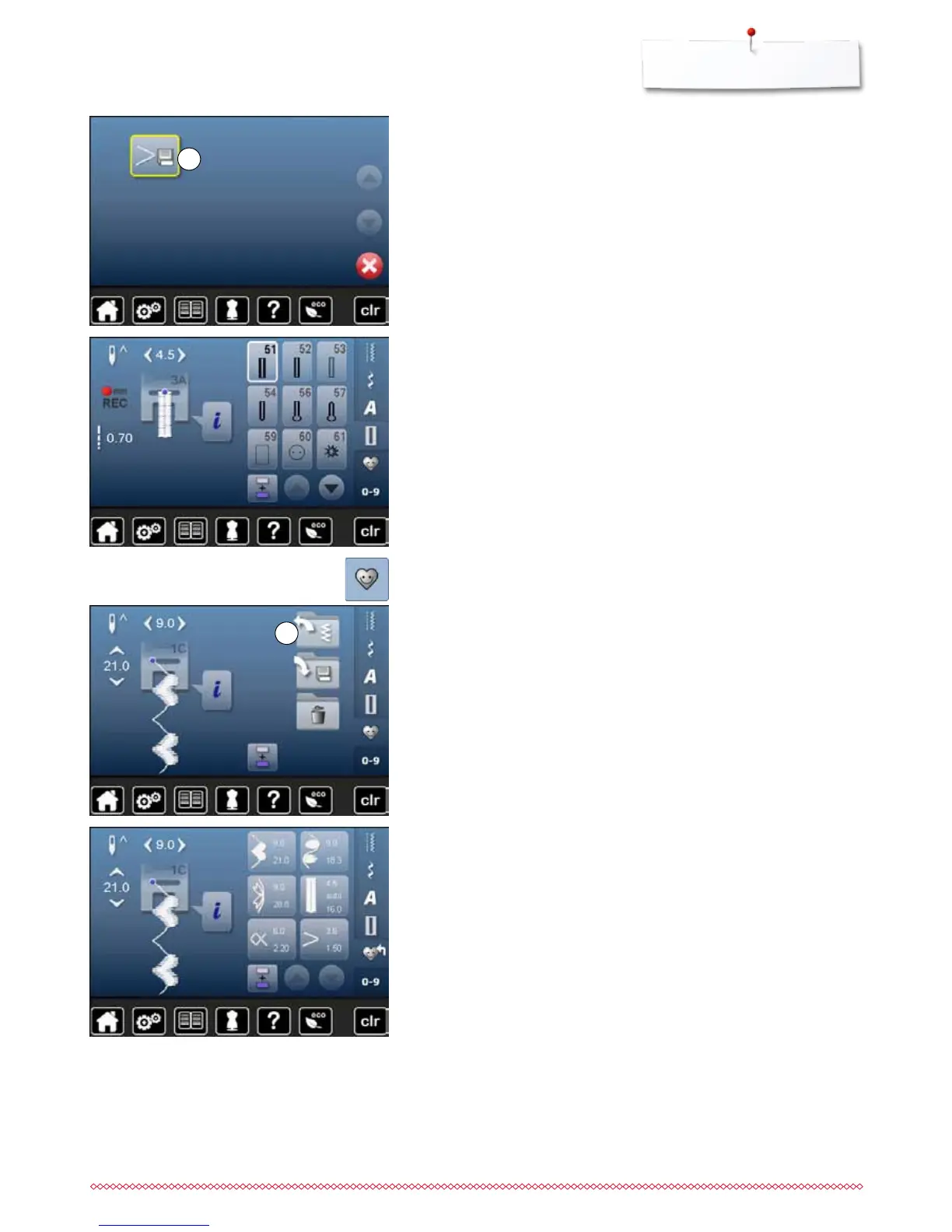
touch «Save»-icon 3
►
the altered zig-zag is saved
►
the Display closes
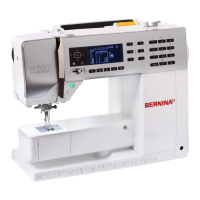
Personal Display
►
the programmed stitch patterns are displayed in pictures as well as with
stitch width and stitch length
⦁
further stitch patterns can be scrolled by using the arrow icons


 To Next Page