89
Buttonholes
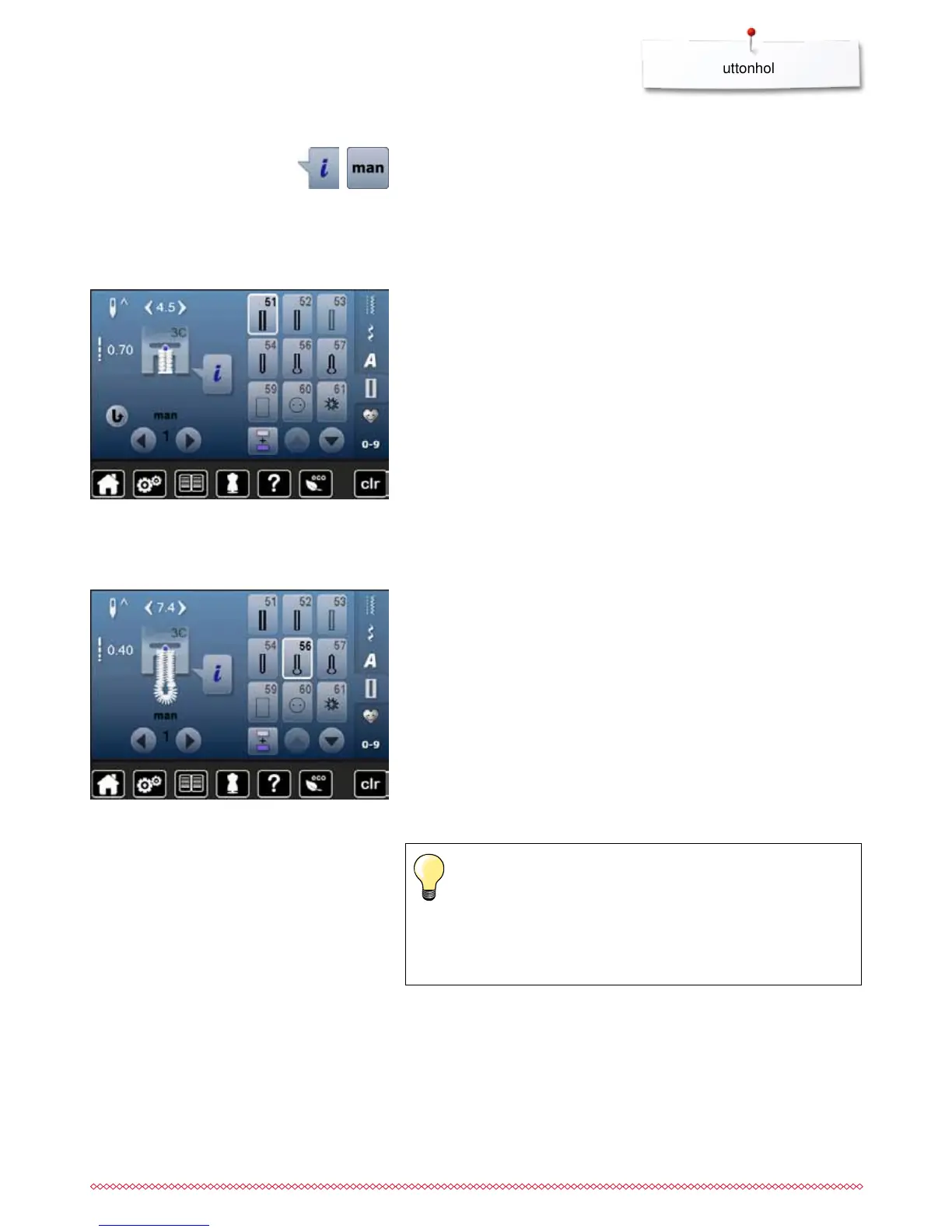
7- or 5-steps-buttonhole, manually
⦁
select the desired buttonhole
⦁
touch «i»-icon
⦁
touch «man»-icon
Sewing 5-Step buttonhole
►
step 1 is activated for buttonhole begin
►
step 2 is activated when beginning to sew
⦁
sew first bead
⦁
stop the sewing computer at desired length of the bead or at the end of the
length marking
⦁
select step 3
►
the sewing computer sews the eye or the keyhole and stops
automatically
⦁
select step 4
►
the sewing computer sews the second bead in reverse
⦁
stop the sewing computer at the height of the first stitch (buttonhole begin)
⦁
select step 5
►
sewing computer sews the top bartack and secures stitches
automatically
Sewing 7-Step buttonhole
►
step 1 is activated for buttonhole begin
►
step 2 is actived when beginning to sew
⦁
sew first bead
⦁
stop the sewing computer at desired length of the bead or to the end of the
length marking
⦁
select step 3
►
sewing computer sews straight stitches in reverse
⦁
stop sewing computer at the height of the first stitch (buttonhole begin)
⦁
select step 4
►
the sewing computer sews top bartack and stops automatically
⦁
select step 5
►
the sewing computer sews the second bead
⦁
stop the sewing computer at the height of the first bead
⦁
select step 6
►
the sewing computer sews bottom bartack and stops automatically
⦁
select step 7
►
sewing computer secures stitches and stops automatically
Straight stitch buttonhole No. 59
The same programming procedure as with the auto buttonhole
program (see page 83)
Staystitching buttonholes with the straight stitch buttonhole
No. 59 is recommended for soft, loosely woven fabrics and for
buttonholes that will receive excessive wear. Staystitching also
reinforces buttonholes in leather, vinyl and felt
The length of the beads is manually determinded when sewing. Bartack, eye
and securing stitches are pre-programmed. The individual steps can also be
selected by scrolling, by using the arrow icons or by touching the «Quick
reverse»-button.



 To Next Page