104
Alphabets
⦁
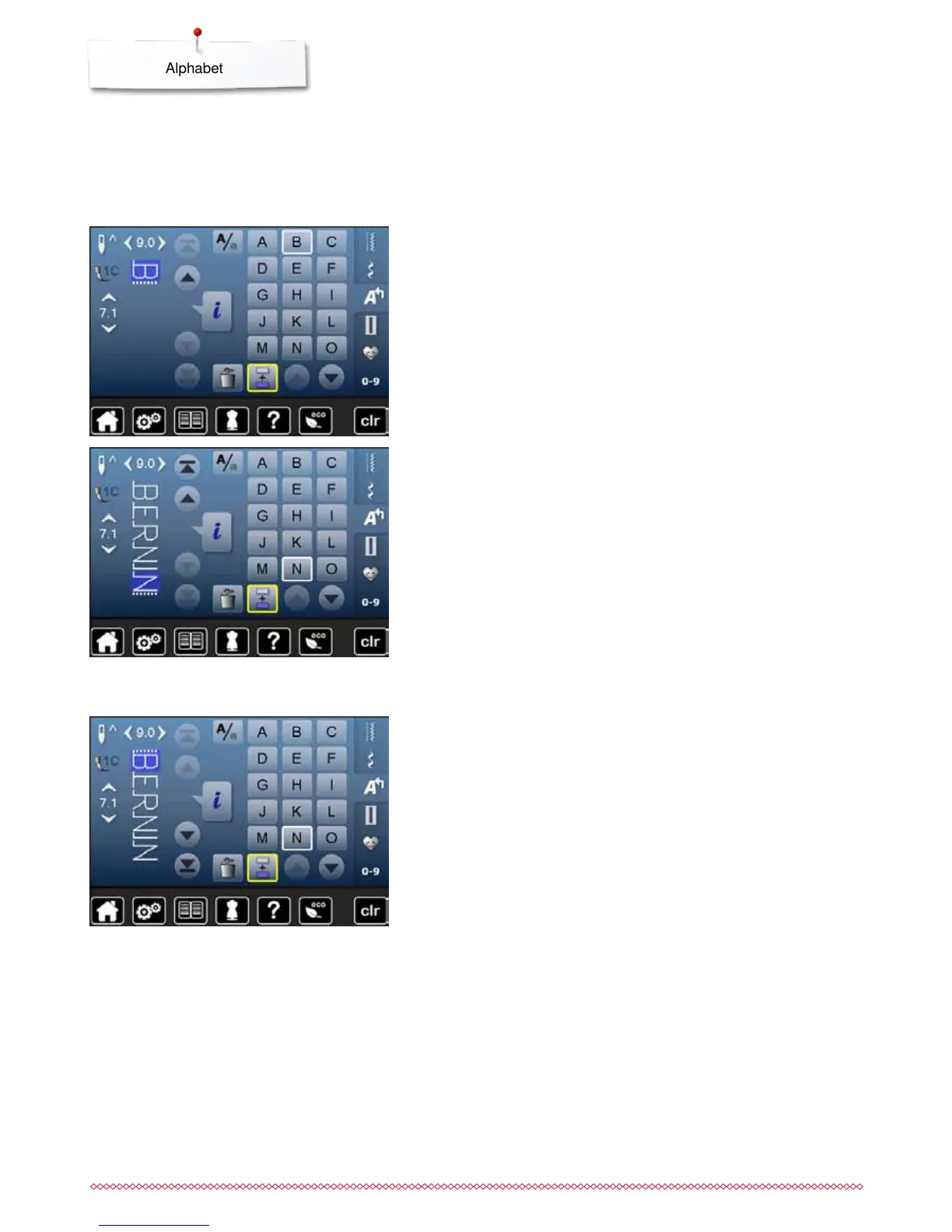
touch «Combi mode»-icon
⦁
touch the icon with the desired letter
►
the letter appears in the Stitch altering area
►
the cursor is below the letter
Selecting the next letter
⦁
touch the required icon
►
the next letter appears in the Stitch altering area etc.
Correcting the combination
Inserting lettering
A letter is always inserted above the cursor.
Inserting an additional letter at the beginning of a pattern combination:
⦁
move the cursor up by using the arrow icons
Activating desired place:
⦁
select or scroll to required letter in the Stitch altering area
⦁
select new letter
►
letter is inserted above cursor
Deleting Letters
A letter is always deleted above the cursor.
Activating desired place:
⦁
select or scroll to the required letter in the Stitch altering area
⦁
touch «Delete»-icon
►
letter is deleted
Saving and deleting combinations see page 110, 114.
Individual letters and rows of the same letter of the same alphabet are sewn in
single mode.
Letters for names, addresses, words, etc. are combined and sewn in combi
mode.
Combining lettering



 To Next Page