162
Troubleshooting
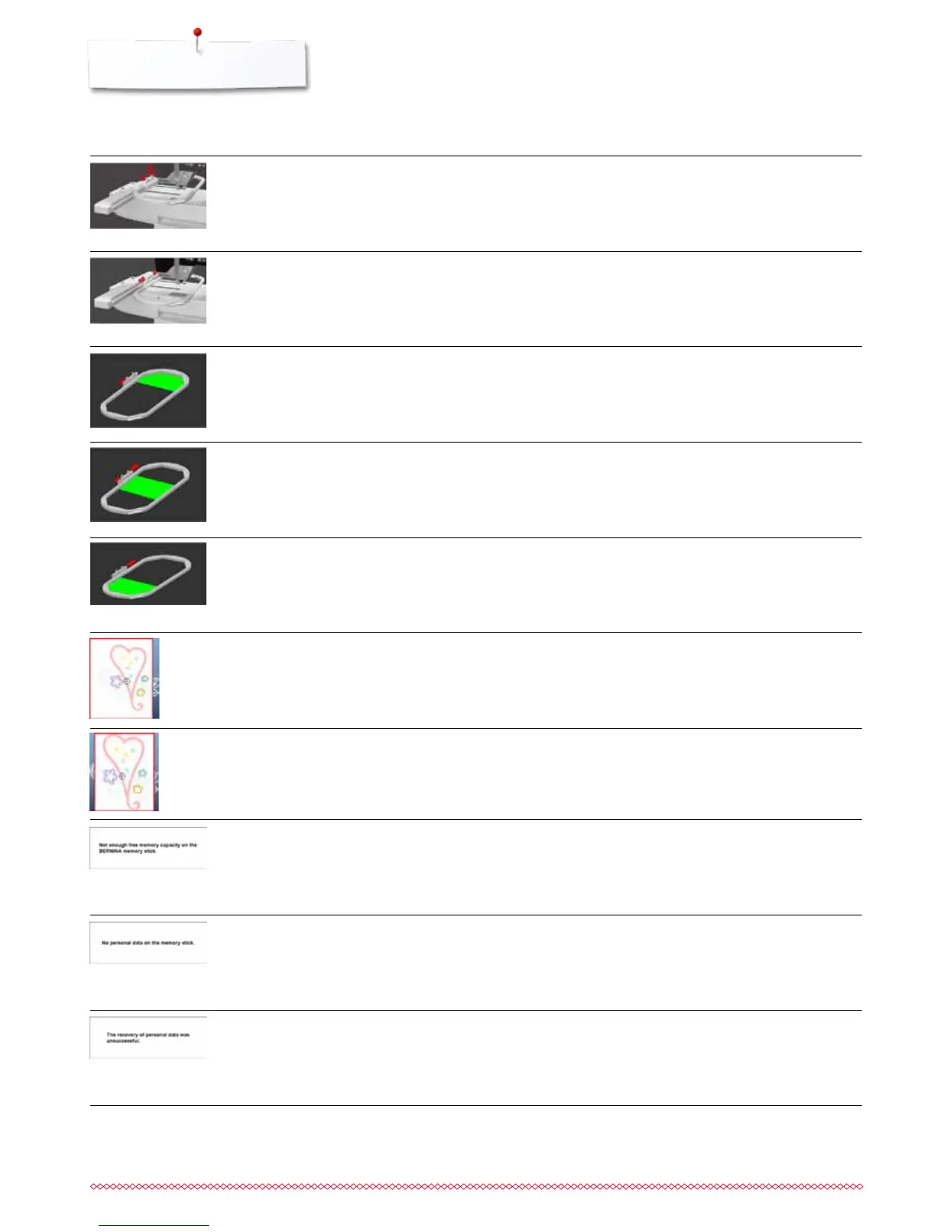
No embroidery hoop attached
Embroidery hoop attached
⦁
attach embroidery hoop
⦁
remove embroidery hoop
Mega-Hoop down
Embroidery motif is partly outside the
hoop
Embroidery motif is too large
Less free space on the USB stick
No personal data available on the USB
stick
During the update process personal
data was not saved on the USB stick
⦁
move the Mega-Hoop to lower (3) position
⦁
re-position the embroidery motif. The area within the hoop
can be embroidered
⦁
reduce the motif size or attach a bigger hoop. The area within
the hoop can be embroidered
⦁
delete data from USB stick
⦁
check that the USB stick is inserted correctly and re-start the
sewing computer
⦁
the software was correctly updated. Personal data could not
be recovered
Mega-Hoop center
⦁
move the Mega-Hoop to middle (2) position
Mega-Hoop up
⦁
move the Mega-Hoop to upper (1) position
General Repair Messages
Explanation



 To Next Page