39
Functions - Display
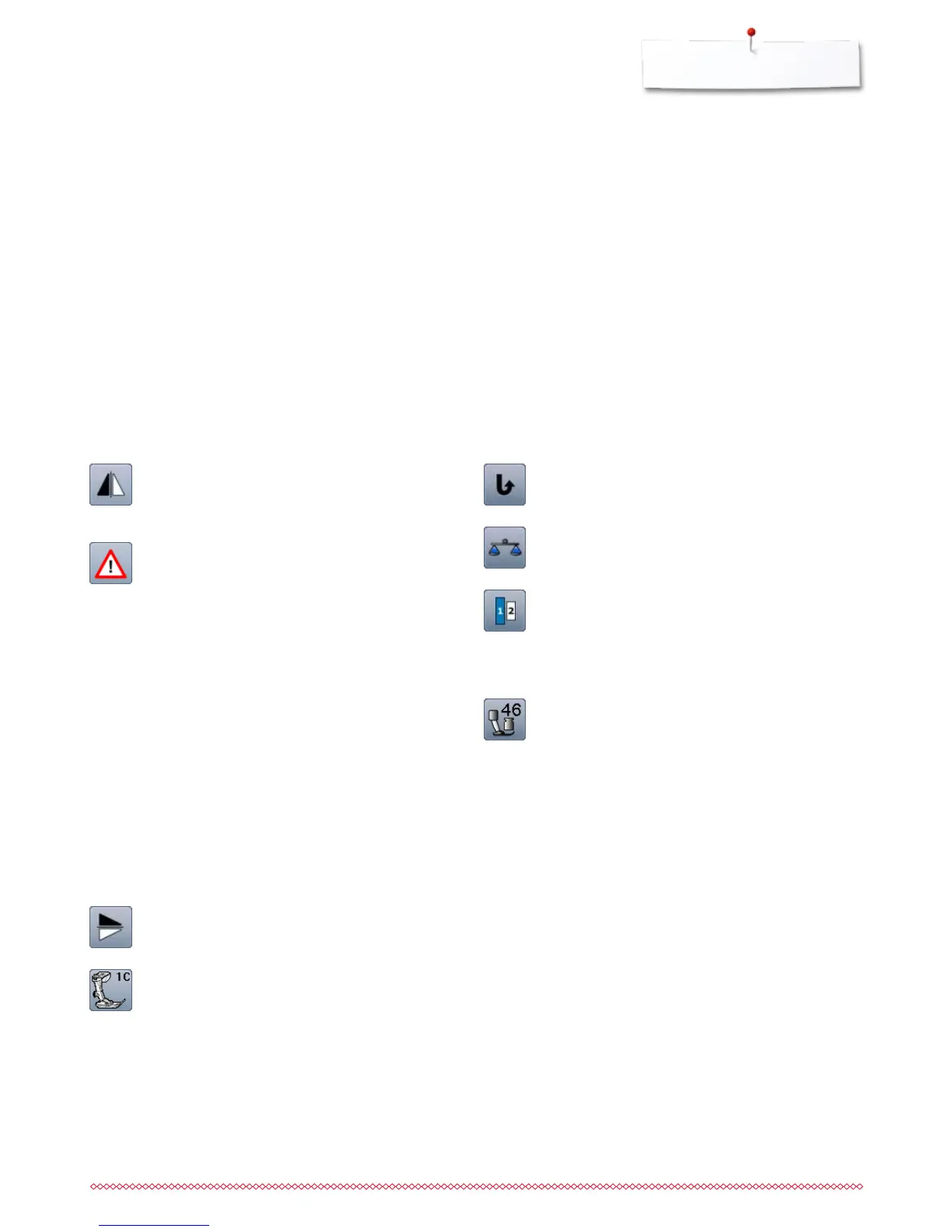
Permanent reverse sewing
The sewing computer sews permanently in reverse.
Balance
Balances forward and reverse stitches.
Lettering size in alphabets
⦁
select alphabet
►
letter size is 9mm
⦁
touch icon
►
activates number «2»
►
letter size is 6mm
Presser foot pressure
The presser foot pressure is set via the adjustment
wheel on the left side of the headframe.
►
the respective value is visible in the icon
Mirror image (Left/Right)
The sewing computer sews the stitch pattern
horizontally mirrored, left/right referring to the sewing
direction.
Security program
⦁
touch icon
⦁
touch «Needle»- or «Stitch plate»-icon
Overview Needle:
⦁
touch desired «Needle»-icon
►
stitch width is limited automatically
►
this prevents the inserted special needle from
hitting the presser foot and the stitch plate = no
needle breakage
►
numbers in the needle icons indicate the needle
distance in mm
⦁
touch «Standard needle»-icon
►
Standard needle is activated again
►
stitch width limitation is deactivated
Overview Stitch plates:
⦁
touch the desired «Stitch plate»-icon
►
stitch width is limited automatically
►
this prevents the needle from hitting the
presser foot and the stitch plate = no needle
breakage
The function remains active even when the sewing
computer is turned off and on.
Mirror image (Up/Down)
The sewing computer sews the stitch pattern vertically
mirrored, up/down referring to the sewing direction.
Presser foot indicator
⦁
touch icon
►
shows recommended presser foot
►
the active Display shows optional presser feet for
the selected stitch pattern
⦁
touch «Back»-icon
►
the Display is closed


 To Next Page