December 2019
96
Installation, Operation and Maintenance Manual
VCIOM-08500-EN
Section 12: Troubleshooting
Troubleshooting
12.4 The Motor is Very Hot and does not Start
• Check that no alarm other than motor overheating is present.
• Wait until the motor cools down and the normally closed (NC) contact of the
thermal switch automatically resets before trying to operate the actuator again.
• Check that the number of operations per hour and their duration is suitable for
the actuator service (refer to the nameplate menu).
• Check that the valve operating torque is within the range of the unit’s designed
operating torque.
• Always check for causes of abnormal operation.
12.5 The Motor Runs but the Actuator does not
Move the Valve
If the valve position indicators do not change on the local display:
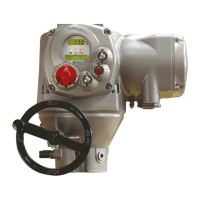
• Check that the manual de-clutch lever is not stuck in the manual operation
position.
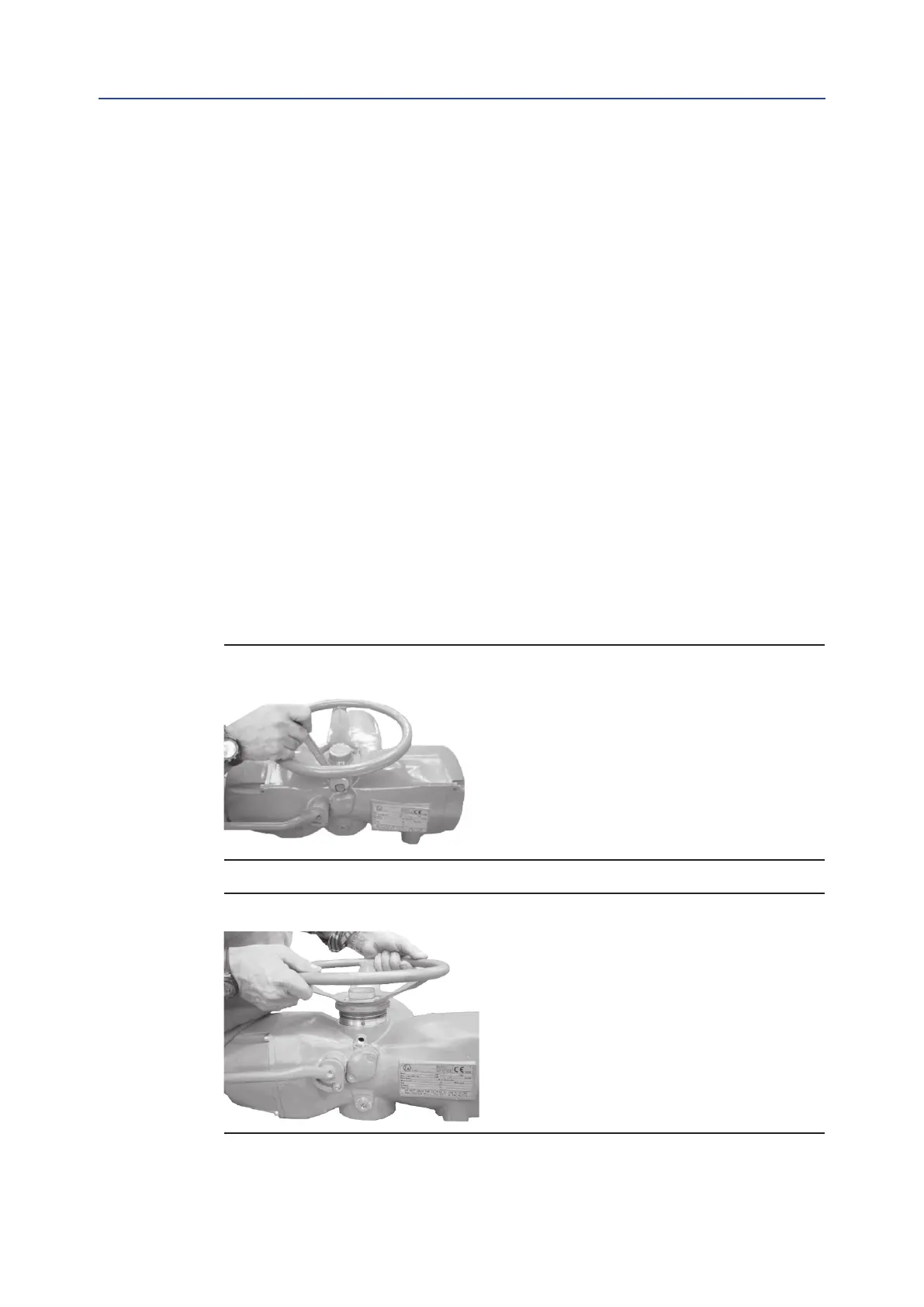
• Rotate the handwheel a few degrees to remove any possible sticking between
the handwheel and the drive sleeve.
Figure 83
Figure 84



 To Next Page