December 2019
26
Installation, Operation and Maintenance Manual
VCIOM-08500-EN
Operating the ICON3000
Section 5: Operating the ICON3000
Section 5: Operating the ICON3000
5.1 Operation By Handwheel
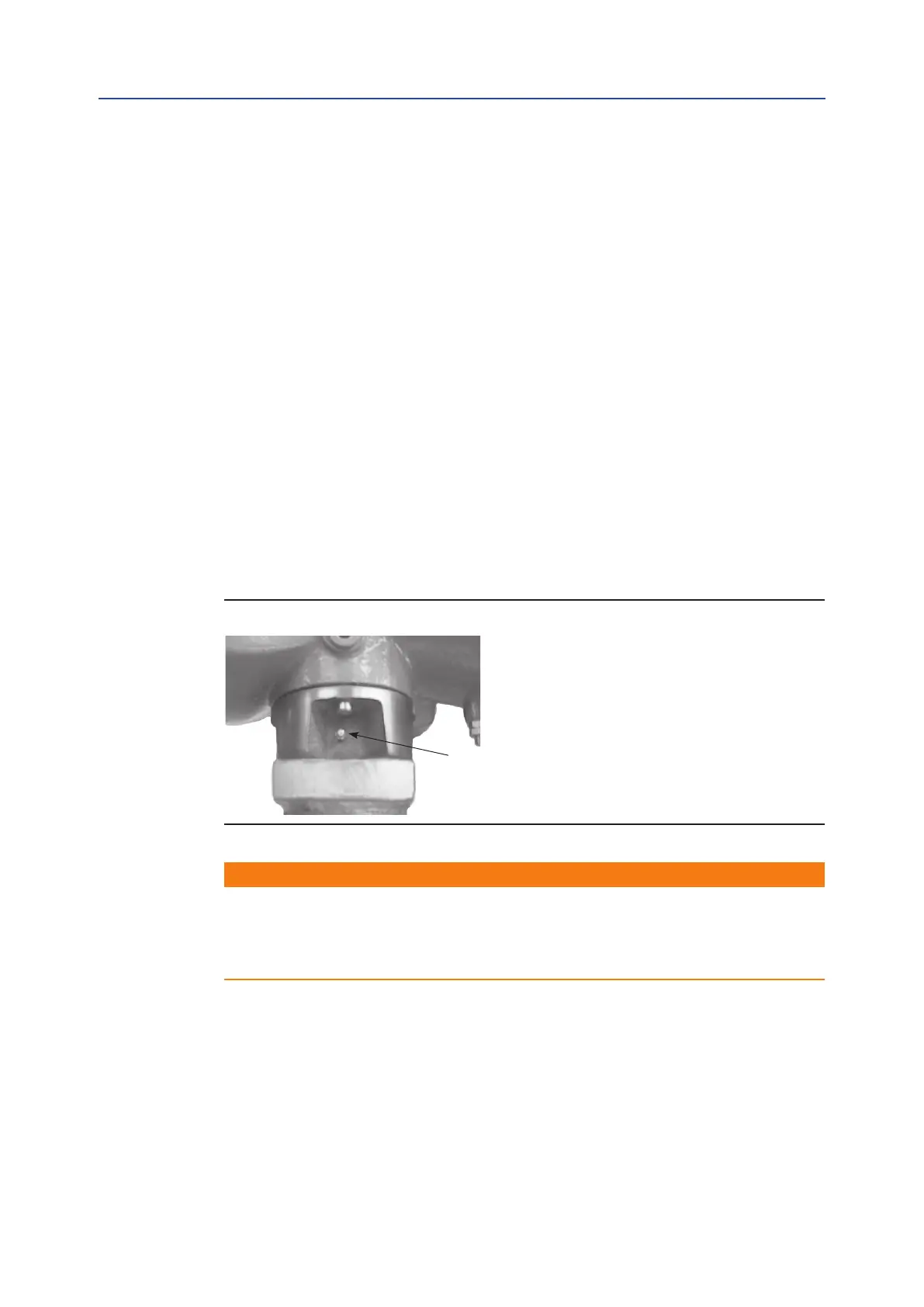
To operate the actuator via the handwheel, press down the lever and at the same time
rotate the handwheel until the clutch is engaged. Release the lever and move the valve
via the handwheel. The actuator will return to electrical operation only by energizing the
motor.
5.1.1 Operation By Handwheel in Absence of a Power Supply
and With the Lithium Battery
• The position is updated for strokes higher than a half turn of the wheel.
• The actuator position and battery status can be updated at any time by pressing
the STOP button for at least three seconds.
• The position is automatically checked and updated at least once a day.
At the end of each operation by handwheel, it is recommended to update the position by
pushing the STOP button.
Figure 29
WARNING
Do not manually operate the actuator with devices other than the handwheel and the
declutch lever. Using cheater bars, wheel wrenches, pipe wrenches, or other such devices
on the actuator handwheel or declutch lever may cause serious personal injury and/or
damage to the actuator or valve.
3



 To Next Page