✔ prolonged pressure on a key will display all the characters associated
with that key. By moving left and right with the keys → and ← you can
select the character you wish to enter. The selected character is
displayed in reverse video. Confirm the selection by pressing OK. To
toggle between upper and lower case letters, press the key in
correspondence with the indication CAPIT/SMALL.
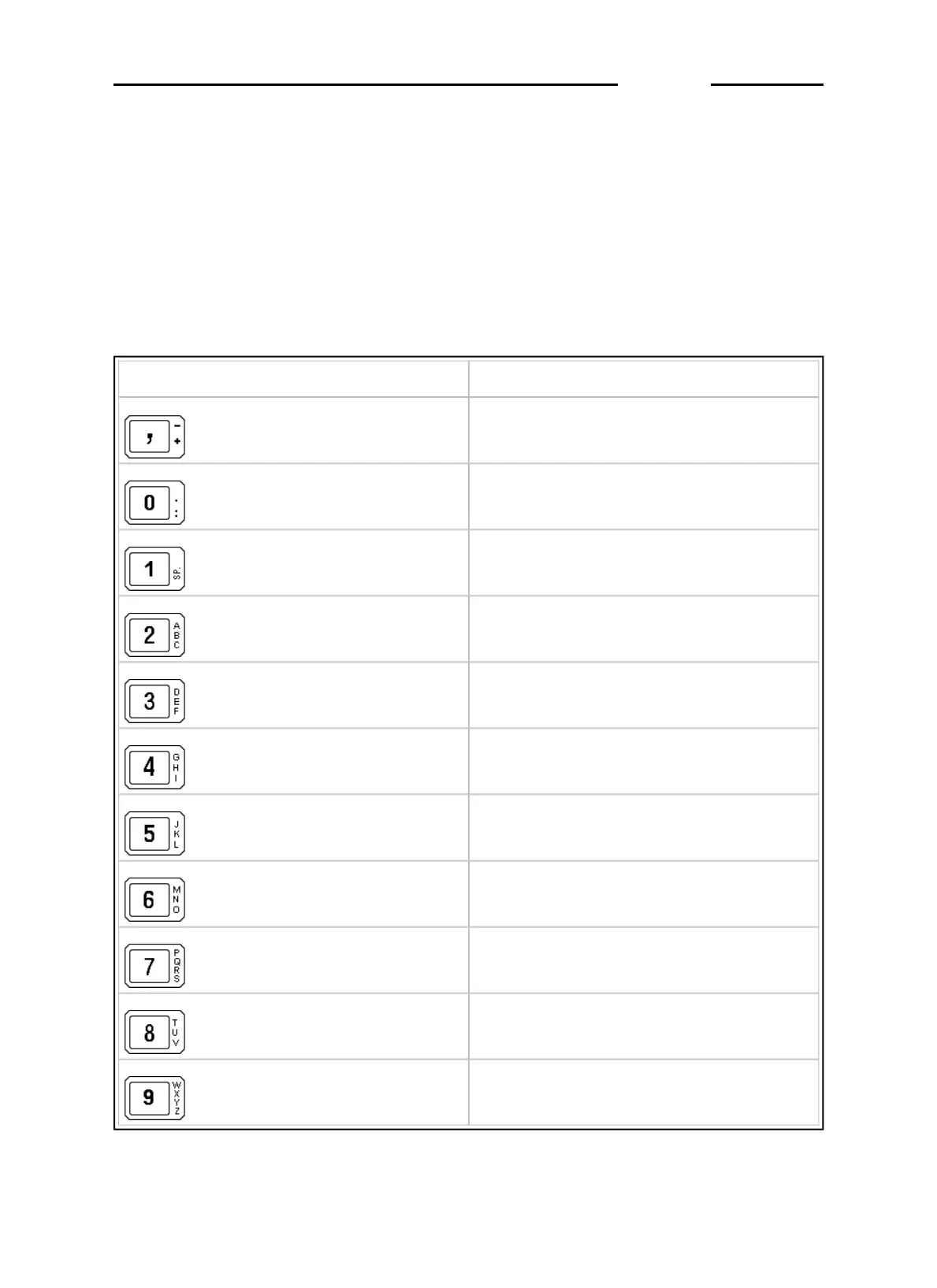
Below is a list of the characters associated with each key:
Alphanumeric keys
Characters
, - + ; * / = % > <
0 . : ? ! ( )¿ ¡ '
(blank) 1 £ $ @ & ª º
A B C 2 â ä à å Ä Å ç Ç
D E F 3 è ê ë è È æ Æ
G H I 4 ï î ì í
J K L 5
M N O 6 ô ö ò ó Ö ñ Ñ
P Q R S 7 ß
T U V 8 ü û ù ú Ü
W X Y Z 9 ÿ
D410
1-39



 To Next Page