EasyManua.ls Logo

Bilancial D410 - User Manual

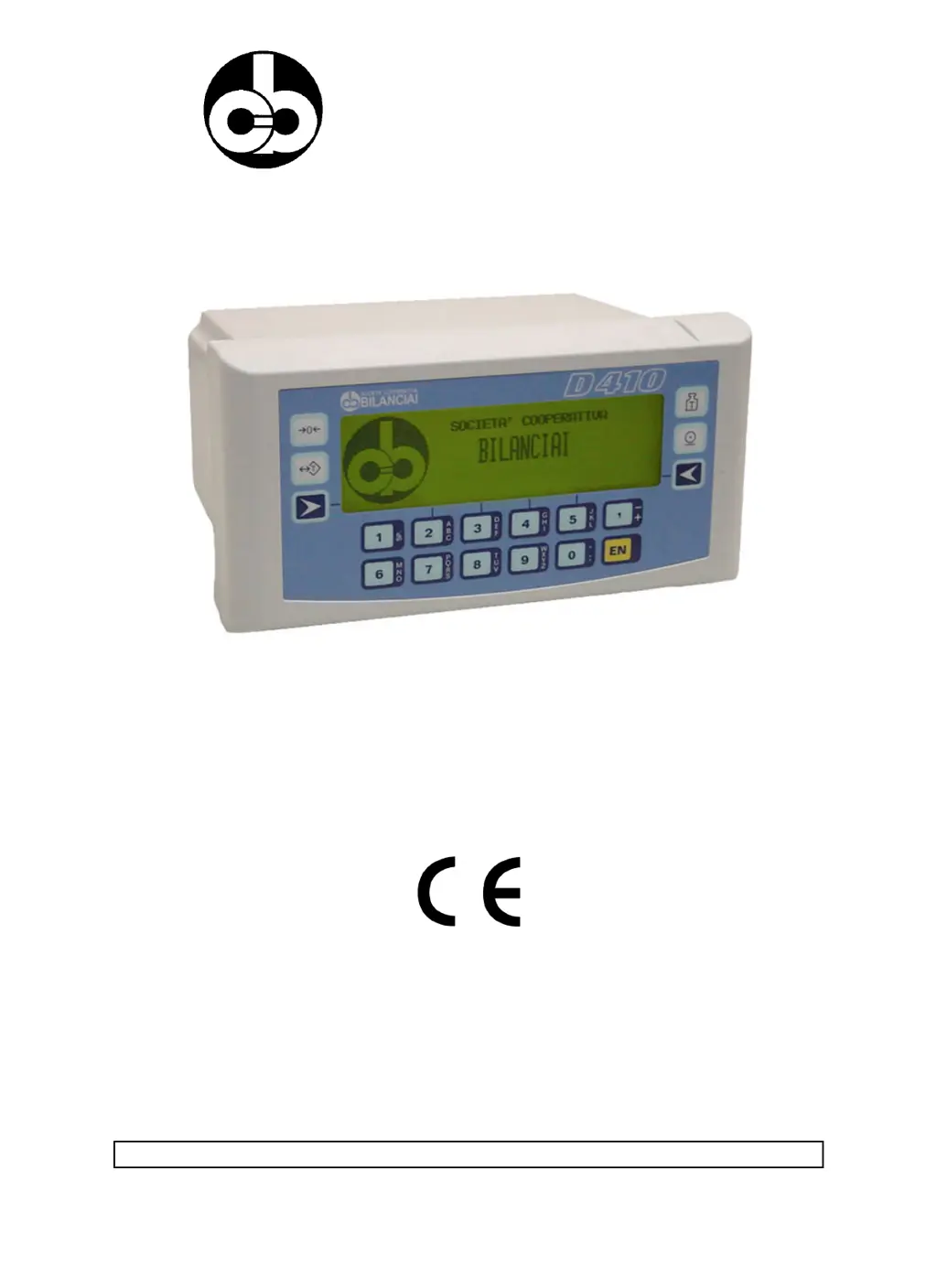
Bilancial D410
84 pages
Print Icon
To Next Page IconTo Next Page
Loading...
SOCIETÀ COOPERATIVA
BILANCIAI
D410 Terminal
Use and maintenance manual
Code 813711 EDITION 30 May 2001

Table of Contents

Questions and Answers

Summary

GENERAL

Declaration of Conformity

Confirms product compliance with EU directives for EMC and low voltage standards.

Foreword and Symbols

Provides manual overview, safety responsibilities, and explanation of hazard symbols.

Terminal Description and Features

Details the D410's capabilities, connectivity, and main features.

Technical Specifications

Lists electrical, mechanical, and environmental specifications of the terminal.

SAFETY INSTRUCTIONS

Prohibited Uses and Regulations

Outlines forbidden applications, environments, and relevant compliance regulations.

Essential Use Precautions

Specifies critical precautions and checks for safe operation and installation.

DELIVERY AND INSTALLATION

Electrical Supply Connection

Instructions for safely connecting the terminal to the mains power source.

Platform Scale Connection

Details on connecting the terminal to analogue or digital load cells.

COM1 Serial Port Connection

Pinout and specifications for the standard RS232 serial port (COM1).

COM2 Serial Port Connection

Configuration options and pinouts for the second serial port (COM2).

CONTROLS AND DISPLAY

Display Elements and Symbols

Explains the LCD display elements, weighing symbols, and status indicators.

Weighing Function Keys

Describes the function of primary keys for weighing operations like zero-set and tare.

Alphanumeric Input and Navigation

Details the use of alphanumeric keys and menu navigation methods.

Powering On and Off

Procedure for safely powering the terminal on and off.

TERMINAL OPERATION

Menu Navigation and Data Entry

Guide to using keys for menu navigation and entering numeric/alphanumeric data.

Weight Display Modes

Describes different display formats for weight values, e.g., 15mm or 30mm digits.

Preset Tares Management

How to manage and recall predefined tare values using numeric codes.

OPERATING MODES

Standard and Sum Weighing

Basic weighing mode and sequential weighing without unloading.

Extraction Operations

Modes for simple dosing operations, either loading or unloading components.

OPTIONS AND EXPANSIONS

Serial Port Expansion Board

Details on the board providing additional RS232/422/485 serial ports.

MPP Memory Expansion

Information on the permanent weight memory option for data logging.

MAINTENANCE AND TROUBLESHOOTING

Fuse Replacement

Steps for safely replacing blown fuses in the terminal.

Malfunctions and Solutions

Common problems with the terminal and their suggested remedies.

Error Messages and Causes

List of error codes, their causes, and recommended troubleshooting steps.

Bilancial D410 Specifications

General IconGeneral
BrandBilancial
ModelD410
CategoryTouch terminals
LanguageEnglish