MKF / MKFT (E5) 04/2022 page 134/176
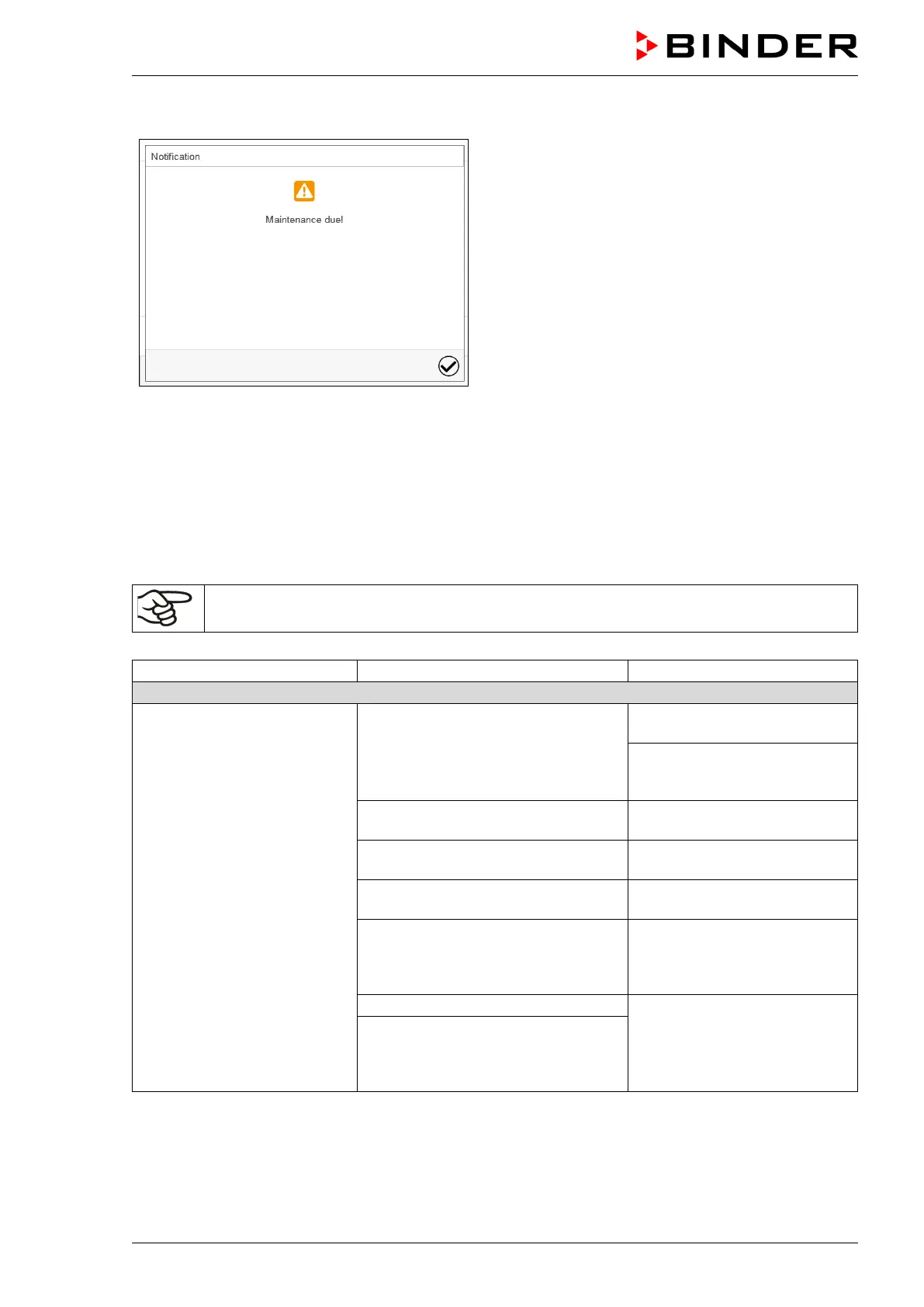
After 8760 operating hours or two years the following message appears:
After confirmation with the Confirm icon, the
message window will pop up again every two
weeks until it is reset by BINDER Service.
23.3 Simple troubleshooting
Defects and shortcomings can compromise the operational safety of the chamber and can lead to risks and
damage to equipment and persons. If there are is a technical fault or shortcoming, take the chamber out of
operation and inform BINDER Service. If you are not sure whether there is a technical fault, proceed ac-
cording to the following list. If you cannot clearly identify an error or there is a technical fault, please contact
BINDER Service.
Only qualified service personnel authorized by BINDER must perform repair.
Repaired chambers must comply with the BINDER quality standards.
Chamber without function.
No power supply.
Check connection to power
supply.
Check whether the chamber is
turned on at the main power
Wrong voltage.
Check power supply for correct
voltage (chap. 4.8).
Main power switch (1) not turned on
Turn on the main power switch
(1).
MKF/MKFT from size 115 on: Rear
power switch (12) not turned on.
Turn on the rear power switch
(12).
Chamber fuse has responded.
Check chamber fuse and re-
place it if appropriate. If it re-
sponds again, contact BINDER
Contact BINDER service.
Nominal temperature exceeded by
20 °C due to chamber failure. Over
temperature protective device (class



 To Next Page