MKF / MKFT (E5) 06/2020 page 107/176
15.2 Current operating parameters
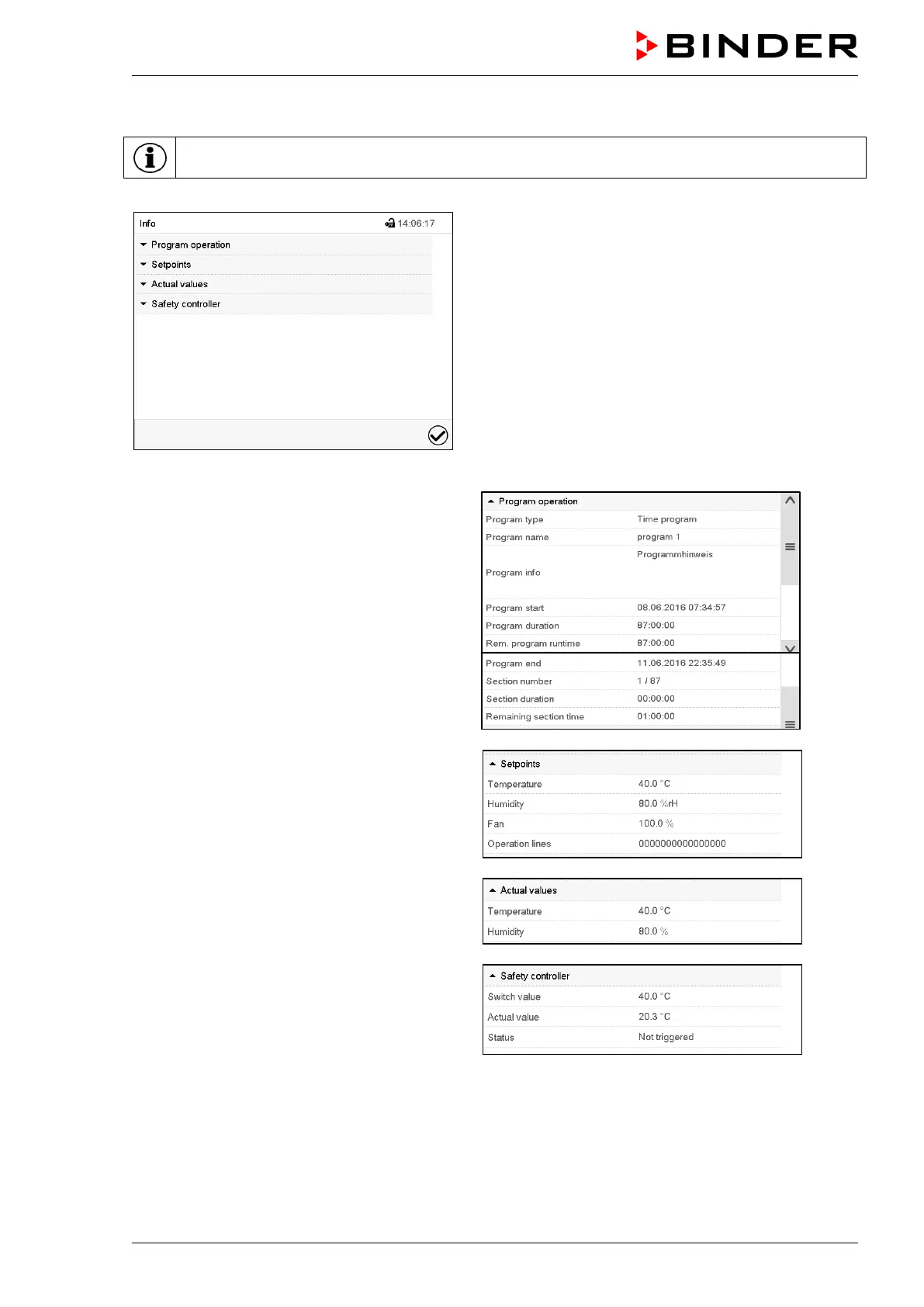
Press the Information icon to access the “Info” menu from Normal display.
“Info” menu.
Select the desired information.
• Select “Program operation” to see infor-
mation on a currently running program.
• Select “Setpoints“ to see information on the
entered setpoints and operation lines.
• Select “Actual values” to see information on
the current actual values.
• Select “Safety controller” to see information
on the safety controller status.



 To Next Page