MKF / MKFT (E5) 06/2020 page 47/176
“Settings” submenu
• Settings of many general controller functions and network settings (chap. 14).
• Available only for users with “Service” and “Admin” authorization level
“Service” submenu
• Access to service data, controller reset to factory settings (chap. 5.5.3)
• Available only for users with “Service” and “Admin” authorization level. Full functional range only for
BINDER Service (users with “Service” authorization level).
“Programs” submenu
• Access to the controller’s program functions (chap. 8, 9, 10)
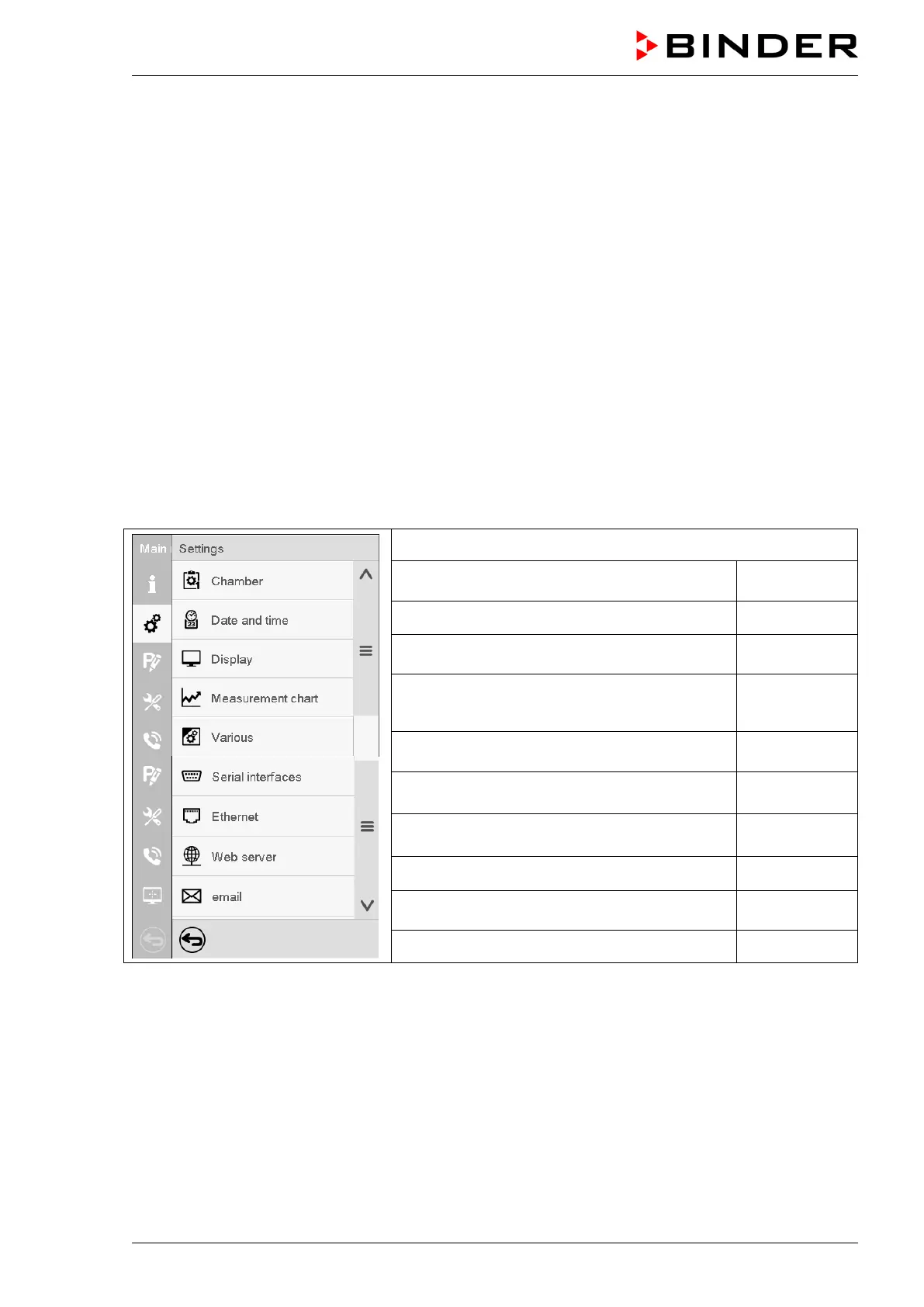
5.5.2 “Settings” submenu
The “Settings” submenu is available for users with “Service” or “Admin” authorization level. It serves to
enter date and time, select the language for the controller menus and the desired temperature unit and to
configure the controller’s communication functions.
Path: Main menu > Settings
Setting the temperature unit, menu language…
Setting date and time chap. 14.2
Setting the display brightness, continuous op-
eration and screen saver
chap. 14.4
Settings for the measurement chart: storage
interval, storage values, minimum and maxi-
chap. 16.2
Turning off the interior lighting automatically chap. 14.7
Configuration of the optional RS485 interface,
setting of the device address
chap. 14.5.1
Entry of the MAC address and IP address chap. 14.5.2
Password protection for web server access chap. 14.5.3
Configuration of the e-mail server, assignment
of e-mail addresses
chap. 14.5.4
Back to main menu



 To Next Page