MKF / MKFT (E5) 06/2020 page 66/176
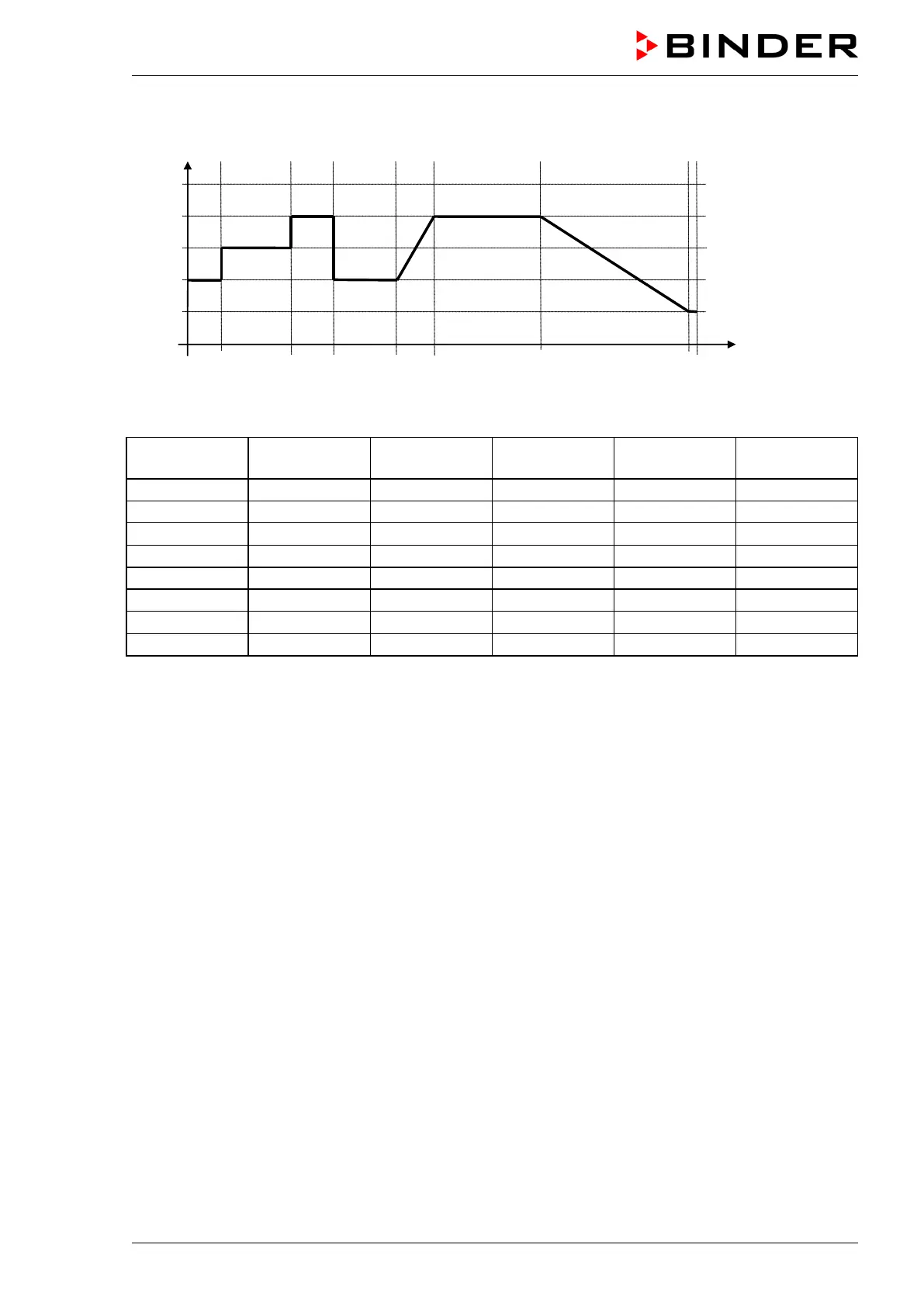
“Ramp” and “Step” mode example (representation of a temperature course)
Corresponding program table
Section No.
Ramp or Step
9.7.3 Special controller functions via operation lines
You can define the switching state of up to 16 operation lines (control contacts). They are used to activate
/ deactivate special controller functions.
• Operation line “Humidity off” serves to turn off the humidity.
• Operation line Idle mode” activates / deactivates the operating mode “Idle mode”.
• Operation lines “Switching output 1” up to “4” can be used to turn on and off any equipment connected
to the zero-voltage switching outputs (DIN sockets (7) and (8) (chap. 20).
• Operation line “Compr. air dryer” serves to activate the compressed air dryer (option, chap. 21.6).
• Operation line “Compressed air valve” serves to open the solenoid valve of the compressed air con-
nection (for options compressed air connection, chap. 21.5, or compressed air dryer, chap. 21.6)
• Operation line “Anti-condensation” serves to switch the anti-condensation protection (chap. 19).
The other operation lines are without function.



 To Next Page