VD (E3.1) 03/2020 page 122/173
16.6.5 Special controller functions
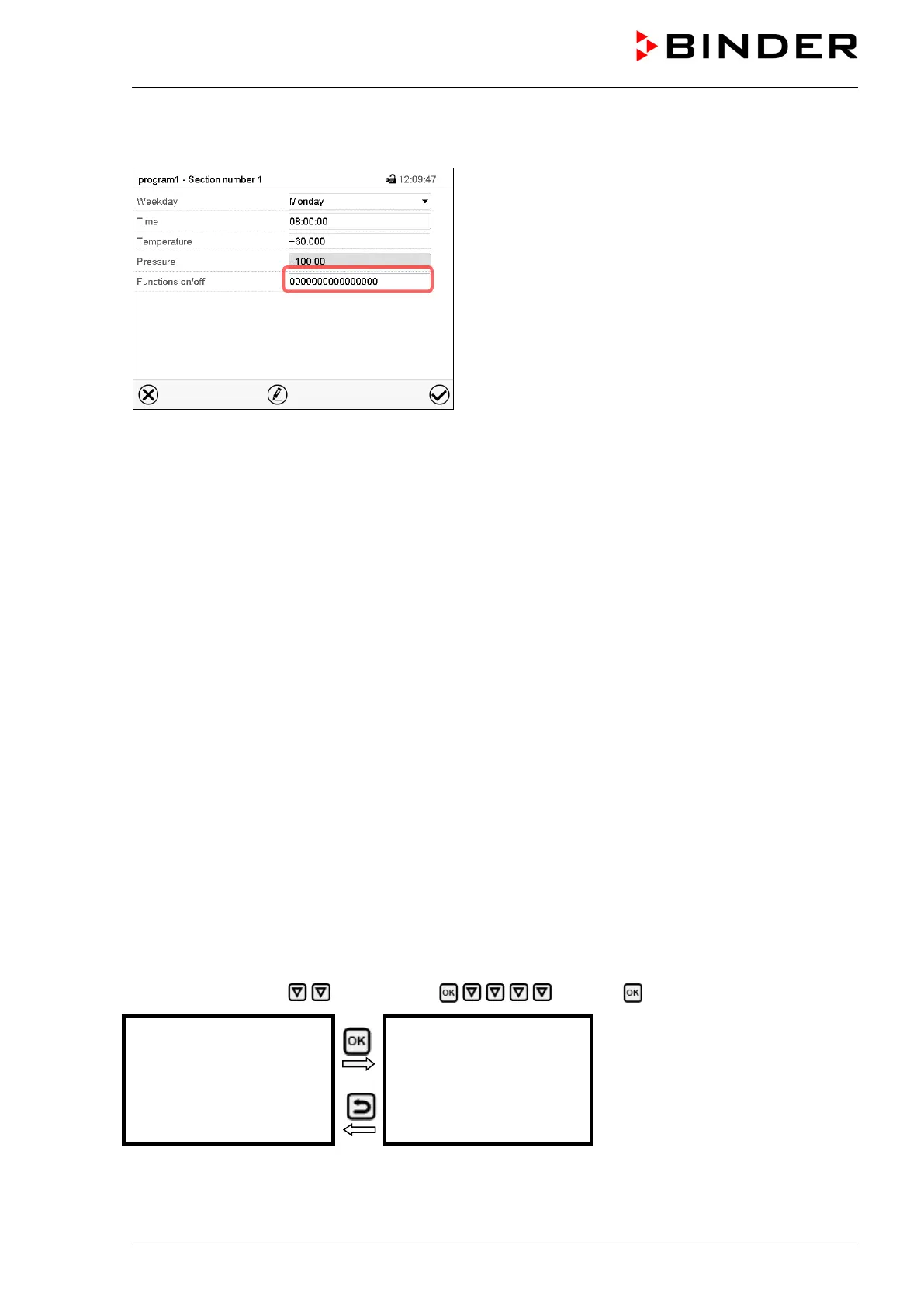
Section view.
In the “Functions on/off” menu you can define the
switching state of three controller functions.
• Function “Standby” (chap. 6.2)
• Function “GAS/AIR 2” (chap. 8.3)
• Function “Close all valves” (chap. 8.4)
• Function “Vacuum pump off” (chap. 8.2)
For details please refer to chap. 15.7.3.
After the all desired values of the program section have been configured, press the Confirm icon. The
controller changes to the program view
17. Network and communication
17.1 RD4 controller: Ethernet network settings
The settings in the Ethernet submenu are used for networking chambers with an Ethernet interface, e.g.
to connect them with BINDER’s APT-COM™ 4 Multi Management Software (option, chap. 22.1).
17.1.1 Showing the network settings
Required access level: “User”.
The “Ethernet” submenu offers to subsequently or individually access the following information:
• MAC address
• IP address
• Subnet mask
• Standard gateway
• DNS server address
• DNS chamber name
17.1.1.1 Showing the chamber‘s MAC address
Path: Normal display Chamber info Ethernet MAC address
Display of the MAC address
(example)
Toggle forth and back with the Back
button and the OK button.
With the arrow-down button you can now change to the next parameter (IP address).
With the Back button you can go back to the “Ethernet” submenu and, repeatedly pressing it, to Normal
display.



 To Next Page