VD (E3.1) 03/2020 page 61/173
8.6.2 MB2 controller
Press the Setpoint setting icon to access the “Setpoint” setting menu from Normal display..
Path: Setpoint > Control on/off
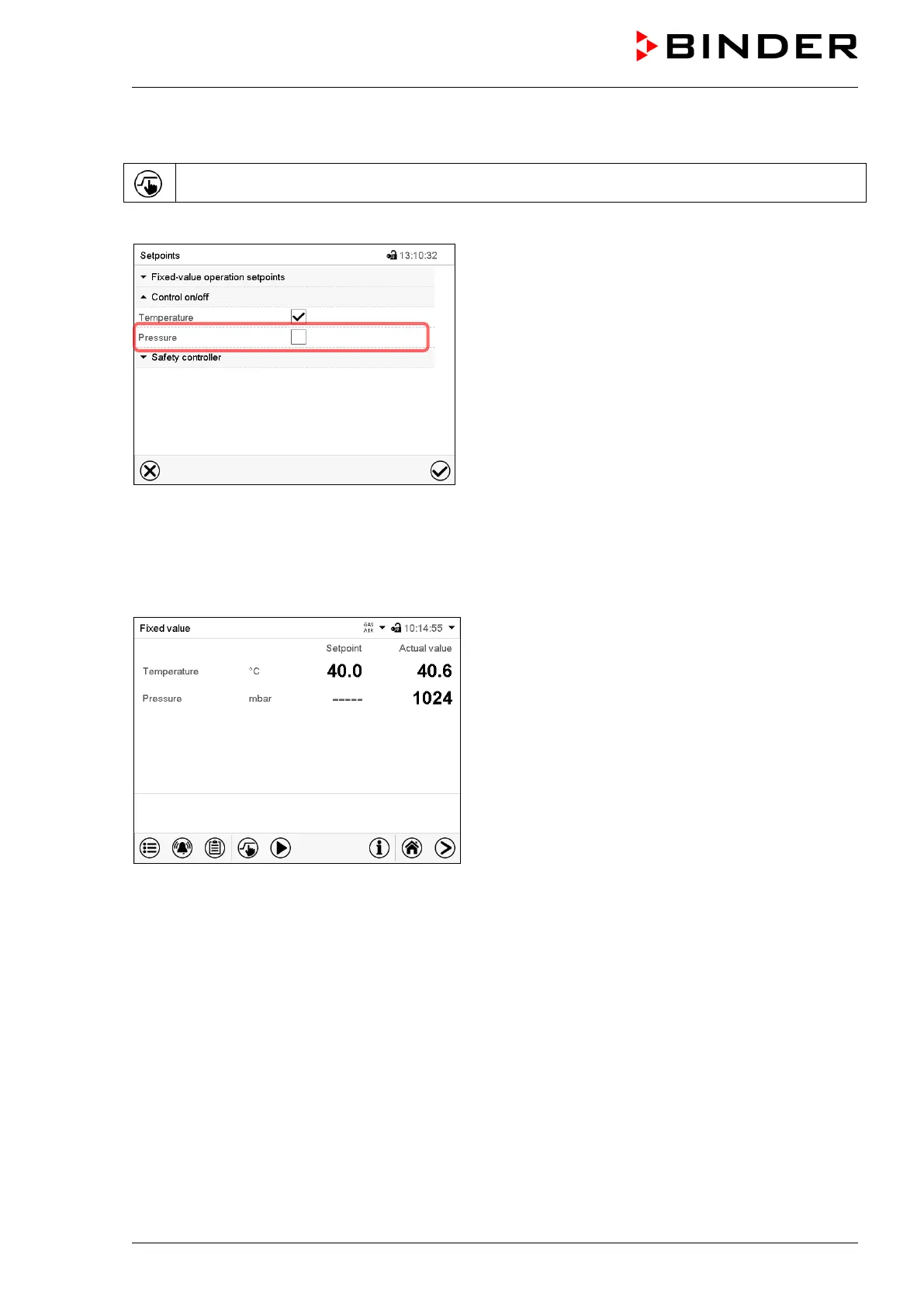
“Setpoints” menu.
Select the field “Control on/off” (example: deactivated
pressure control).
Mark / unmark the “Pressure” checkbox to activate /
deactivate pressure control and press the Confirm icon
• Checkbox marked: pressure control active
• Checkbox unmarked: pressure control deactivated
The actual pressure value continues to be displayed in Normal display:
Normal display with deactivated pressure control.



 To Next Page