VD (E3.1) 03/2020 page 53/173
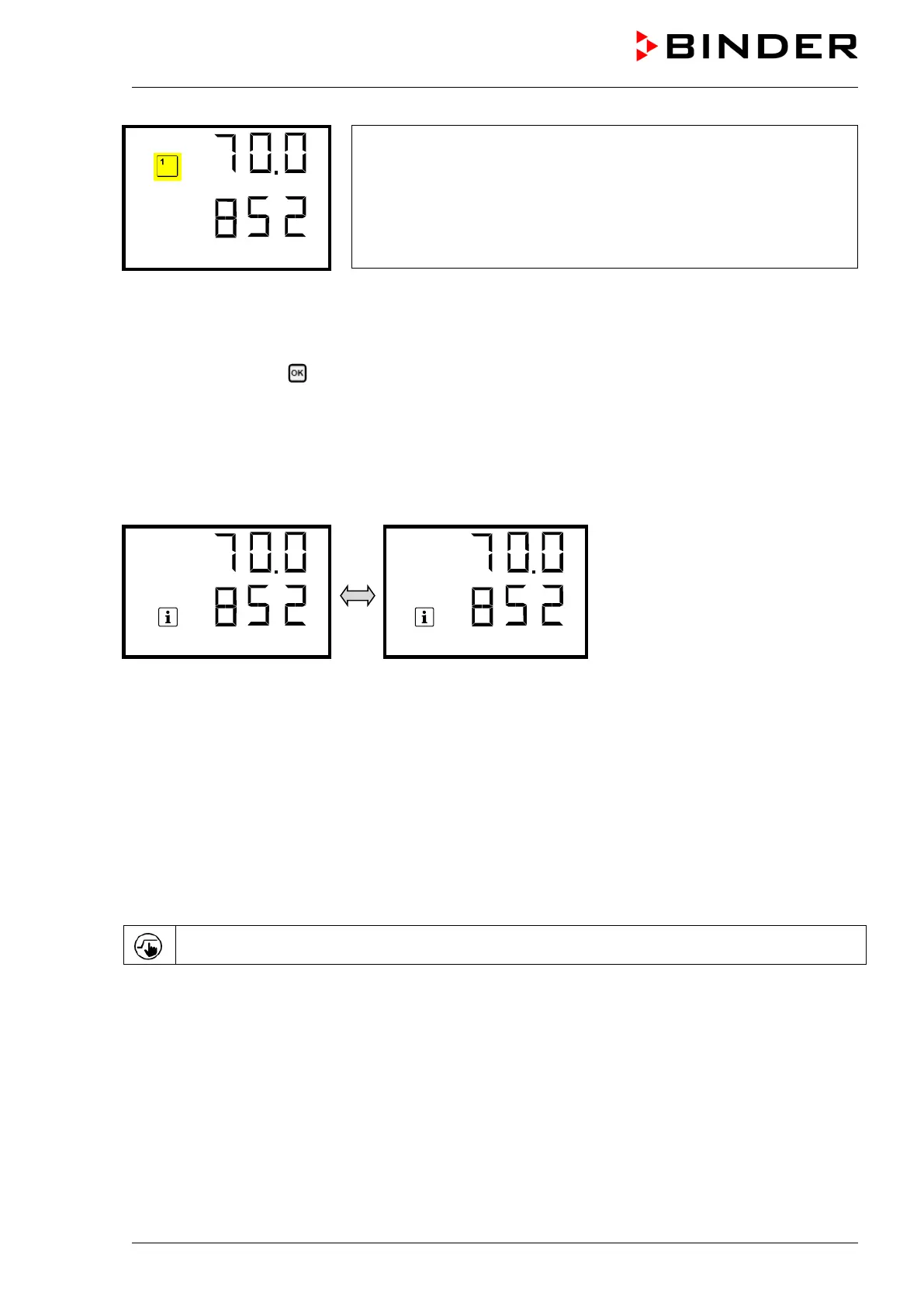
Example:
Normal display with activated function 1 “Standby”
8.1.1.2 Quick Access menu
More functions are available via the Quick Access menu:
Path: Normal display Pressure control
• Function “Temperature control” (chap. 8.5)
• Function “Pressure control” (chap. 8.6)
• Function “Drying monitoring” (chap. 8.7)
When temperature control and / or pressure control are deactivated, the “Info” icon flashes slowly. While it
is lit, the corresponding information is shown in the bottom text line.
If there are several information messages, they are shown one after the other.
8.1.2 MB2 controller
Required authorization: “Admin”.
8.1.2.1 “Functions on/off” menu
This chapter describes the setting with operating mode Fixed value operation. Settings for program
operation are described in chap. 15.7.3 (time programs) and chap. 16.6.5 (week programs).
In the “Functions on/off” menu you can define the switching state of three controller functions.
Press the Setpoint setting icon to access the “Setpoint” setting menu from Normal display..



 To Next Page