VD (E3.1) 03/2020 page 133/173
• Service data
The "Service" folder is created on the USB stick and can be sent to BINDER Service. In addition to the
configuration and recorder data, it contains further service-relevant information.
19.1.1 Connecting the USB stick
Connect the USB stick to the interface located in the triangular instrument panel.
Connect only USB sticks to the USB interface.
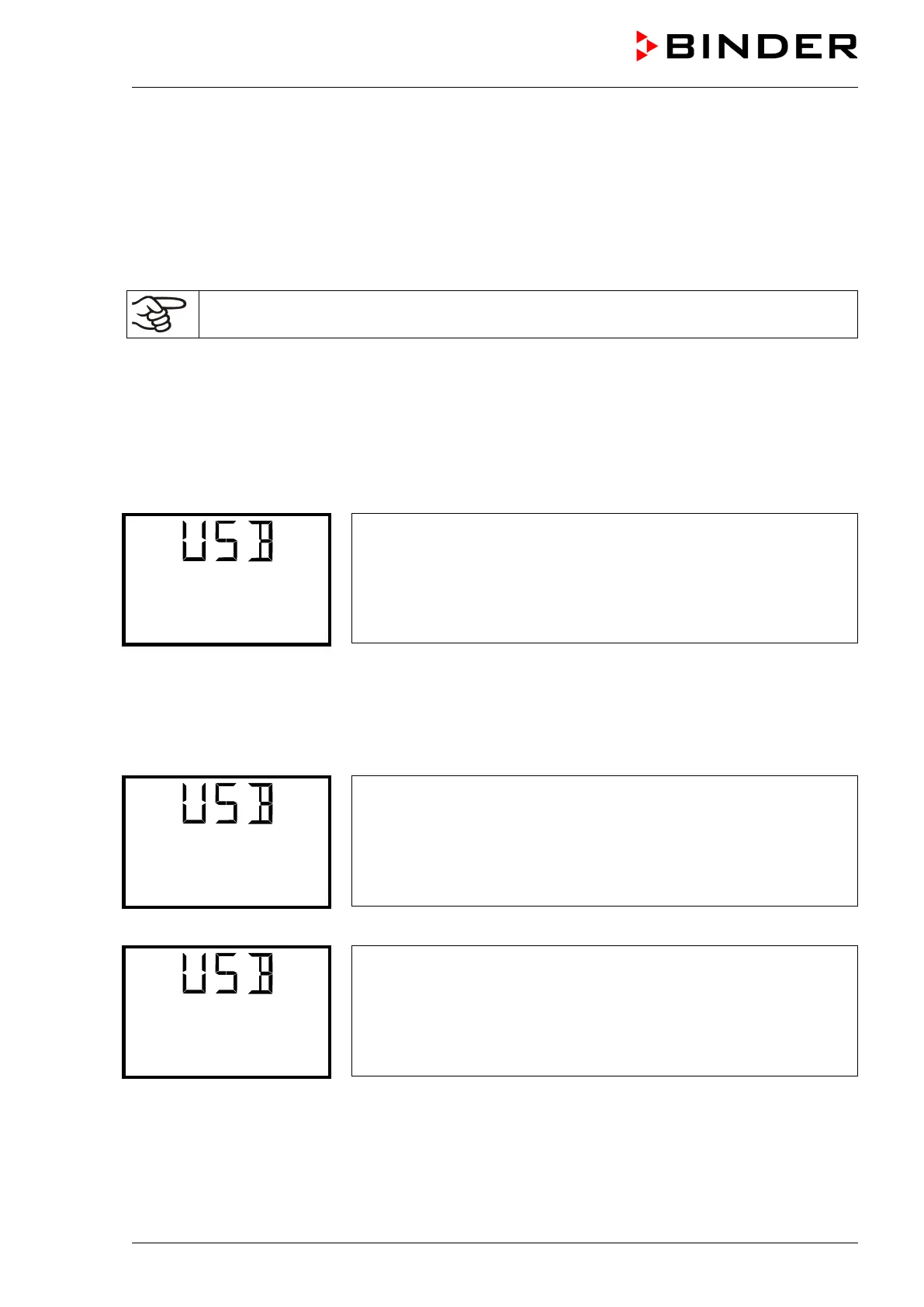
After inserting the USB stick, the initial function “Import configuration” is displayed.
As long as the USB stick is connected, only the functions for data transfer are available. Other controller
functions are only available after removing the USB stick.
19.1.2 Import function
Required access level: “Admin”.
Function “Import configuration”.
To import configuration data from the USB stick, press the OK button.
With the arrow-down button you can now change to the setting of the “Export configuration” function.
19.1.3 Export functions
Required access level: any user
Function “Export configuration”.
To write the configuration data from the controller to the USB stick,
press the OK button.
With the arrow-down button you can now change to the next function.
Function “Export recorder data”.
To write the recorder data from the controller to the USB stick, press
the OK button.
With the arrow-down button you can now change to the next function.



 To Next Page