52
In a clean environment, open the package to check if all
parts are well connected and if the handle of the stopcock
is positioned properly.
All side ports of the stopcock are protected by the outlet
plugs and may not be removed till the system is full and the
foam have been removed. These outlet plugs should always
be replaced with other outlet plugs. (A pouch is included in
the kit.)
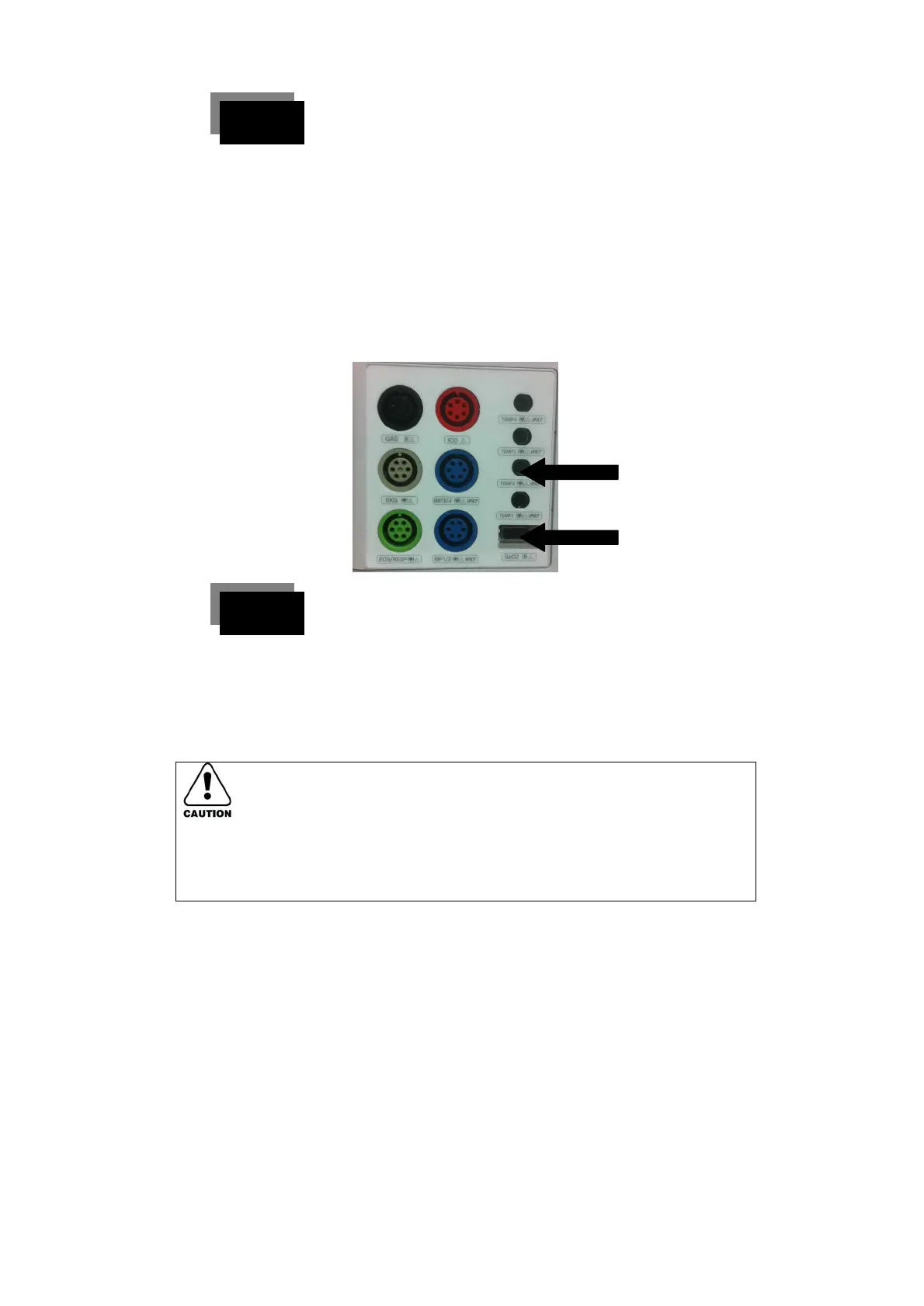
Connection of the converter interface cable.
1. Hold the backside of the clear cover surrounding the connector,
and connect the converter to the reusable monitor interface.
2. Push the connecter gently into position. If it is will fit the slot of the
reusable connecter snugly.
◈ Do not use the blood pressure monitoring kit with the non-
separated blood pressure monitor. Do not twist the cable.
Reusable interface cable cannot be sterilized by autoclaving.



 To Next Page