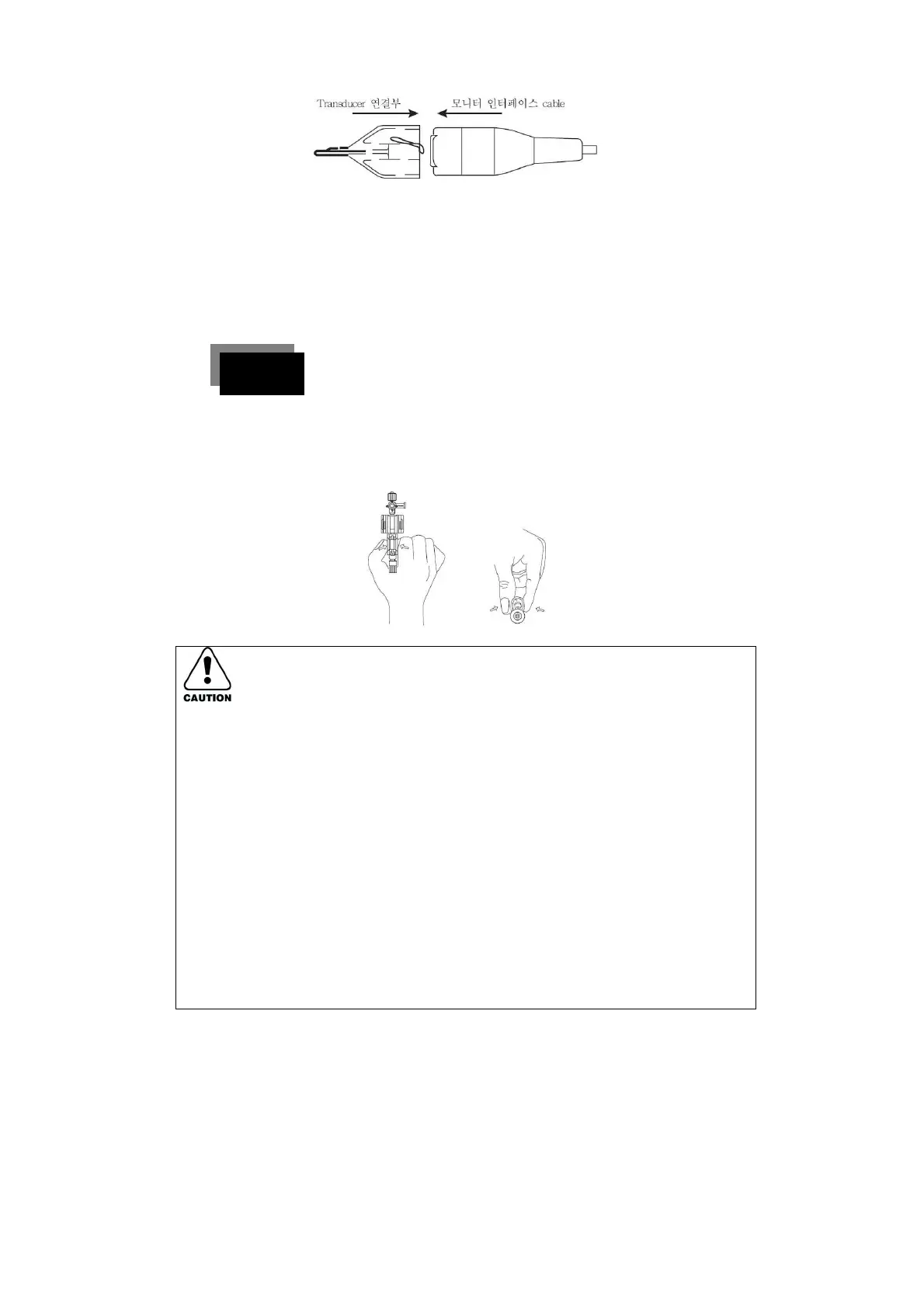
3. To remove the converter from the cable, push the tap gently inside the
◈ If a fast flush is performed on the patient, the user should check
carefully for the presence of foam and particulate matter. If a
large volume is flushed by force, a short flush with an increase
rate less than 2cc is recommended to avoid central embolism.
◈ Blood pressure for a liquid infusion line over 300mmHg requires
an infusion of more than 3cc per hour. In this case, the blood
pressure must not exceed 15psi (775mmHg). A protective
function is set in the flush device, which prevents overpressure
of the converter by making the liquid bypass the device. If a
more precise control of fluid volume is required, it is necessary to
connect the infusion pump around the flush device.



 To Next Page