Getting Started Page 24 of 42
Epoch 2 Instructions for Use 1771011 Revision A BioTek Instruments, Inc.
Some experimentation with the gradient setting may be necessary to achieve optimal
results with your assay.
Create and Save a Protocol
1. From the Main Menu, tap Protocol > Create.
2. Use the onscreen keyboard to enter a name for the protocol, then tap Save. Note that
the protocol name is limited to 18 characters.
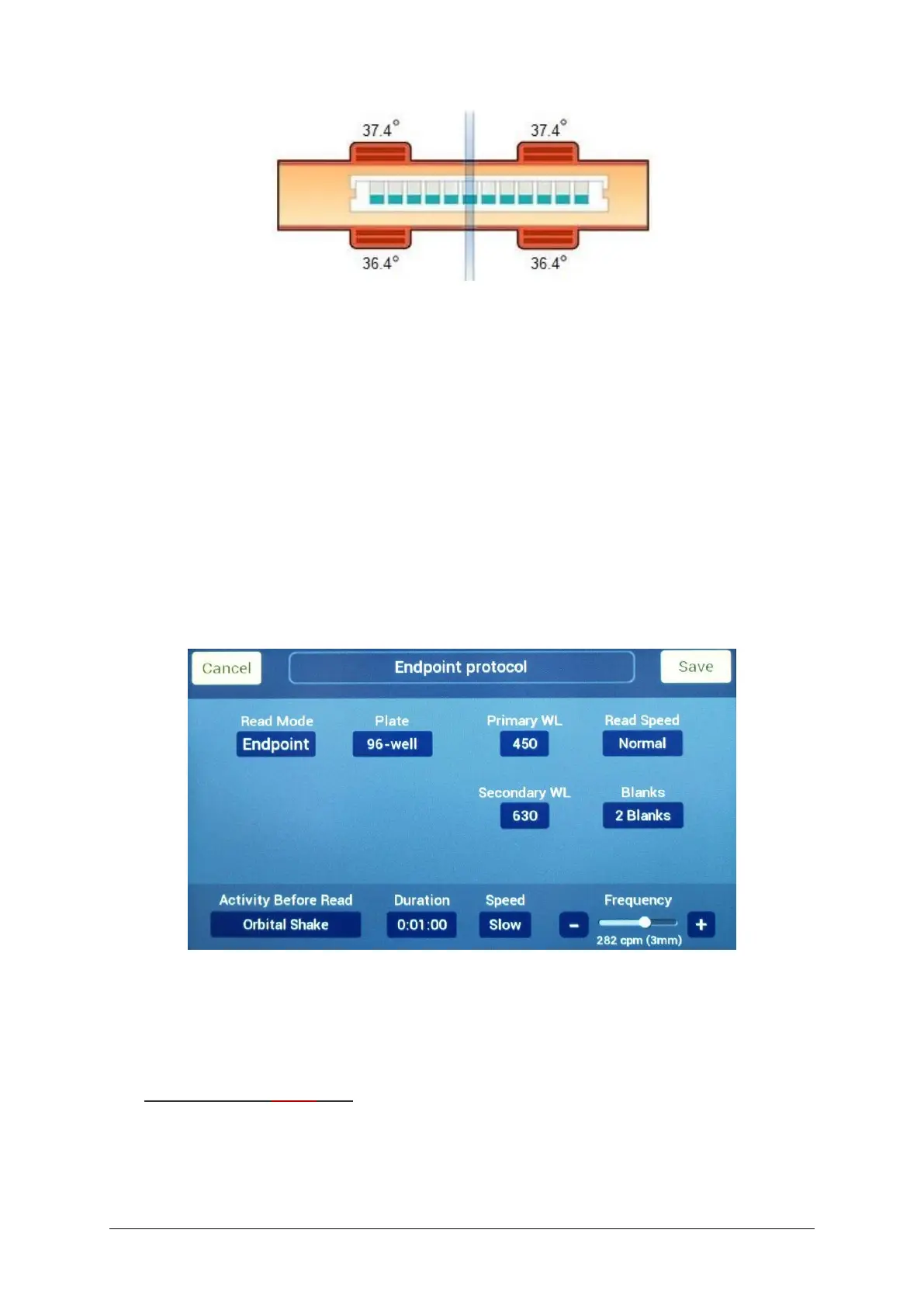
3. Set the Read Mode to Endpoint, Kinetic, or Spectral.
4. Define the protocol parameters and then tap Save.
Endpoint Protocols
Plate: Options include standard 6-, 12-, 24-, 48-, 96-, and 384-well plates, Cuvette (if
equipped), and Take3 (if configured).
Primary WL and (optional) Secondary WL: Define the primary and (optional)
secondary wavelength in the range 200 to 999 nm.
Microplates and Take3 only:
Read Speed: Select Normal (optimum performance) or Sweep (optimum speed). See
Specifications to compare the performance and timing specifications.



 To Next Page