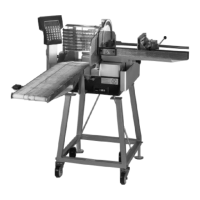
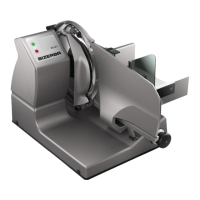
Instruction manual A400 / A400FB Installation
6.054.98.5.10.06 en 4 - 3
4
Installation of power supply provided by customer
The installation of the power supply to connect our machines must be carried out in ac-
cordance with country-specific regulations and rules derived thereof. These essentially in-
clude the recommendations of at least one of the following commissions:
– International Electro-technical Commission (IEC)
– European Committee for Electro-technical Standardization (CENELEC)
The machine has been built according to Protection Type I and has to be connected to the
protective conductor.
Measures for suppressing interference:
With severely contaminated mains supplies (e.g. when "thyristor-controlled systems" are
used) measures must be taken on-site to suppress interferences, e.g.:
– A separate supply line must be planned for Bizerba machines
– In problem cases, install capacitive decoupled isolating transformers or other sup-
pressors into the supply mains prior to Bizerba machines
4.3 Start-up
Initial start-up as well as instructions on how to operate, clean, maintain and service the
machine are initially provided by the responsible Bizerba service department or by a Bizer-
ba specialist.
4.3.1 Switching the slicer on
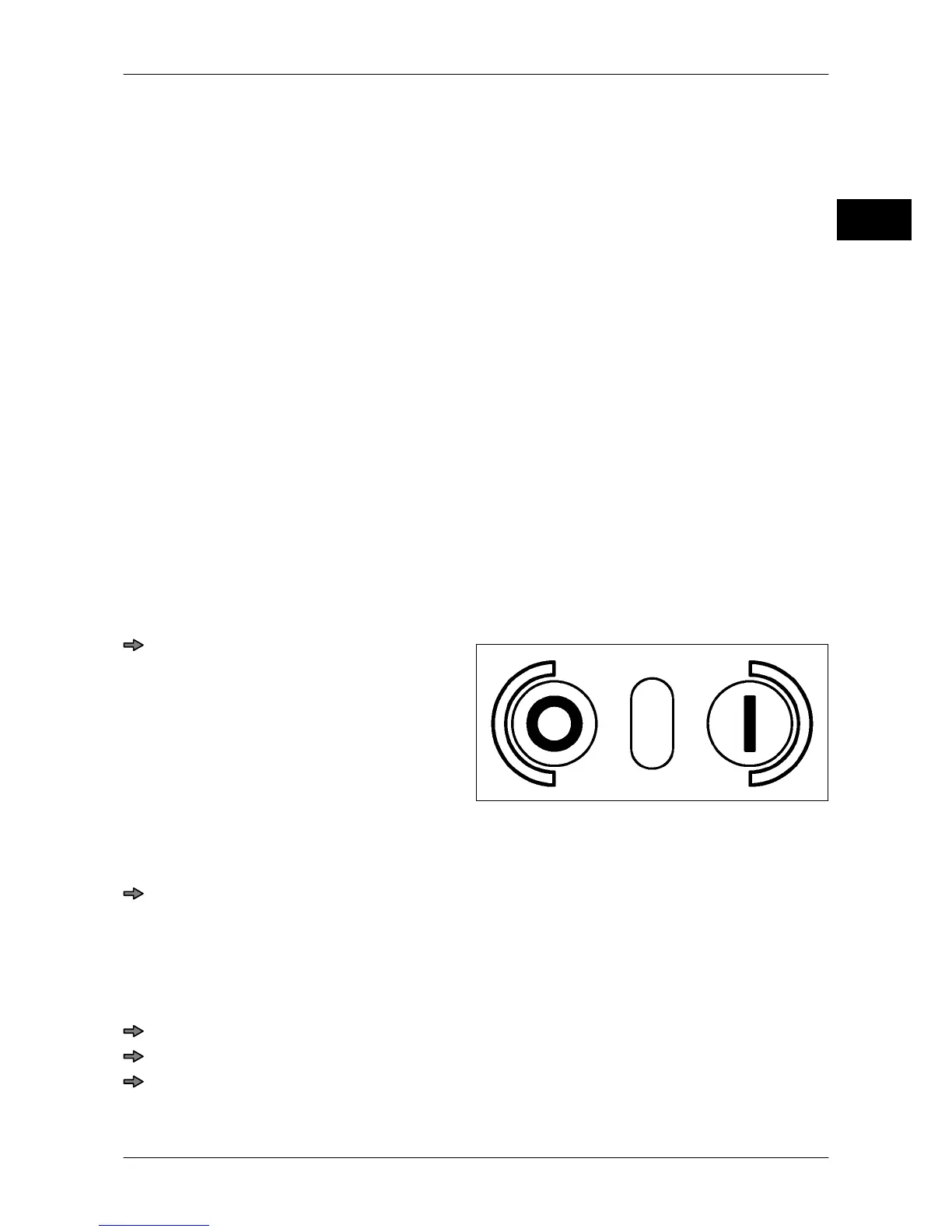
Fig. 7: Main switch
Press the green key <I>.
White lamp goes on.
The display becomes active.
Carriage, depositing table and depositing
arm move to their initial position.
4.3.2 Switching the machine off
Press <O> (red). (reduced operating force)
The machine is switched off.
4.4 Placing out of operation
If the machine is not going to be used for a longer period of time:
Switch off machine.
Pull out power plug.
Clean machine as per cleaning instructions.


 To Next Page