724-746-5500 | blackbox.com
Page 18
LES301A user manual
724-746-5500 | blackbox.com
Chapter 4: Software Setup
4.2 Configuration by Telnet Utility
You can use the Telnet utility to change configuration settings of the LES301A.
4.2.1 Log into the System
Open the MS-DOS
®
command prompt window.
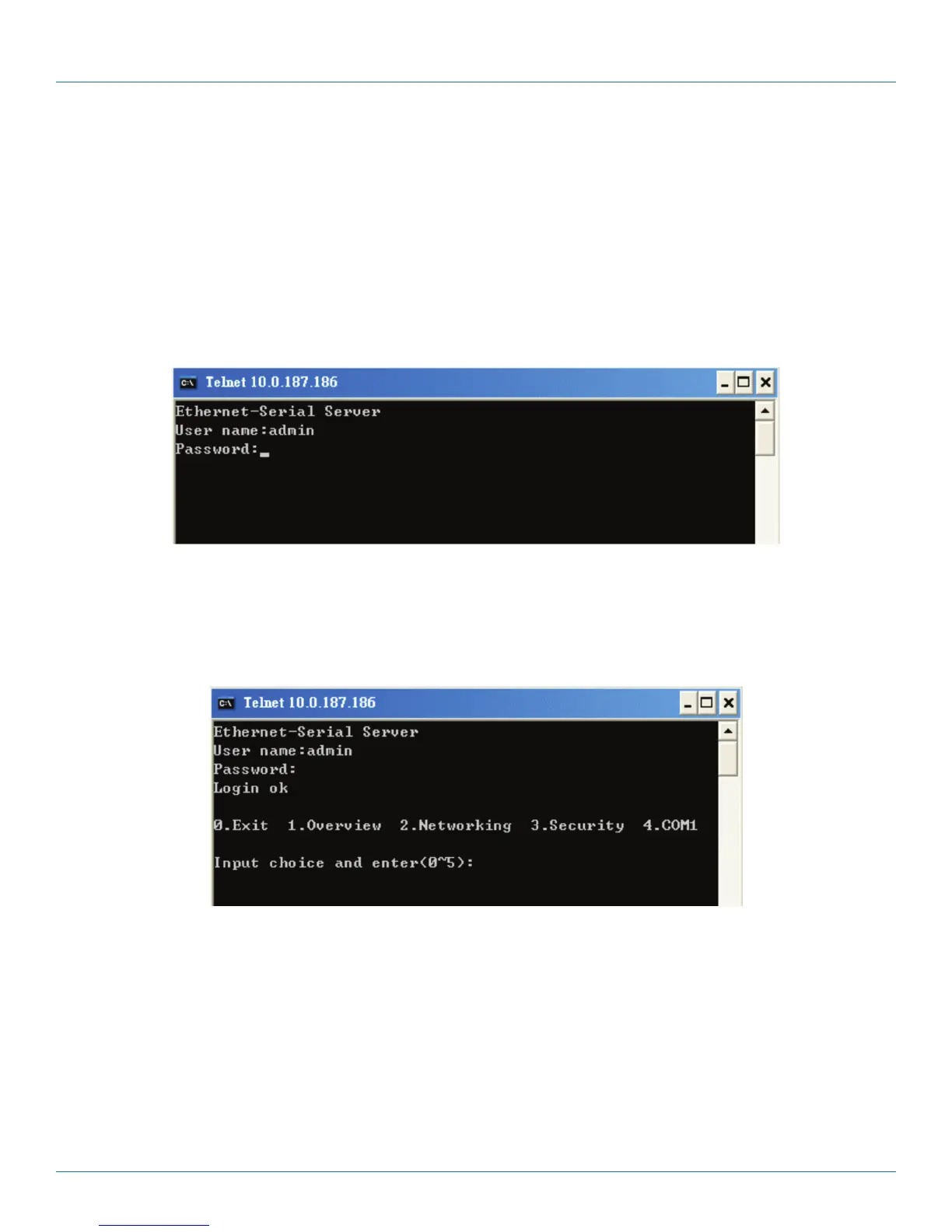
Telnet to the LES301A using the command “Telnet IP_address.” (For example: Input Telnet 10.0.50.100 in the MS-DOS
command prompt window). After you Telnet to LES301A, the system prompts for a password; the default password is blank.
(Figure 4-4).
Figure 4-4. Log into the system.
NOTE: Press the LES301A default button to reset the password to the default value.
After verifying the password, the following terminal screen appears (see Figure 4-5).
Figure 4-5. Main menu.
NOTES: If the LES301A does not receive any command within one minute, Telnet will be terminated automatically.
The networking parameter changes will take effect only when you exit and restart the LES301A.
Select “1” from “Input choice and enter (0–4):” to enter the overview page as shown in Figure 4-6.











 To Next Page