724-746-5500 | blackbox.com
Page 8
LES301A user manual
724-746-5500 | blackbox.com
Chapter 1: Specifications
1.3 DB9 Pin Assignments
Table 1-1 shows the LES301A unit’s DB9 connector pin assignments.
Table 1-1. DB9 connector pin assignments.
Pin RS-232 full-duplex 2-Wire RS-485 half-duplex RS-422/4-Wire RS-485 full-duplex
1 DCD N/A N/A
2 RXD N/A TXD+
3 TXD DATA+ RXD+
4 DTR N/A N/A
5 SG (Signal Ground) SG (Signal Ground) SG (Signal Ground)
6 DSR N/A N/A
7 RTS DATA- RXD-
8 CTS N/A TXD-
9 N/A N/A N/A
NOTE: You may need an LES30X-TB5 adapter for RS-485 or RS-422 applications.
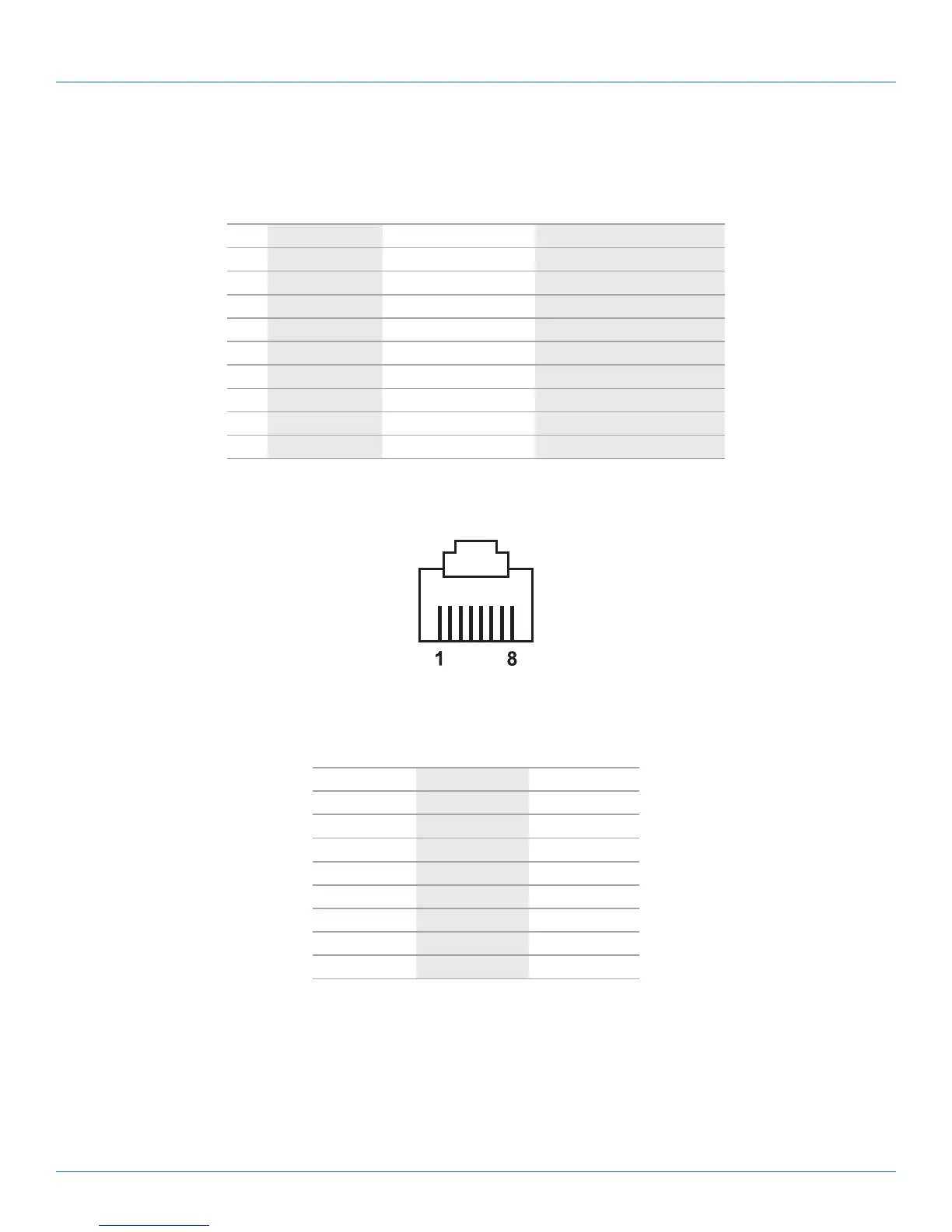
1.4 Ethernet Port (RJ-45)
Figure 1-1. RJ-45 connector pinout.
Table 1-2. RJ-45 connector pin assignment.
Pin Assignment 568A Definition 568B Definition
1 Green-White Orange-White
2 Green Orange
3 Orange-White Green-White
4 Blue Blue
5 Blue-White Blue-White
6 Orange Green
7 Brown-White Brown-White
8 Brown Brown
You can choose either 568A or 568B pinning. To make a crossover cable, use 568A pinning at one end of a UTP cable and use
568B pinning at the other end of the UTP cable.











 To Next Page