724-746-5500 | blackbox.com
724-746-5500 | blackbox.com
Page 27
LES301A user manual
Chapter 4: Software Setup
5. Click on the ”Restart” button to activate the change.
You can also modify various settings through the Web server interface. To do so, follow the steps below.
4.3.1 Log in to the System
1. From the Web browser, type the LES301A’s IP address in the URL.
Example: http://10.0.50.100
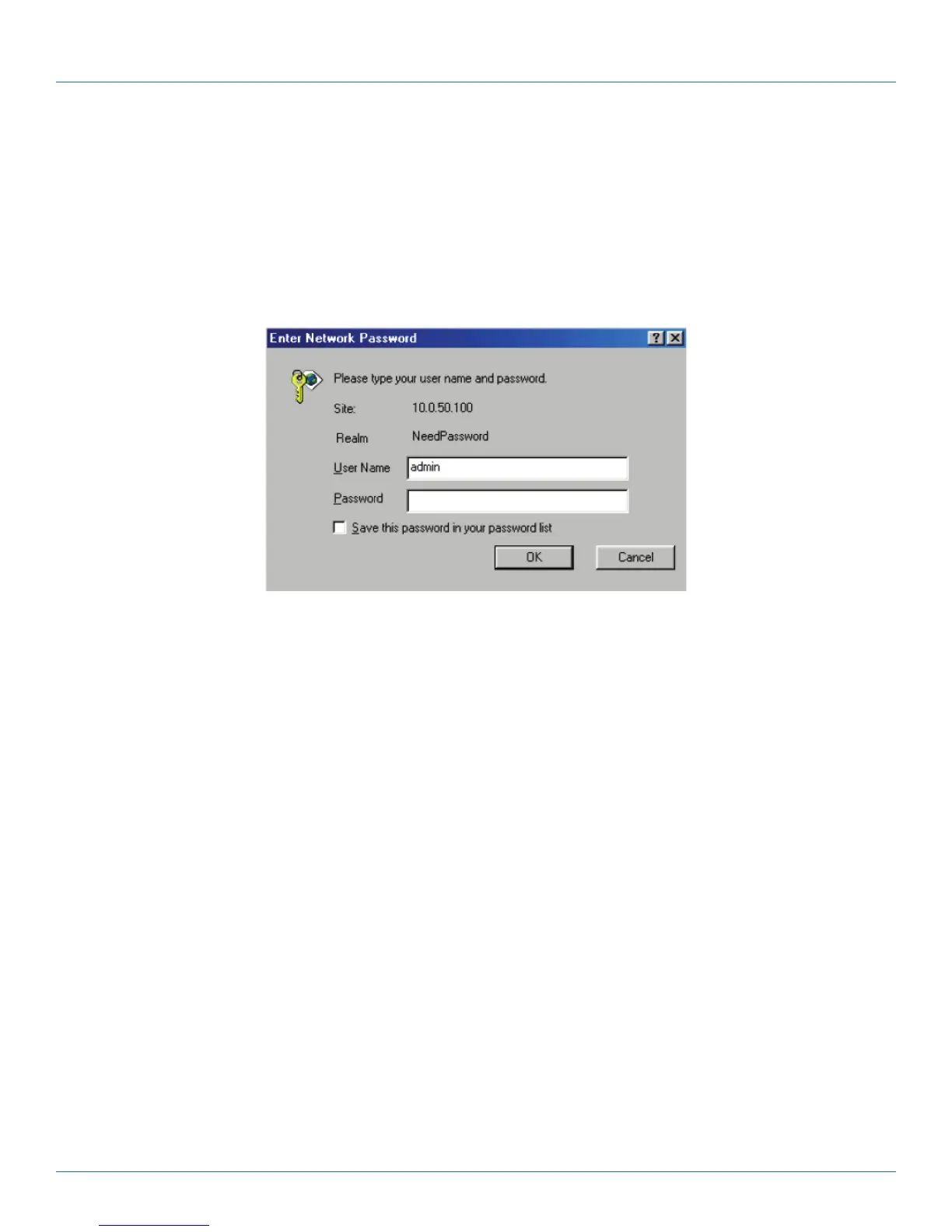
2. The following authentication screen appears. (See Figure 4-18.) Type in the user name and password, then click on “OK.” The
user name is admin, and password is left blank by default.
Figure 4-18. Log into the system via Web.
3. The following overview page appears. (See Figure 4-19.)











 To Next Page