724-746-5500 | blackbox.com
724-746-5500 | blackbox.com
Page 45
LES301A user manual
Chapter 7: Start Writing Your Own Applications
7.2.2 TCPTEST2 in Visual C
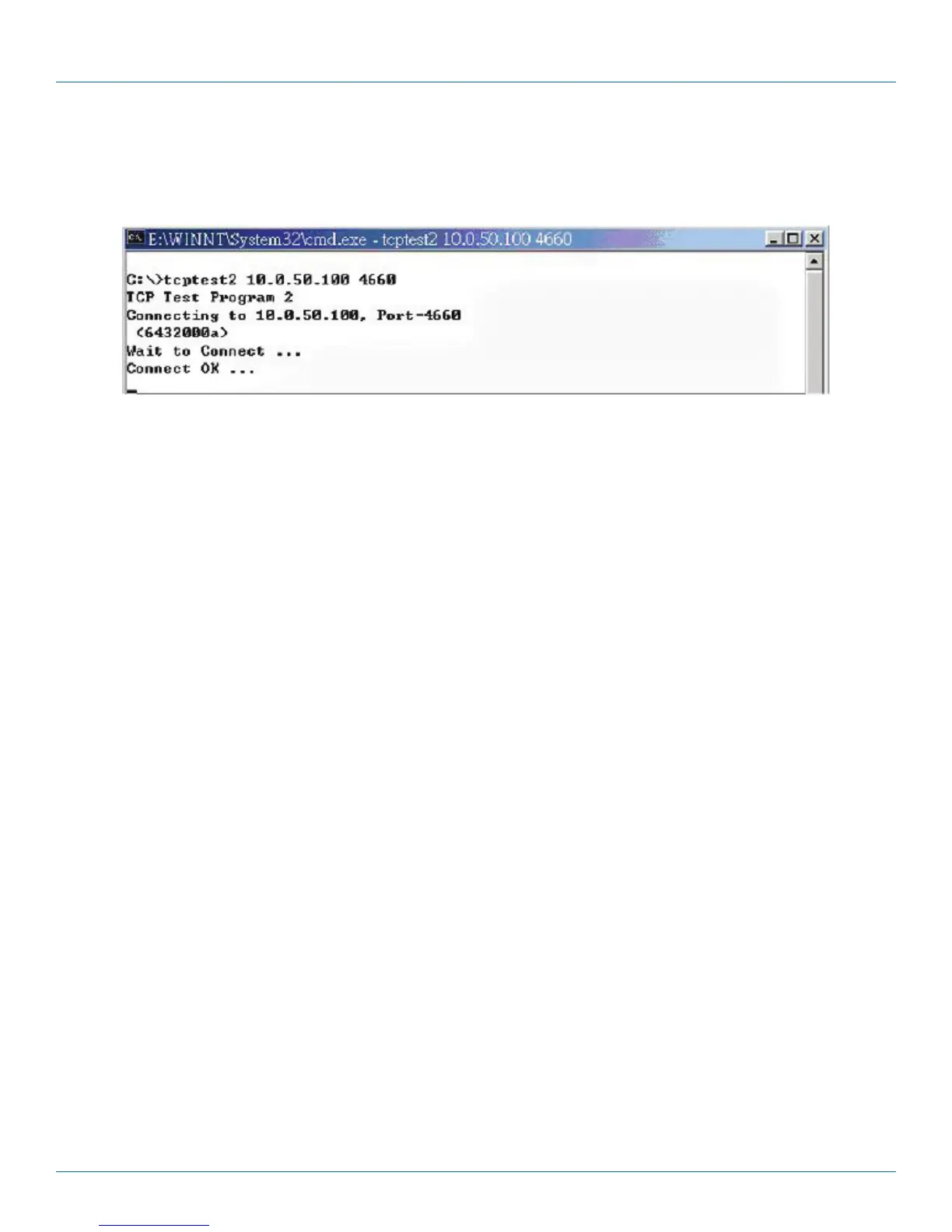
To start the program, type in the following command in the command line prompt:
TCPTEST2 IP_Address Port_Number
Figure 7-2. TCP test sample program in Visual C
The command “tcptest2 10.0.50.100 4660” connects to a TCP server that has IP address “10.0.50.100” and port number
“4660.” The received data is displayed on the screen and the data typed in is sent to the TCP server of the designated port
number. You can also send binary data in hex format with a leading character “\.” For example, “\00” and “\FF” represent ASCII
code 0 and 255, respectively.
You can also use a modem to connect to the serial server. Command "AT\Od" sends a standard AT command to the modem,
which in return responds with an "OK\0D\0A" message to the host application.
To exit the program, type “=” then press the Enter key.











 To Next Page