724-746-5500 | blackbox.com
724-746-5500 | blackbox.com
Page 25
LES301A user manual
Chapter 4: Software Setup
4.2.7 COM Port Setting
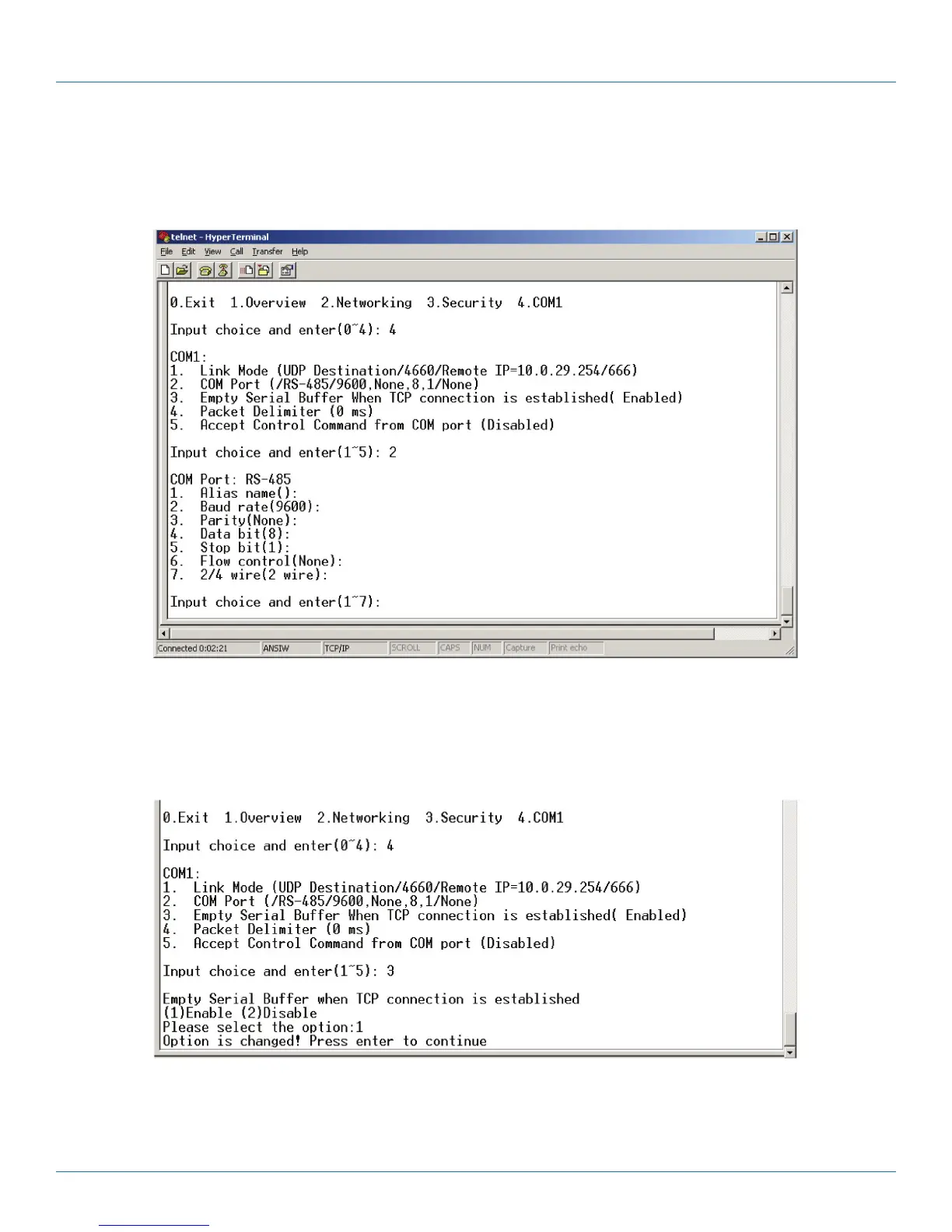
Type “2” at the “Input choice and enter (1–4):” prompt for COM1. The following screen will appear. You can then give the COM
port an alias name, set the baud rate and parity, determine the number of data bits and stop bits, and decide if you want to use
flow control (and also the type of flow control you want to use). See Figure 4-14.
Figure 4-14. COM port setting.
4.2.8 Enabling the Serial Data Buffer
Type “3” at the “Input choice and enter (1–4):” prompt. By default, the COM port serial data buffer is enabled, meaning that
when TCP/IP Ethernet connection is broken, serial data collected from serial device will be empty in LES301A. Once the TCP/IP
connection is resumed, the serial data will be sent through Ethernet connection. You can enable or disable this. (See Figure 4-15.)
Figure 4-15. COM port—Enable or disable serial data buffer.











 To Next Page