724-746-5500 | blackbox.com
Page 20
LES301A user manual
724-746-5500 | blackbox.com
Chapter 4: Software Setup
4.2.2 Networking
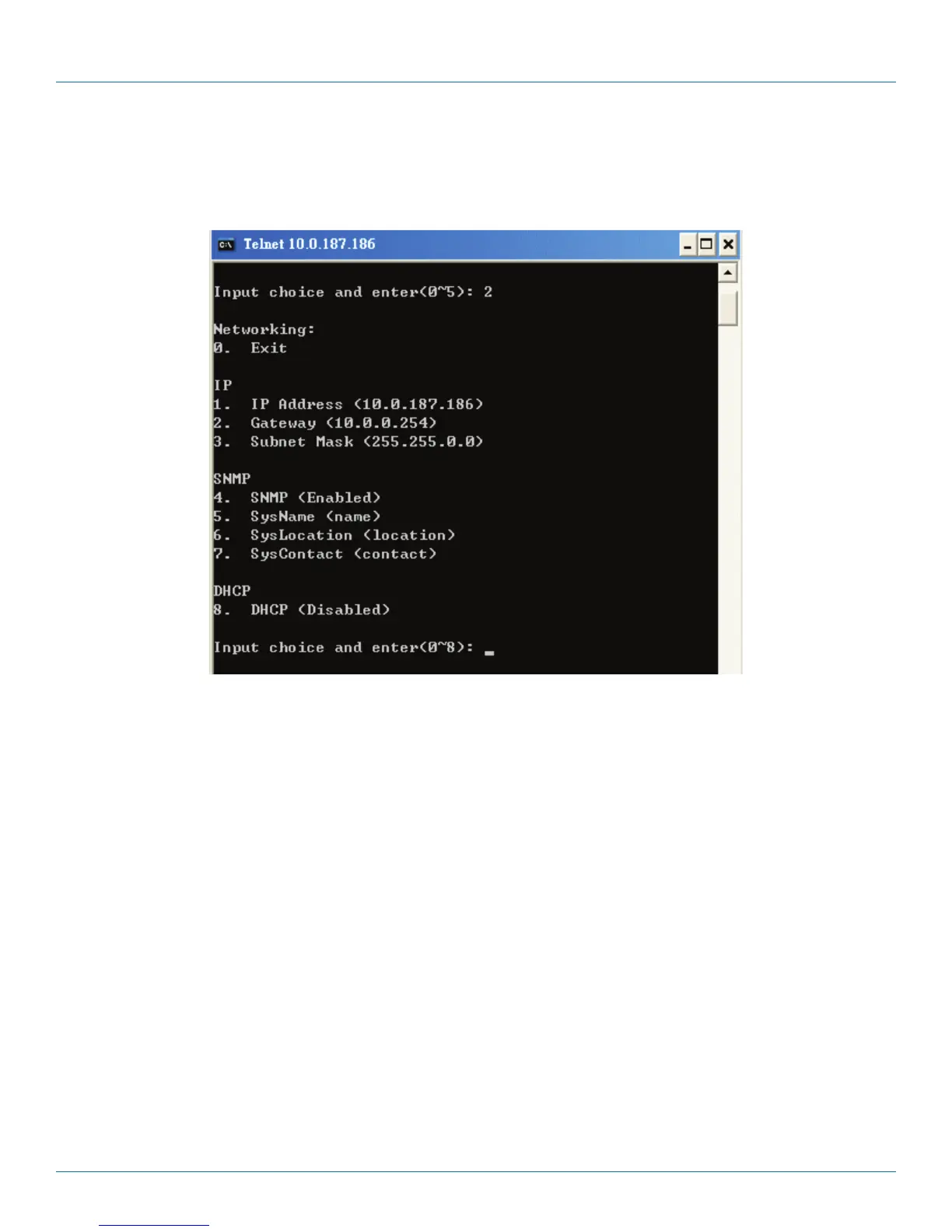
Select “2” from “Input choice and enter (0–4):” to enter the Networking page (see Figure 4-7).
Figure 4-7. Network settings.
This page allows you to change the LES301A’s network settings, including IP address, subnet mask, gateway IP address, and
SNMP information.
NOTE: Any setting change made on this page won’t take effect until you restart the device.
NOTE: Press the “ESC” key to return to the previous menu.











 To Next Page