724-746-5500 | blackbox.com
724-746-5500 | blackbox.com
Page 39
LES301A user manual
Chapter 5: Using Virtual COM
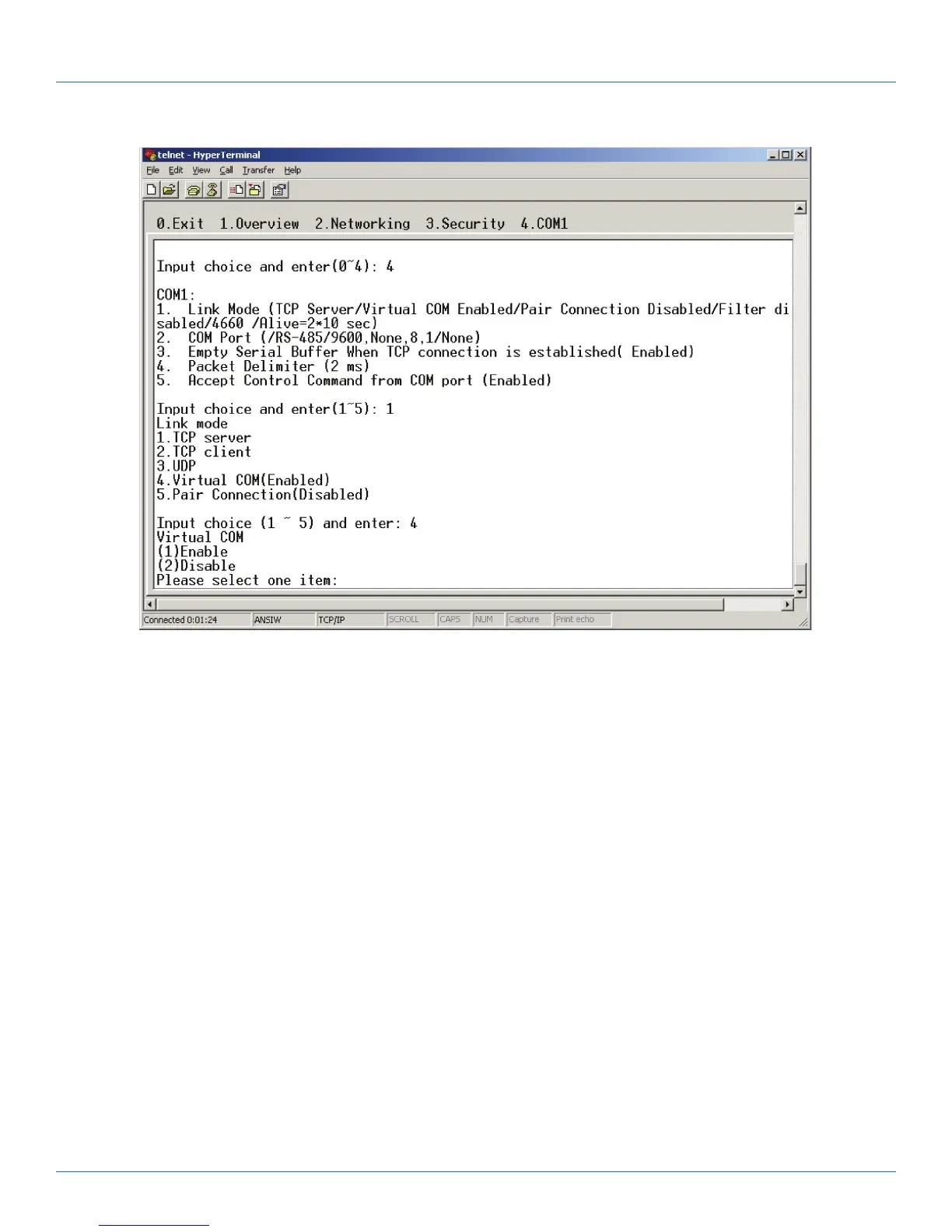
Figure 5-3. Enable Virtual COM via Telnet.
5.2.2 Run Serial/IP on PC
In the Window Start Menu, go to “Programs,” select “Serial/IP” and select “Control Panel.” When the“Select Port” window
pops up, select the serial port you want to configure. The configuration window will appear (see Figure 5-4).











 To Next Page