724-746-5500 | blackbox.com
724-746-5500 | blackbox.com
Page 43
LES301A user manual
Chapter 6: SNMP Setup
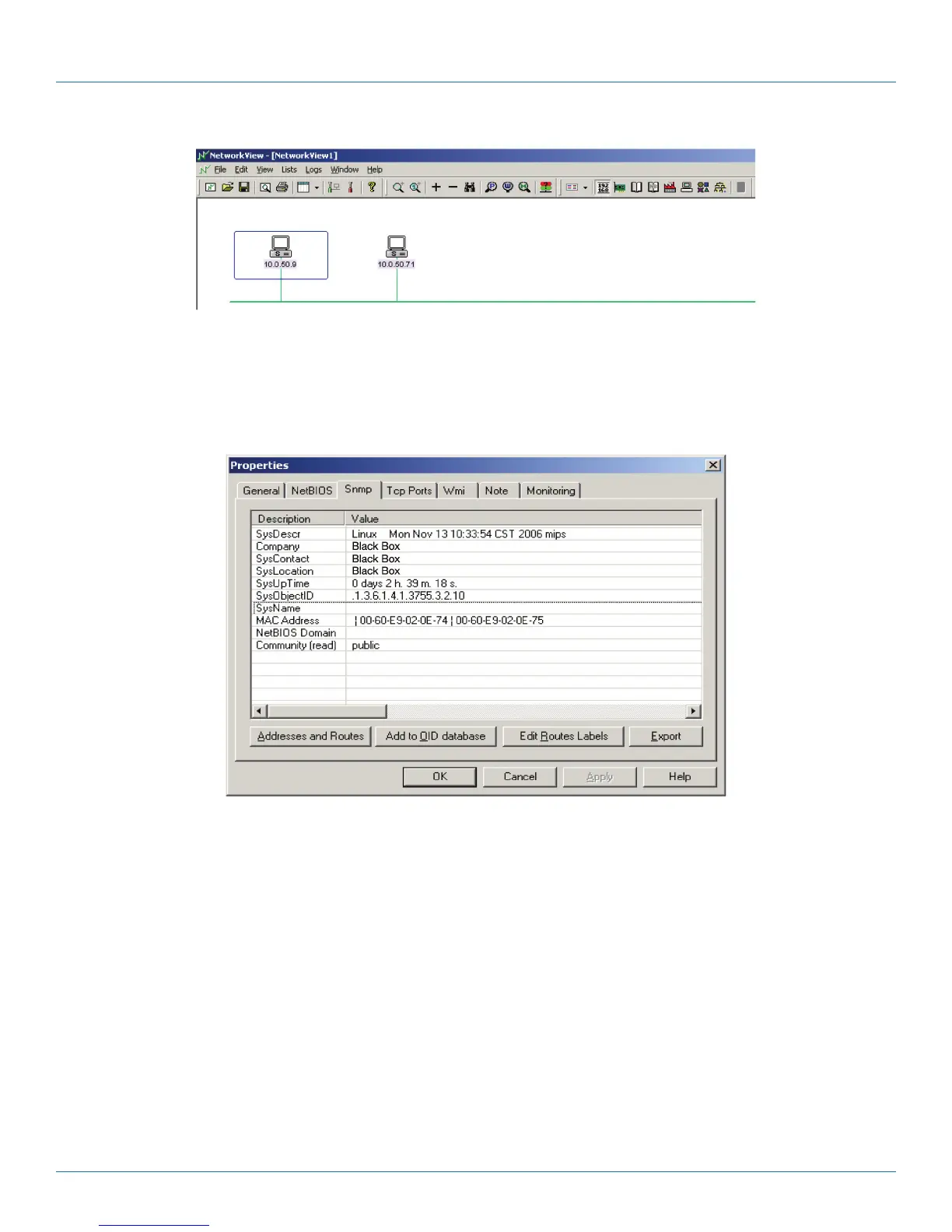
Figure 6-3. NetworkView displays the devices found.
4. Double-click on the device icon to display information about the device, including IP Address, Company, SysLocation (Max 15
characters), SysName (Max 9 characters), and types, etc.
Figure 6-4. NetworkView display device information.
NOTES:
1. The NetworkView tool is limited to information extracting and viewing only.
2. To modify the configurations, use the Web server, Telnet, or SerialManager configuration utilities.











 To Next Page