724-746-5500 | blackbox.com
Page 52
LES301A user manual
724-746-5500 | blackbox.com
Appendix C: Using SerialManager Utility
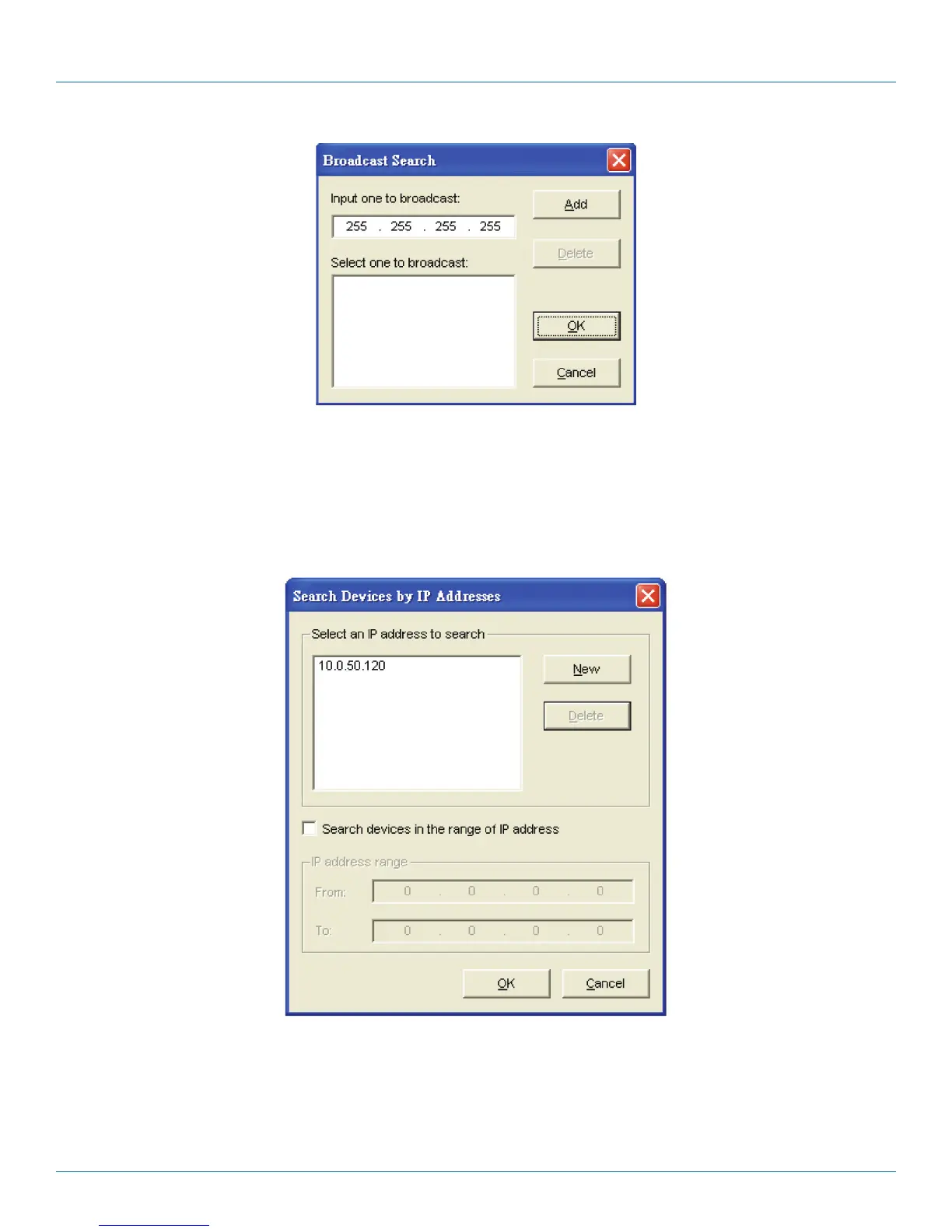
Figure C-4. Broadcast Search screen.
Search by IP Address
Once “Search by IP Address” is selected, an interface will pop up. Here, you have two options: “Select an IP address to search” or
“Search device in the range of IP address.”
Figure C-5. Search Devices by IP Addresses screen.
Search by MAC Address
If “Search by MAC Address” is selected, another box will pop up. Here, you can search in two ways: “Search a MAC address to
search” or “Search devices in the range of MAC address.”











 To Next Page