724-746-5500 | blackbox.com
Page 60
LES301A user manual
724-746-5500 | blackbox.com
Appendix C: Using SerialManager Utility
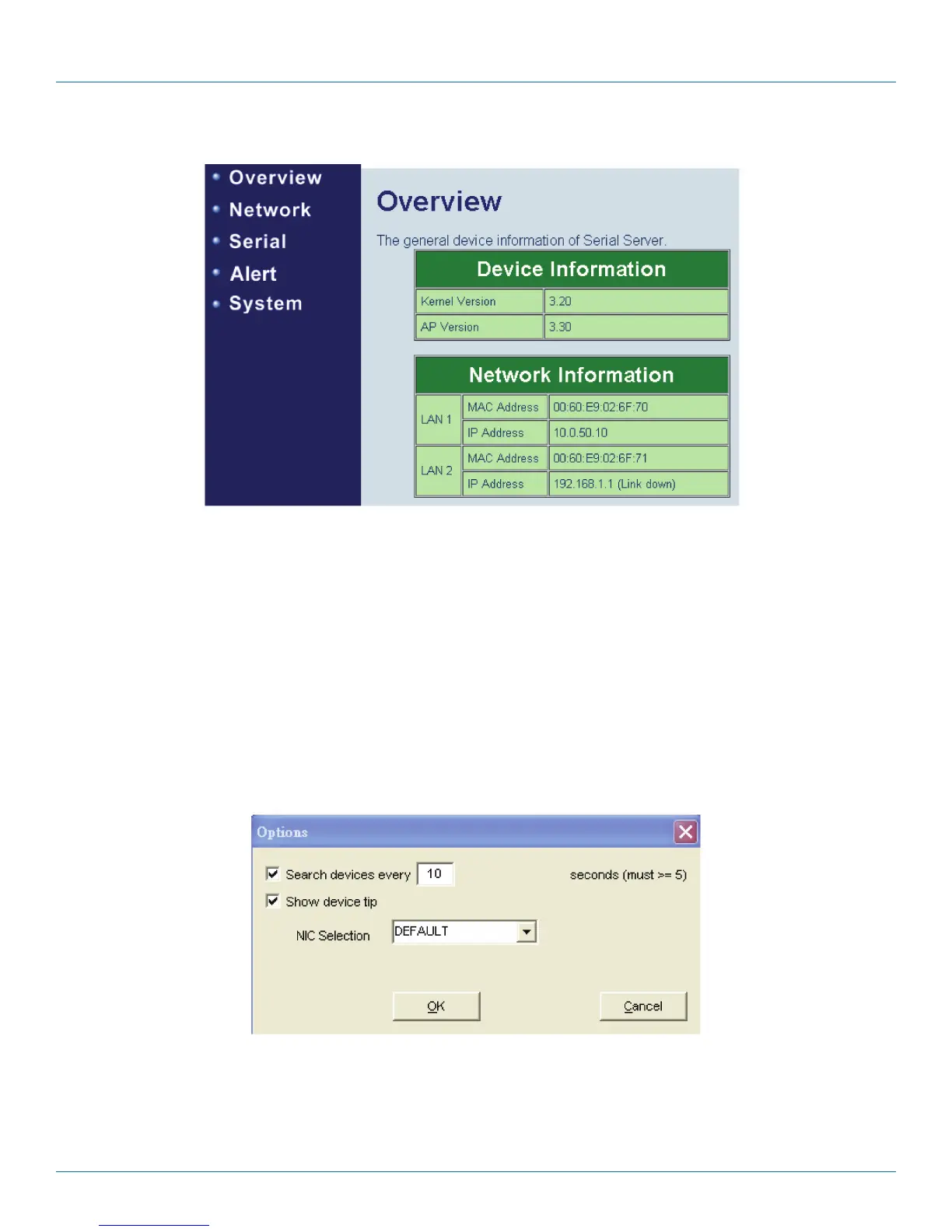
Figure C-16. Web browser.
Configure by Telnet
Most devices support Telnet login. It will provide additional device-specific parameters that SerialManager does not supply. You
can set parameters directly through the submenu option, “Config by Browser.” A Web browser is shown in Figure C-16.
Option
In this dialog, you can:
1. Set the SerialManager’s scan interval.
2. If the device tip option is turned on, SerialManager will show additional information when your mouse cursor stays on the
device.
3. You can select which network interface card SerialManager uses. If this option is set to “DEFAULT,” SerialManger will use the
default NIC that the operating system assigns.
Figure C-17. Options.











 To Next Page