724-746-5500 | blackbox.com
724-746-5500 | blackbox.com
Page 123
Chapter 3: Configuration
Status
This section shows MAC-based VLAN entries configured by various MAC-based VLAN users. Currently we support following VLAN
User types:
NAS : NAS provides port-based authentication, which involves communications between a Supplicant, Authenticator, and an
Authentication Server.
Web Interface
To Display MAC-based VLAN configured in the Web interface:
1. Click MAC-based VLAN Status.
2. Specify the Static NAS Combined.
3. Display MAC-based information.
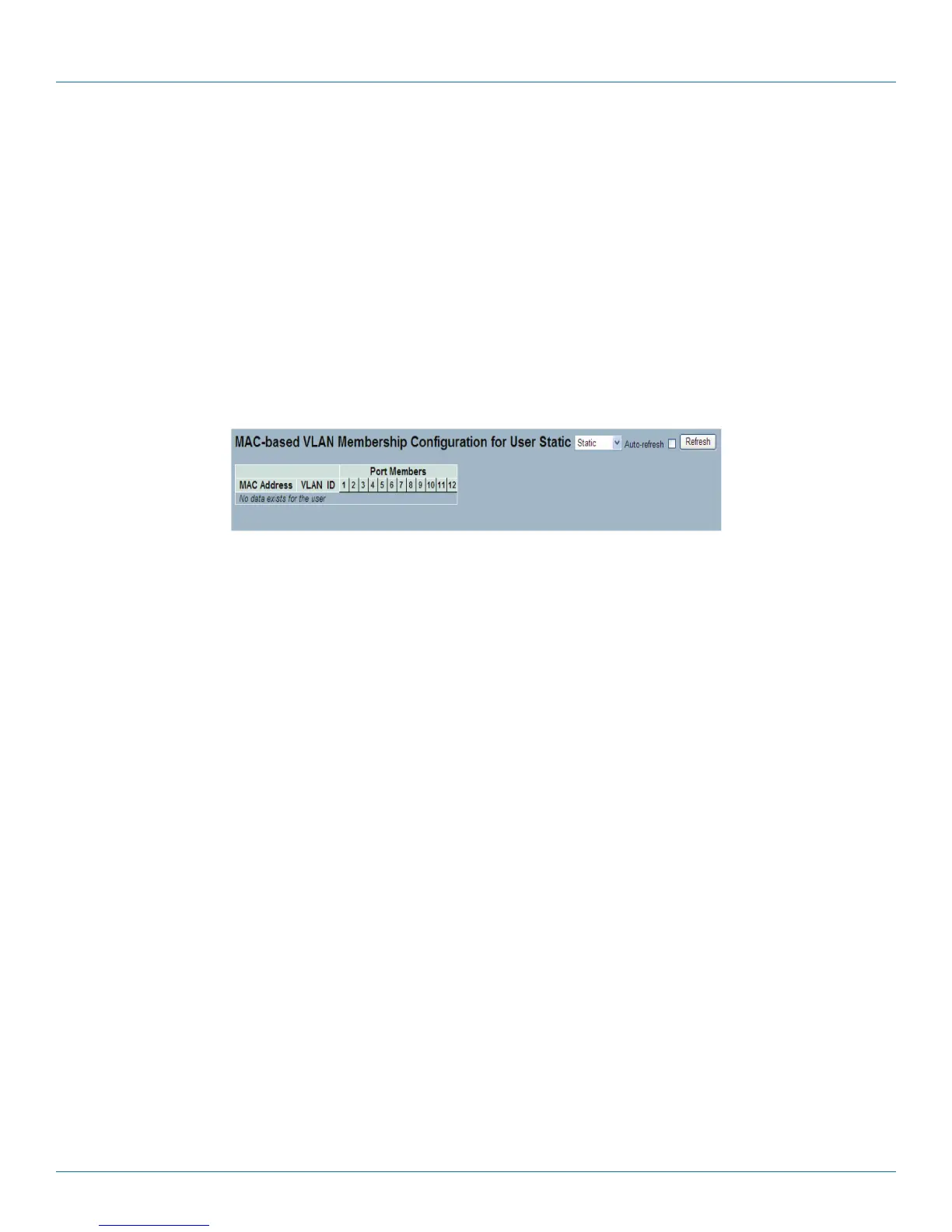
Figure 3-63. The MAC-based VLAN Membership Status for User Static screen.
Parameter Description
• MAC Address: Indicates the MAC address.
• VLAN ID: Indicates the VLAN ID.
• Port Members: Port members of the MAC-based VLAN entry.
• Auto-refresh: Check the auto-refresh box to set the unit to refresh information automatically.
• Icon, upper right of screen (Refresh): Click to refresh the MAC-based VLAN Memebership information manually.
LPB2810A











 To Next Page