724-746-5500 | blackbox.com
Page 42
724-746-5500 | blackbox.com
Chapter 3: Configuration
3.1.2 Port Description
This section describes how to configure the port’s alias and any descriptions for the Port Identity. It prompts the user to create an
alphanumeric string describing the full name and version for the system’s hardware, software version, and networking application.
Web Interface
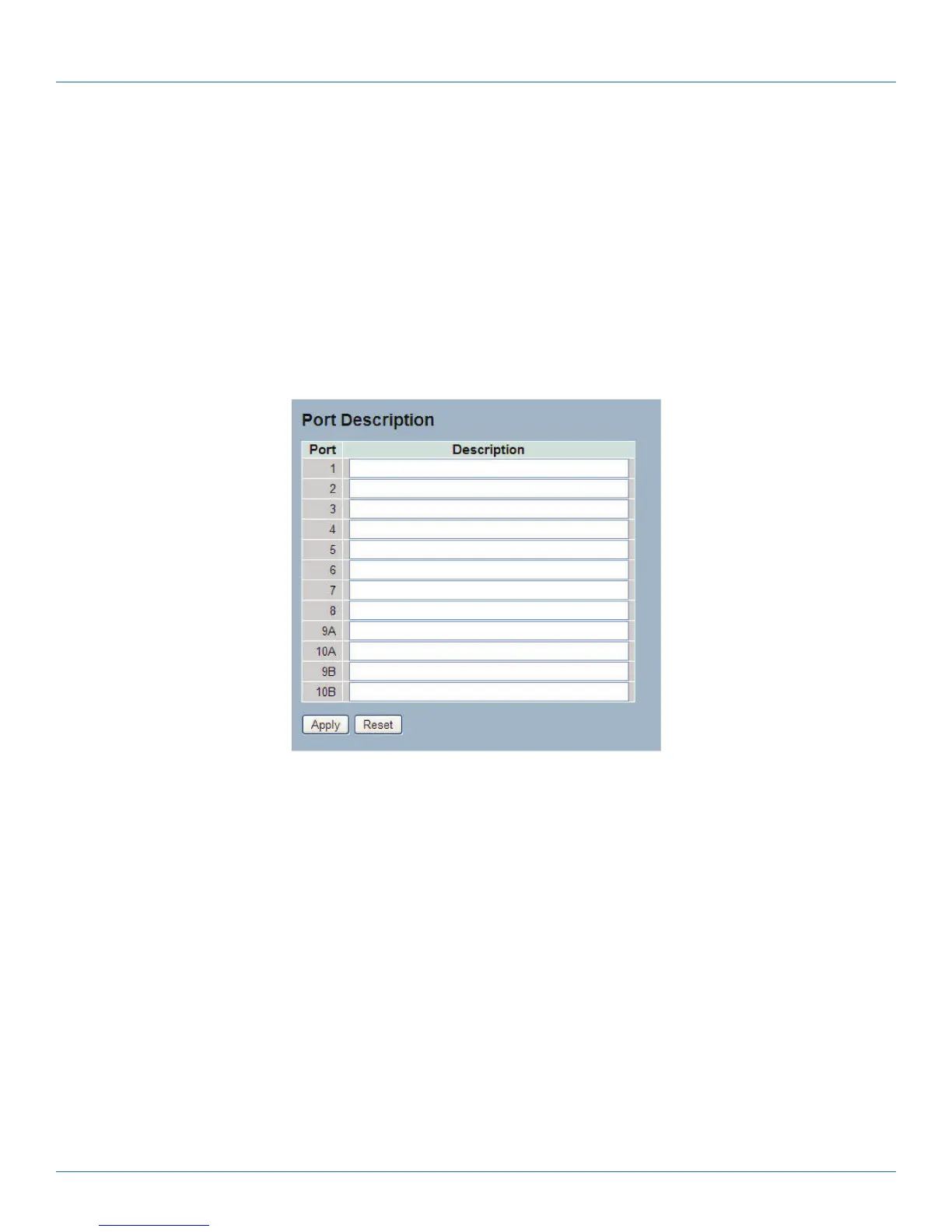
To configure an Port Description in the Web interface:
1. Click Configuration, Port, then Port Description.
2. Specify the detail port alias or an alphanumeric string describing the full name and version for the system’s hardware, software
version, and networking application.
3. Click Save.
Figure 3-2. The Port Configuration screen.
Parameter Description
• Port: This is the logical port number for this row.
• Description: Description of device ports cannot include symbols such as “ # % & ‘ + \.
• Buttons:
- Apply: Click to save changes.
- Reset: Click to undo any changes made locally and revert to previously saved values.
LPB2810A











 To Next Page