724-746-5500 | blackbox.com
Page 208
724-746-5500 | blackbox.com
Chapter 4: Security
5.3 Save / Restore
This section describes how to save and restore the switch configuration including reset to Factory Defaults, Save Start, Save Users,
Restore Users for any maintenance needs.
5.3.1 Factory Defaults
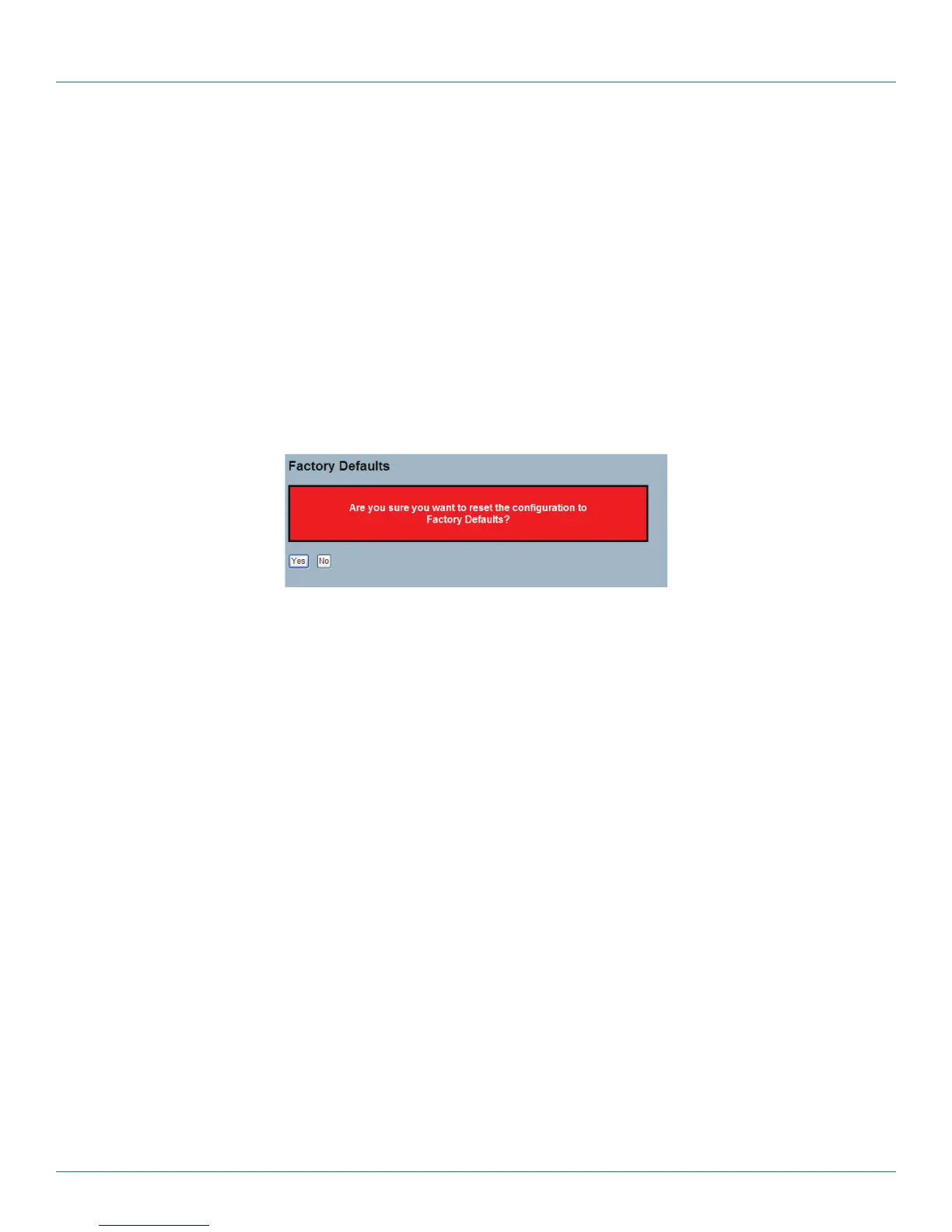
This section describes how to reset the Switch configuration to Factory Defaults. Any configuration files or scripts will recover to
factory default values.
Web Interface
To configure a Factory Defaults Configuration in the Web interface:
1. Click Factory Defaults.
2. Click Yes.
Figure 5-4. The Factory Defaults screen.
Parameter Description
• Buttons:
- Yes: Click and the device will restart.
- No: Click to close this screen.
LPB2810A











 To Next Page